From 0% to 100% automated: how to win back 9 workweeks a year
Most businesses are stuck in “half-automated” limbo. The tools are there, but the owner is still the glue holding everything together. This article shows how to move core workflows from 0% to 100% automated, so routine tasks run themselves and you step back into the role of approver instead of data entry clerk.

You’re manually copying data from emails into spreadsheets… again. It’s the third time today. Your real work is waiting, but this admin can’t.
The real issue is that most businesses get stuck in “half-automated” limbo. You have tools. You have software. But you are still the glue holding everything together.
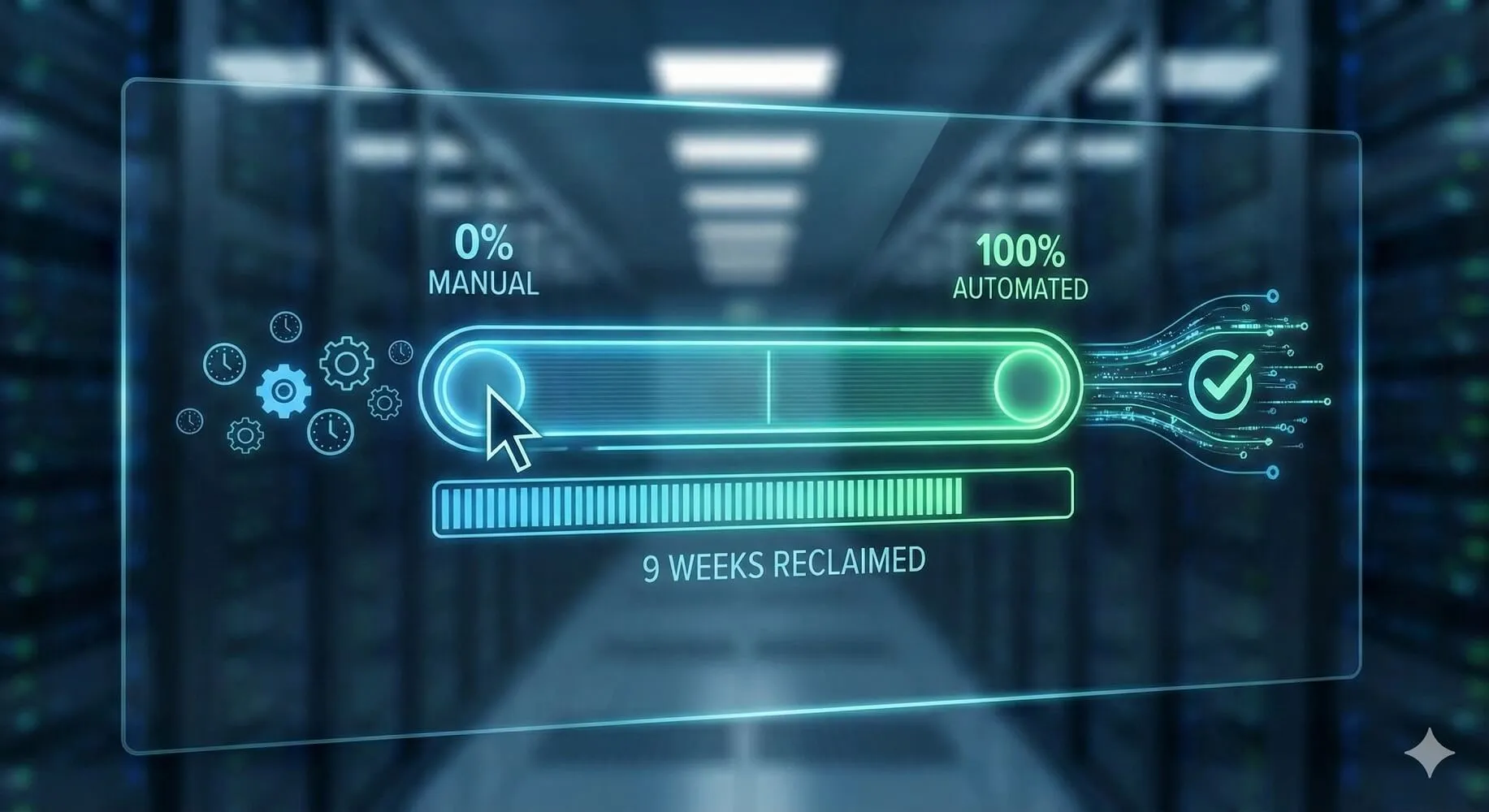
Automation is not binary. It lives on a spectrum from 0% (you do everything) to 100% (the system does everything and you approve the results).
Whether you run a construction company, a finance team, or a lean professional services firm, every recurring process you own sits somewhere on that spectrum. Knowing where it is, and what 100% looks like, is how you stop being the glue.
The automation spectrum in plain language
Let’s anchor on one simple example: invoice processing.
We will use three levels:
- 0% automated: you are the system
- 50% automated: you are the glue
- 100% automated: you are the approver
Here is the big picture:
| Level | Who does the work? | Time / invoice (typical) | Your role |
|---|---|---|---|
| 0% (fully manual) | You | 10–15 minutes | Data entry |
| 50% (semi-automated) | You + tools | 5–7 minutes | Tool wrangler |
| 100% (fully automated) | System | 0 minutes (exceptions only) | Approver / strategist |
0% automated: you are the system
Diagnostic: If you disappeared for a week, this process would basically stop.
Using invoice processing as an example, fully manual usually means you:
- Check your inbox and spot invoices
- Download PDFs and open your accounting software
- Type in vendor, dates, amounts, and line items
- Save files and update some kind of tracking sheet
Time cost: about 10–15 minutes per invoice.
The pain:
- It is repetitive and error-prone
- It constantly interrupts deep work
- The whole thing lives in your head as a “remember to…” task
You are the system.
50% automated: you are the glue
Diagnostic: You have tools, but you still open them, click around, and remember what to do next.
A semi-automated invoice process might look like this:
- Email rules forward or tag invoices automatically
- OCR or apps extract some fields for you
- You verify, correct, and choose the right categories
- You still trigger filing, tracking, and notifications
Time cost: about 5–7 minutes per invoice.
The trap:
- It still relies on your attention
- It still breaks your flow
- You are still the bottleneck
You have shaved time, but you have not removed yourself from the process.
100% automated: you are the approver
Diagnostic: The process runs on its own. You mostly see a summary or the occasional exception.
A fully automated invoice process looks more like this:
- Email arrives and the system detects that it is an invoice
- AI extracts the key data and applies your rules
- The invoice is coded, posted, and filed automatically
- Only exceptions (new vendors, risky amounts, missing POs) are sent to you
Time cost:
- Routine invoices: 0 minutes
- Exceptions: seconds each to approve or reject
You are no longer doing the work. You are approving and adjusting the system over time.
Human approval still counts as 100%
Human-in-the-loop does not make a process “not automated.”
If the system:
- Collects the data
- Applies your rules
- Presents a clear “Approve” or “Reject” decision
then the process is automated. You are providing governance, not labour.
For critical workflows such as money movement, compliance, or sensitive communication, this is the sweet spot. Automation gives you consistency and coverage. Humans provide judgement.
A quick ROI check on time
Suppose you process 150 invoices per month. Use simple, realistic numbers:
- 0% manual: about 12 minutes each → 30 hours per month
- 50% semi-automated: about 6 minutes each → 15 hours per month
- 100% automated: about 1 hour per month to review exceptions and summaries
Over a year:
- Manual: about 360 hours per year
- Semi-automated: about 180 hours per year
- Fully automated: about 12 hours per year
That is around 348 hours saved per year, or just about 9 workweeks, from one process.
Attach your own value to those hours: owner time, controller time, project manager time. The point is simple: pushing toward 100% gives you an outsized payoff, even before you think about fees or software costs.
A few real-world use cases
Here is how the same spectrum shows up in other parts of the business.
Project completion or job closeout
At 0%, you chase files, reports, and emails by hand, then compile everything into folders and spreadsheets.
At 100%, marking a project “complete” triggers automatic metric gathering, report generation, archiving, and stakeholder updates. You only step in if something looks off.
Customer onboarding
At 0%, forms arrive by email and you copy details into your CRM, send welcome emails, create accounts, and remember to book calls.
At 100%, a submitted form automatically creates the account, sends a tailored welcome sequence, shares resources, offers calendar booking, and notifies your team. You just show up prepared.
Email classification and routing
At 0%, you read every email, decide what it is, forward it, and key details into different systems.
At 100%, emails are classified (invoice, lead, support, change order, and so on), key data is extracted and routed, and everything is logged automatically. You mainly see escalations and edge cases.
How DigitalStaff helps you move toward 100%
At DigitalStaff, we focus on the processes that quietly eat your week, such as invoice intake, onboarding, project closeout, and reporting. We push them as close to 100% automated as reality allows, with human approvals where they are needed.
In practice, this usually means we:
- Pick 1–3 high-impact processes that always land back on your desk
- Map “today” versus “100%” so we know exactly what we are building toward
- Implement a pilot, then extend it once it is working and trusted
We do not try to automate your entire company on day one. We start where the time drain is biggest and build from there.
Ready to see what 100% could look like?
Two simple ways to start:
- Schedule a consultation to identify which processes should be automated first
- Fill out our AI automation plan to get a tailored roadmap
Imagine logging in on Monday and seeing that ten core processes already ran perfectly while you were off.
No chasing invoices. No updating spreadsheets. No “just quickly” admin.
That is what the 100% end of the automation spectrum feels like.
Let’s get you there.