AI Governance for CFOs: Controlling Costs Without Killing Innovation
Uncontrolled AI spending can spiral quickly with shadow subscriptions and runaway API usage. Here's how CFOs can implement financial governance around AI tools while maintaining team productivity.


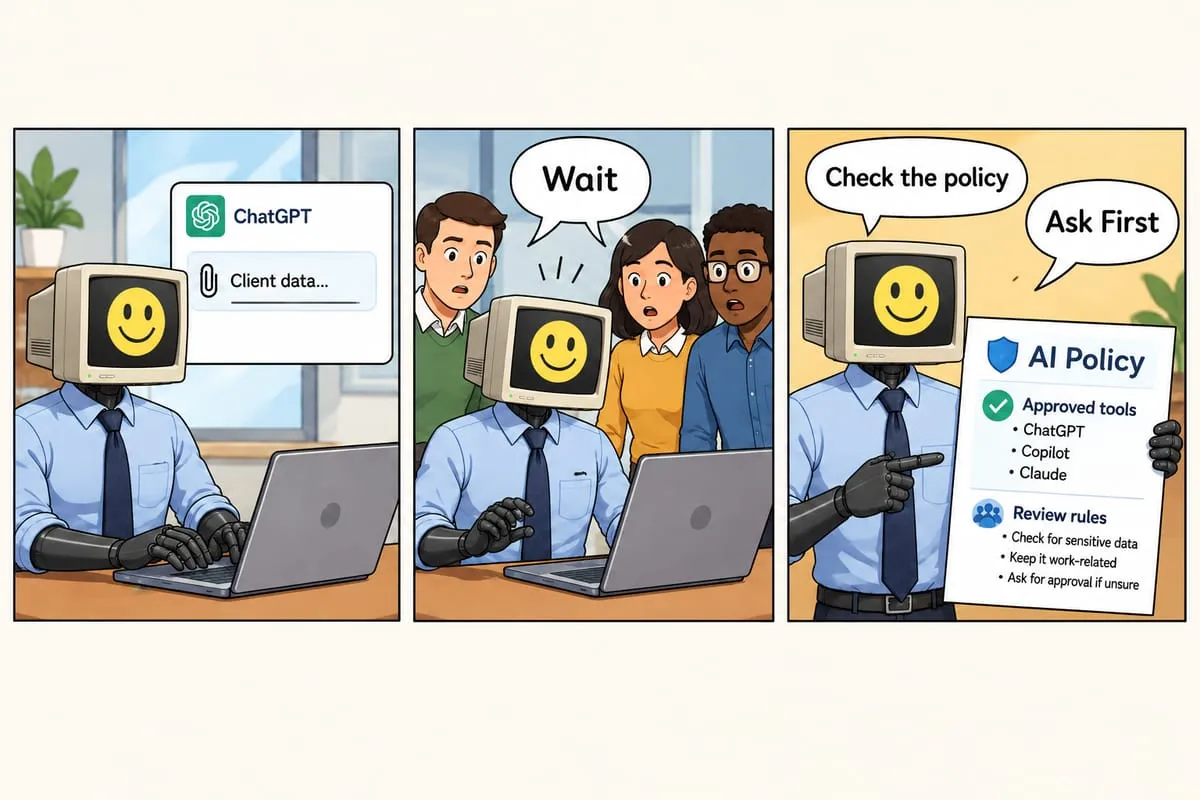
Your teams are using AI. That’s good—it’s making them more productive. But when the finance team asked “how much are we spending on AI?” last quarter, nobody had a good answer.
Personal ChatGPT Plus subscriptions on expense reports. An Azure OpenAI invoice that jumped 400% month-over-month. License requests for Microsoft 365 Copilot at $30/user/month for 200 people ($72K/year). Someone’s “experimental” API integration that racked up $3,000 in a weekend.
Sound familiar?
Welcome to the AI cost management challenge. Unlike traditional software with predictable seat-based pricing, AI comes in multiple flavors—some predictable, some dangerously variable. And without governance, costs spiral.
Here’s how CFOs can get control of AI spending without being the “Department of No.”
The AI Cost Problem
Two Pricing Models, Two Different Risks
AI platforms use two fundamentally different pricing approaches, each with unique financial risks:
1. Seat-Based Pricing (Predictable… ish)
Examples: Microsoft 365 Copilot ($30 USD/user/month; CSP promotional bundles available at $18-22 USD/month through March 2026), ChatGPT Enterprise (~$60/user/month, custom pricing, typically 150+ seats), ChatGPT Team ($25 USD/user/month annual)
How it works: Fixed cost per user per month, unlimited usage within platform limits.
CFO Risk: License sprawl. Easy to approve “just 10 more licenses” repeatedly until you’re paying $100K+/year for users who barely touch the tool.
Financial Control: Usage monitoring to right-size licenses, quarterly reviews, chargeback to departments for accountability.
2. Usage-Based Pricing (Variable & Risky)
Examples: Azure OpenAI (GPT-4o: ~$2.50-5.00 USD/1M input tokens, ~$10-15 USD/1M output tokens; GPT-4o mini: $0.15 USD/1M input tokens, $0.60 USD/1M output tokens; 50% batch discount available for non-urgent processing), OpenAI API (similar token-based pricing)
How it works: Pay for what you consume. Tokens = roughly 4 characters of input/output.
CFO Risk: Runaway usage. A single misconfigured application, infinite loop, or viral internal tool can generate millions of API calls with no warning. $100 today, $10,000 tomorrow.
Financial Control: Strict spending limits, rate limiting, budget alerts, centralized API key management.
Deep dive: Understanding AI pricing models →
The Hidden Costs You’re Not Tracking
Beyond the obvious platform fees, AI creates several categories of hidden costs:
1. Shadow AI Subscriptions
Individual employees signing up for:
- ChatGPT Plus ($20/month × unknown number of users)
- Claude Pro ($20/month × unknown number)
- Various AI productivity tools, browser extensions, mobile apps
Typical discovery: $5-50K/year in redundant personal subscriptions
Fix: Audit expense reports and network traffic, consolidate to enterprise platforms
2. Redundant Platform Spending
Teams independently buying access to the same capabilities:
- Marketing has ChatGPT Enterprise
- Engineering has Azure OpenAI
- Product has Claude Enterprise
- Operations has various point solutions
Typical waste: 30-50% redundancy across platforms
Fix: Standardize on 2-3 platforms covering all use cases, negotiate volume discounts
3. Unused or Underutilized Licenses
Common pattern:
- CTO approves 100 Copilot licenses
- 6 months later, usage analytics show 40 users barely use it (< 1x/week)
- You’re paying $14,400/year for 40 dormant licenses
Typical waste: 15-25% of seat-based licenses
Fix: Monthly usage monitoring, license reclamation for inactive users, waitlist for new licenses
4. Inefficient Usage
Teams using expensive models (GPT-4) for simple tasks that GPT-3.5 could handle at 1/20th the cost.
Typical waste: 40-60% of API spend
Fix: Model selection guidelines, prompt optimization, caching frequent queries
5. Lack of Chargeback
When AI costs are centralized IT budget with no departmental allocation:
- No department accountability
- No cost awareness at team level
- No natural incentive to optimize
- Impossible to calculate project/client true costs
Financial impact: Hidden in IT overhead, distorts project profitability
Fix: Allocate AI costs to departments/projects, make cost visible at approval time
The CFO’s AI Governance Framework
Here’s a practical, financially-focused approach to AI governance:
Phase 1: Discovery & Baselining (Week 1)
Action items:
- Audit current AI spending (known subscriptions, API usage, expense reports)
- Discover shadow AI (network analysis, employee survey, SaaS discovery tools)
- Calculate total AI spend baseline
- Identify waste and redundancy
Deliverable: “We’re spending $X/month on AI, $Y is redundant, $Z is ungoverned risk”
Phase 2: Standardization & Consolidation (Week 2-3)
Action items:
- Select 2-3 standard enterprise platforms
- Negotiate volume discounts (15-30% off list pricing typical)
- Migrate from personal/shadow tools to enterprise platforms
- Sunset redundant platforms
Deliverable: Reduced vendor count, lower per-unit costs, enterprise compliance
Phase 3: Financial Controls (Week 3-4)
Action items:
- Set usage-based spending limits (Azure budgets, API quotas)
- Implement budget alerts (50%, 75%, 90% thresholds)
- Deploy centralized cost tracking dashboard
- Establish approval workflow for new tools/licenses
Deliverable: No surprise bills, real-time cost visibility, controlled spend
Phase 4: Ongoing Optimization (Monthly)
Action items:
- Review usage reports monthly
- Reclaim unused licenses
- Identify optimization opportunities (model selection, caching, prompt efficiency)
- Update budgets based on ROI data
Deliverable: Continuous cost reduction while scaling AI adoption
Practical Budget Guidelines
So what should you actually budget for AI? Here’s our guidance based on organization size and maturity:
Small Teams (10-50 employees)
AI-Curious Stage:
- $500-2,000/month
- ChatGPT Teams for core team (10-20 users)
- Light API usage for automation
- Per-employee: ~$20-40/month
AI-Native Stage:
- $2,000-10,000/month
- M365 Copilot for productivity workers
- Azure OpenAI for custom apps
- Per-employee: $40-200/month
Mid-Size Companies (50-250 employees)
AI-Curious Stage:
- $5,000-15,000/month
- Copilot for key departments
- API usage for select applications
- Per-employee: $20-60/month
AI-Native Stage:
- $15,000-75,000/month
- Copilot organization-wide
- Multiple Azure OpenAI deployments
- Custom AI applications
- Per-employee: $60-300/month
Enterprise (250+ employees)
AI-Curious Stage:
- $25,000-100,000/month
- Copilot for pilot groups
- Azure OpenAI for strategic initiatives
- Per-employee: $25-80/month
AI-Native Stage:
- $100,000-500,000+/month
- Comprehensive AI platform strategy
- Organization-wide productivity AI
- Multiple custom AI applications
- Dedicated AI infrastructure
- Per-employee: $80-400+/month
Reality check: These ranges are broad because AI adoption varies dramatically. Start conservative, scale based on measured ROI.
Total Cost of Ownership (TCO) for a Mid-Market Firm
For a 250-employee company with 50 power users and 200 standard users, the Year 1 TCO for a governed, compliant AI rollout is typically in the range of $250,000 - $350,000 CAD when you factor in the “hidden” costs beyond licensing:
- Direct licensing: ~$104,000 CAD/year (e.g., M365 Copilot for 50 power users + ChatGPT Team for 200 standard users + Azure OpenAI consumption)
- Governance framework development: $50,000 - $150,000 (consulting fees for a bespoke AI governance framework)
- Third-party audits: $20,000 - $40,000/year (AI governance audits, increasingly required for ISO 42001 certification)
- Internal AI lead: $120,000+ salary burden (often a partial FTE from IT/Legal)
This is why CFO buy-in is critical and why ROI measurement must be rigorous from day one.
ROI Tracking: Justifying the Spend
Finance leaders need to answer: “What are we getting for this AI investment?”
Three Levels of ROI Measurement
Level 1: Time Savings (Easiest)
Enterprise AI users save an average of 40-60 minutes per day (OpenAI State of Enterprise AI, 2025). Canadian-specific data shows GenAI users reporting time savings of nearly 73.4% on specific AI-enhanced tasks such as drafting, summarization, and routine correspondence. Professional writing tasks can be completed 40% faster with tools like Microsoft 365 Copilot.
Track hours saved on specific tasks:
- Document summarization: 30 min → 2 min (93% time savings)
- Email drafting: 15 min → 3 min (80% time savings)
- Code review: 2 hours → 30 min (75% time savings)
Formula: Time saved × hourly cost × adoption rate = monthly value
Example: 50 knowledge workers save 5 hours/week × $75/hour = $18,750/week value = $975,000/year
CFO tip: Time saved is a “soft” metric unless reallocated. Leading CFOs are implementing “value capture” frameworks where departments must pledge to reinvest saved hours into specific revenue-generating activities (e.g., 20% more client calls) or cost-reduction (e.g., reducing external agency spend by leveraging internal GenAI for drafting). This turns efficiency into tangible P&L impact.
Level 2: Quality Improvements (Medium Difficulty)
Measure:
- Error reduction (fewer mistakes in documents, code, analysis)
- Faster delivery (projects completed ahead of schedule)
- Better outcomes (higher quality deliverables)
Example: Reduce contract errors from 12% to 2%, saving legal review time and client disputes
Level 3: Revenue Impact (Hardest, Highest Value)
Track:
- New capabilities enabling new business
- Faster sales cycles (AI-powered proposals)
- Improved customer satisfaction (AI support)
- Innovation acceleration (faster product development)
Example: AI-powered proposal generation enables 30% more bids → 10% more wins → $500K additional annual revenue
The ROI Dashboard CFOs Need
Monthly reporting should include:
- Total AI Spend (by platform, department, user)
- Cost per User (for seat-based tools)
- Cost per Use Case (for API-based tools)
- Time Saved (tracked via surveys or usage analytics)
- Adoption Rate (% of eligible users actually using tools)
- ROI Ratio (value delivered / cost)
- Waste Identified (unused licenses, inefficient usage)
Target: 5-10X ROI (i.e., $1 spent on AI generates $5-10 in value)
See our complete cost tracking framework →
The Conversation with Your Leadership Team
When you present AI governance to your CEO/Board, frame it financially:
The Problem
“We’re spending $X/month on AI with 30-40% waste. We have no visibility into who’s using what or what value we’re getting. Usage-based costs can spike unexpectedly. We’re at risk of surprise bills and ungoverned spending.”
The Solution
“We’re implementing AI financial governance:
- Consolidating to N platforms (reducing costs 25%)
- Implementing spending controls (eliminating surprise bills)
- Tracking usage and ROI (measuring value delivered)
- Creating department accountability (chargeback model)
Investment: $X for governance implementation Projected savings: $Y in year 1 Expected ROI tracking and optimization: Ongoing”
The Ask
“Approve this governance program and give me authority to:
- Audit current AI usage
- Standardize on approved platforms
- Implement financial controls
- Establish chargeback model
- Sunset redundant/shadow tools”
Start Small, Scale Fast
You don’t need to solve everything at once. A pragmatic CFO approach:
Month 1: Audit and discover (what are we spending?)
Month 2: Consolidate and control (reduce waste, implement limits)
Month 3: Measure and optimize (track ROI, improve efficiency)
Month 4+: Scale and iterate (expand usage with confidence)
Most organizations save 30-40% in the first quarter while improving governance and accelerating adoption.
Get Expert Help
AI cost governance is specialized work. We help CFOs:
- Audit current AI spending and discover hidden costs
- Negotiate enterprise pricing and volume discounts
- Implement cost tracking and budget controls
- Measure ROI and demonstrate value
- Optimize ongoing spending and usage
Typical engagement: 4-6 weeks from audit to full financial governance.
See our AI governance solutions →
Questions about AI cost control for your organization? Contact us or read our complete AI Cost Control guide.