Are Your Employees Quietly Leaking Data into AI Tools?
79% of Canadian office workers use AI tools, but only 25% on enterprise solutions (IBM, 2025). Here's what you need to know about shadow AI, the risks of personal ChatGPT accounts for business work, and how to prevent data leakage.

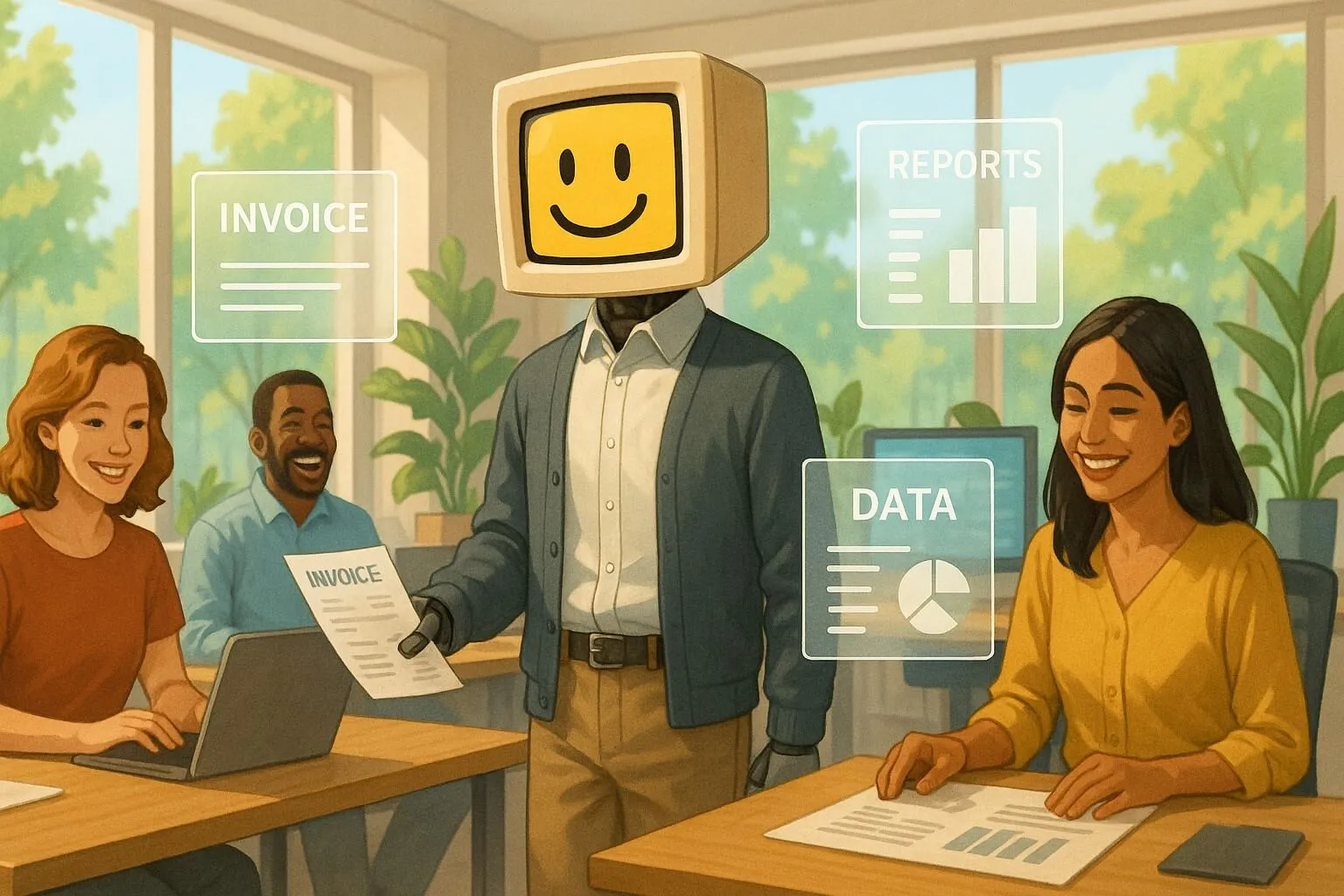
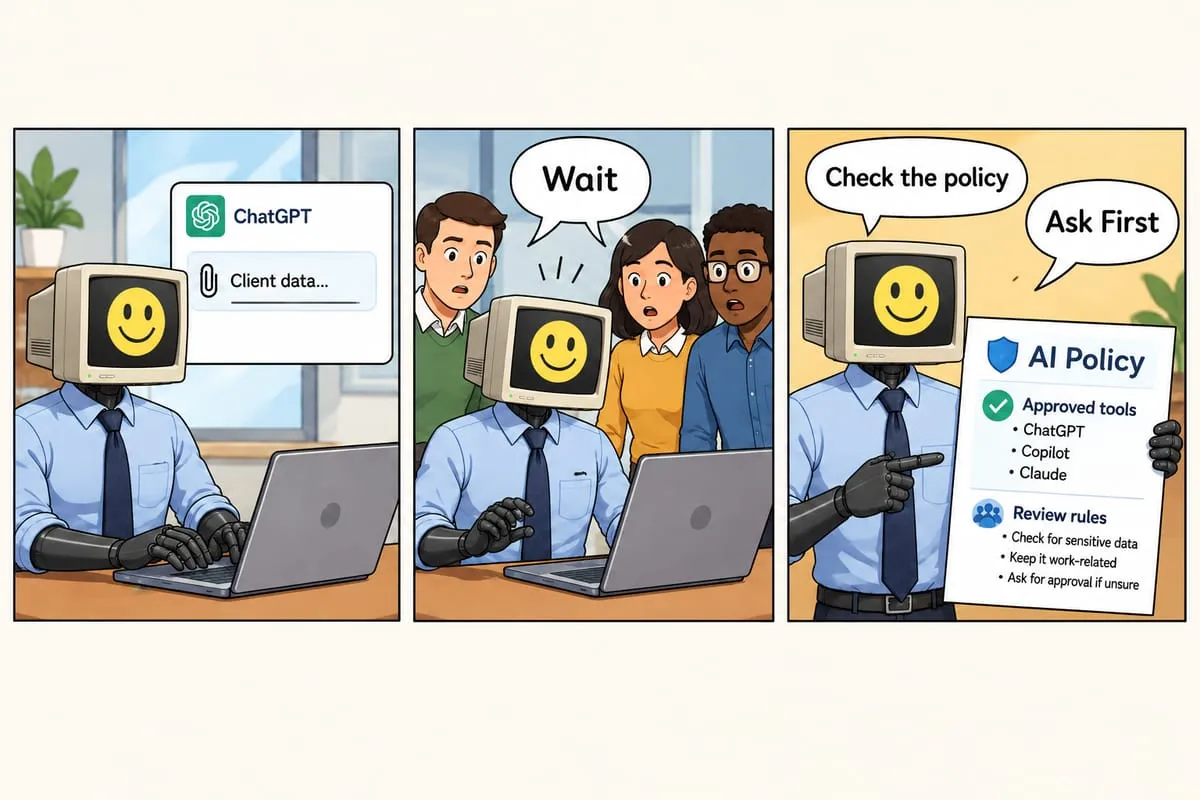
“I just pasted the whole client contract into ChatGPT to summarize it. Saved me an hour!”
Your stomach drops. That contract has confidential pricing, proprietary terms, and client data. And it just went into… where exactly? A personal ChatGPT account? What happens to that data now?
Welcome to the world of shadow AI—employees using AI tools without IT approval, visibility, or governance. And it’s happening in your organization right now.
The Shadow AI Problem
Recent research from IBM (2025) shows 79% of Canadian office workers are actively using AI tools, but only one in four relies on an enterprise-grade solution provided by their employer. They’re not being malicious. They’re being productive — 97% of Canadian workers report that AI improves their productivity (IBM, 2025). AI tools are incredibly useful, and personal accounts are free (or cheap) and instant.
The problem isn’t that they’re using AI. The problem is how they’re using it.
What Employees Are Doing
- Using personal ChatGPT/Claude/Gemini accounts for work tasks
- Pasting client data, proprietary information, and confidential documents into consumer AI tools
- Signing up for random AI browser extensions and productivity apps
- Sharing sensitive code, business logic, and trade secrets with AI assistants
- Using AI for regulated data (health information, financial data, personal information) without proper controls
What They Don’t Know
Most employees have no idea that:
- Consumer AI tools may use their inputs for training unless they explicitly opt out (and some tools don’t offer that option)
- Personal accounts have no admin visibility or audit trails —IT has no idea what data was shared
- Training data can leak across users—there are documented cases of ChatGPT exposing fragments of other users’ data
- Their personal account settings aren’t managed by IT—privacy settings can change or be misconfigured
- Consumer tools lack compliance certifications required for regulated industries (healthcare, finance, etc.)
Real Risks of Data Leakage
This isn’t theoretical. Here are real scenarios we’ve seen:
1. Client Contract Exposure
An employee pastes a client services agreement into personal ChatGPT to “summarize key terms.” That contract contains:
- Confidential pricing that would help competitors
- Proprietary service delivery methods
- Client information protected by privacy agreements
Risk: Training data exposure, contract violation, client trust breach, potential lawsuit.
2. Proprietary Code Sharing
A developer uses GitHub Copilot (personal account) or ChatGPT to debug proprietary code, pasting full functions and business logic.
Risk: Trade secret exposure, competitive disadvantage, IP loss.
3. Healthcare Data Violation
A medical office admin pastes patient information into an AI tool to draft correspondence, violating HIPAA/PIPEDA requirements.
Risk: Massive regulatory fines, license loss, patient harm from privacy breach.
4. Financial Information Leakage
A finance team member uploads financial spreadsheets to an AI tool for analysis, including unreleased earnings data or M&A information.
Risk: Securities violations, insider trading concerns, competitive intelligence loss.
Personal vs. Business AI Accounts: The Critical Difference
Not all AI tools are created equal. Here’s the difference:
Personal/Consumer Accounts (❌ Not for Business)
ChatGPT Free/Plus, Claude Free/Pro, Gemini Free
- ❌ May use your inputs to train models (even with opt-out, policies can change)
- ❌ No admin visibility or central management
- ❌ No audit trails for compliance
- ❌ No data residency guarantees
- ❌ No business associate agreements (BAAs) for healthcare
- ❌ No compliance certifications (SOC 2, ISO, etc.)
- ❌ Limited or no support
Bottom line: Never use for business work involving client data, proprietary information, or regulated data.
Business/Enterprise Accounts (✅ Designed for Business)
ChatGPT Teams/Enterprise, Azure OpenAI, Microsoft 365 Copilot
- ✅ Business data NOT used to train models
- ✅ Admin controls and centralized management
- ✅ Full audit trails and usage reporting
- ✅ Data residency options (e.g., Canadian data centers)
- ✅ Business associate agreements available
- ✅ SOC 2, ISO 27001, GDPR, PIPEDA compliance
- ✅ Enterprise support and SLAs
Bottom line: Required for any business use involving sensitive or regulated data.
Learn more: Compare OpenAI vs Azure OpenAI vs Microsoft 365 Copilot →
How to Detect Shadow AI in Your Organization
You can’t govern what you don’t know about. Here’s how to discover shadow AI:
1. Network Traffic Analysis
Monitor for connections to known AI endpoints:
- openai.com, chat.openai.com
- claude.ai, anthropic.com
- gemini.google.com, bard.google.com
- Various API endpoints
2. Browser Extension Audit
Check what browser extensions employees have installed—many AI tools work as Chrome/Edge extensions with minimal IT visibility.
3. Anonymous Survey
Ask employees directly: “What AI tools do you use for work?” Promise no punishment for honest answers. You’ll be shocked at the list.
4. SaaS Discovery Tools
Use tools like Microsoft Defender for Cloud Apps or similar SaaS security posture management (SSPM) tools to discover shadow IT including AI tools.
5. Expense Report Review
Look for personal ChatGPT Plus ($20/month), Claude Pro ($20/month), or other AI subscriptions being expensed.
How to Fix It: 4-Step Action Plan
Step 1: Audit (Week 1)
- Discover current AI tool usage
- Identify high-risk usage (what data is being shared)
- Assess compliance gaps
Step 2: Approve Enterprise Alternatives (Week 2)
- Select enterprise AI platforms for your use cases
- Configure with proper security, SSO, data protection
- Get budget approval
See our platform selection guide →
Step 3: Communicate & Train (Week 3)
- Announce approved AI tools and why they’re required
- Explain risks of personal accounts (education, not punishment)
- Provide training on approved tools
- Deploy acceptable use policy
Download our AI policy template →
Step 4: Enforce (Week 4+)
- Deploy approved tools to teams
- Block unapproved AI tools at network level (or monitor usage)
- Monitor compliance and usage
- Provide ongoing support and answer questions
The Right Message to Your Team
Frame this as enabling AI usage safely, not banning it:
“We know many of you are already using AI tools and finding them incredibly useful. We want to support that! We’re providing enterprise AI tools that are:
- More powerful (latest models, more features)
- Safer (your data isn’t used for training, full privacy protection)
- Compliant (meets our legal and client obligations)
- Supported (IT can help when things break)
Starting [date], please use [approved tools] for all work-related AI. We’re here to help you get set up and answer questions. This protects both you and our clients.”
The Cost of Doing Nothing
Ignoring shadow AI doesn’t make it go away. It just ensures you have:
- No visibility into what data is being shared
- No control over how AI is used
- No audit trail when you need to prove compliance
- Maximum liability when something goes wrong
- Reactive crisis management instead of proactive governance
The financial stakes are real: according to IBM’s Cost of a Data Breach Report (2024), the global average cost of a data breach has reached USD $4.88 million. For Canadian enterprises in the financial sector, that figure rises to USD $6.08 million per incident — 22% higher than the global average. Breaches specifically linked to shadow AI carry a distinct penalty, adding an average of CAD $308,000 to the total cost of a breach in 2025 due to the complexity of forensic investigation when data resides on unmanaged third-party servers.
And with 46% of employees saying they would leave their job for a company that uses AI more effectively (IBM, 2025), banning AI outright creates a retention problem on top of a security problem. Prevention is cheaper than crisis response.
Start with Governance, Enable Innovation
Proper AI governance isn’t about saying “no” to AI. It’s about saying “yes, safely.”
When you implement AI governance:
- Employees get access to better tools (enterprise features vs free accounts)
- You get visibility and control (who uses what, with what data)
- Compliance is automated (audit trails, data protection built-in)
- Innovation is accelerated (clear approval path for new use cases)
- Risk is managed (not eliminated, but understood and controlled)
Explore our AI Governance solutions →
Get Help with Shadow AI
We help Canadian businesses:
- Audit current shadow AI usage and assess risks
- Select and deploy appropriate enterprise AI platforms
- Migrate teams from personal to governed tools
- Create and implement acceptable use policies
- Monitor ongoing compliance and usage
Most organizations move from “shadow AI chaos” to “governed AI enablement” in 4-6 weeks.
Get your free AI governance assessment →
Questions about shadow AI in your organization? Contact us or read our complete AI Governance guide.