Connecting Procore to Your Construction ERP: Field to Office Sync
How to bridge the gap between Procore and legacy ERPs like Sage 300 CRE or Viewpoint Vista without expensive middleware.


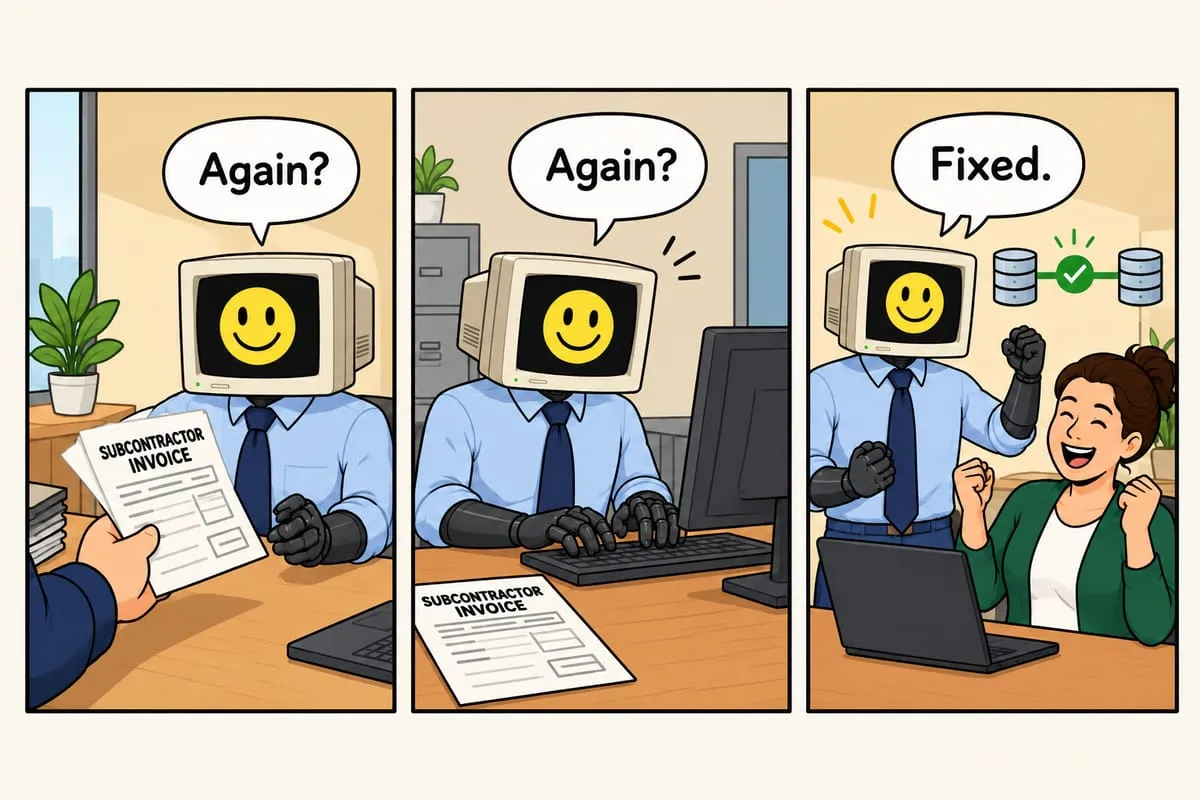
The scene plays out daily at construction companies everywhere: project managers enter data in Procore, then accounting re-enters it into Sage or Vista. Nobody’s happy about it.
The Disconnected Data Problem
Procore is fantastic for field operations. Your project teams love it. But your accounting software—whether it’s Sage 300 CRE, Viewpoint Vista, or Foundation—is where the real money flows. And these two worlds rarely talk to each other.
The result? Double entry. Mismatched data. Frustrated staff. And opportunities for costly errors on change orders, billing, and job costing.
Why Standard Integrations Fall Short
Procore offers some native integrations, but they’re often limited to basic data syncs. The real challenges—matching cost codes, handling change order workflows, syncing committed costs—require custom work.
And legacy ERPs like Sage 300 CRE? They weren’t built for the API-first world. Connecting them to modern cloud tools requires creative solutions.
The Middleware Trap
Traditional middleware solutions work, but they come with enterprise-level price tags. We’re talking $50K-$100K+ implementations that take months to deploy. For most contractors, that’s overkill.
A Practical Approach
Here’s what actually works for mid-size contractors:
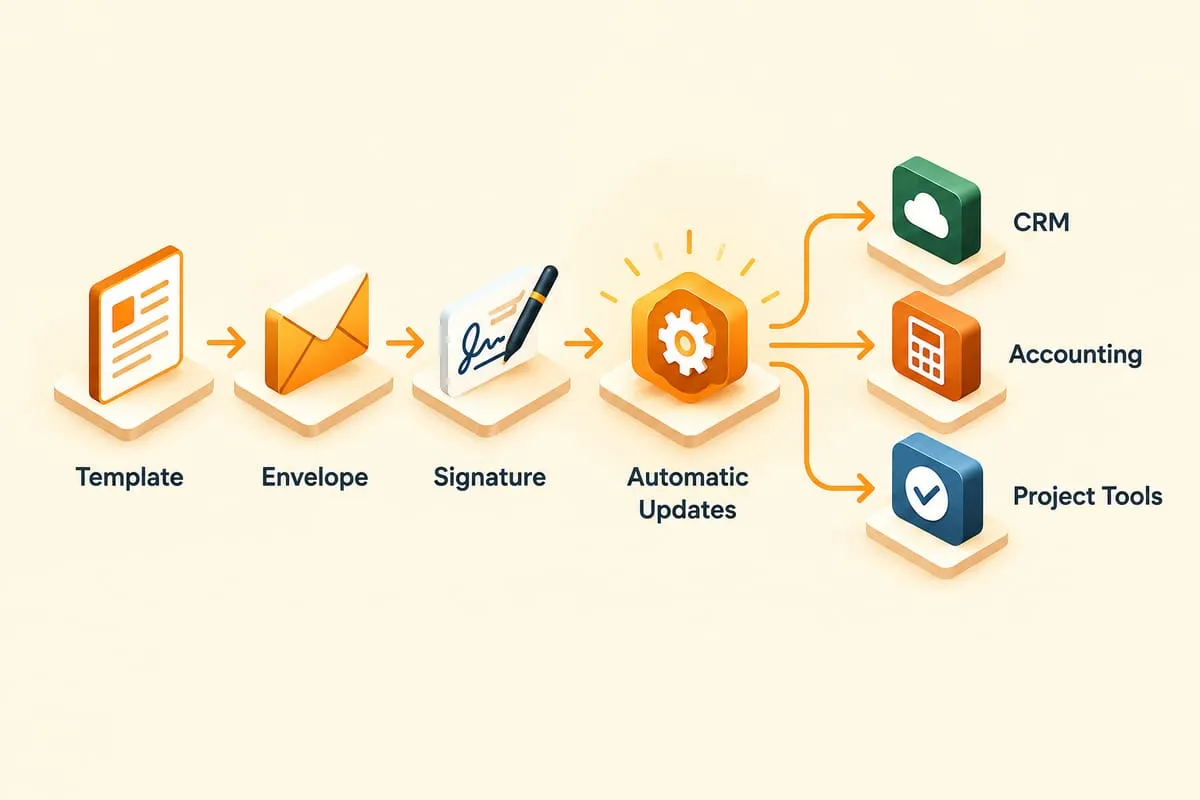
Targeted sync points: Don’t try to sync everything. Focus on the data that causes the most pain: committed costs, budget transfers, and billing data.
Scheduled batch processes: Real-time sync sounds great but isn’t necessary for most construction workflows. Nightly batch updates work fine for cost data.
File-based bridges: For legacy ERPs, sometimes the simplest solution is automated file exports and imports. Sage 300 CRE’s Pervasive SQL database can be queried directly, and CSV imports handle the rest.
What to Sync First
If you’re building a Procore-to-ERP connection, prioritize these:
- Budget and cost codes - Keep your chart of accounts aligned
- Committed costs - Subcontracts and POs from Procore to your ERP
- Change orders - The biggest source of billing errors
- Daily labor hours - If you’re doing job costing, time data matters
Getting Started
The first step is mapping your workflows. Where does data originate? Where does it need to end up? What format does each system expect?
Once you understand the data flow, building the automation is straightforward. The hard part is always the business process analysis—making sure you’re syncing the right data at the right time.
If you’re drowning in double entry between Procore and your ERP, we can help design a sync strategy that makes sense for your workflow.