File-Based Integration: The Forgotten Art of Connecting Legacy Software
When APIs don't exist, file-based integration still works. How to build reliable automated workflows using CSV, XML, and pickup directories.

Everyone wants to talk about APIs. REST, GraphQL, webhooks—these are the buzzwords of modern integration. But here’s a secret: some of the most reliable business integrations still run on flat files.
The Reality of Enterprise Software
That construction ERP from 2008? No API. Your industry-specific vertical application? Maybe a SOAP interface if you’re lucky. The accounting system that runs your core operations? CSV import/export is the official integration method.
This isn’t going away anytime soon. Legacy software runs the economy, and file-based integration is how it connects to everything else.
Why Files Still Work
File-based integration has advantages that APIs don’t:
Simplicity: Drop a file in a folder. The target system picks it up. No authentication tokens, rate limits, or endpoint versioning to worry about.
Auditability: Every file is a record. You can see exactly what data moved and when. Debugging is straightforward.
Batch efficiency: Processing 10,000 records in a single file is more efficient than 10,000 API calls.
Vendor support: Many legacy systems officially support file imports. You’re working with the grain, not against it.
Anatomy of a File Integration
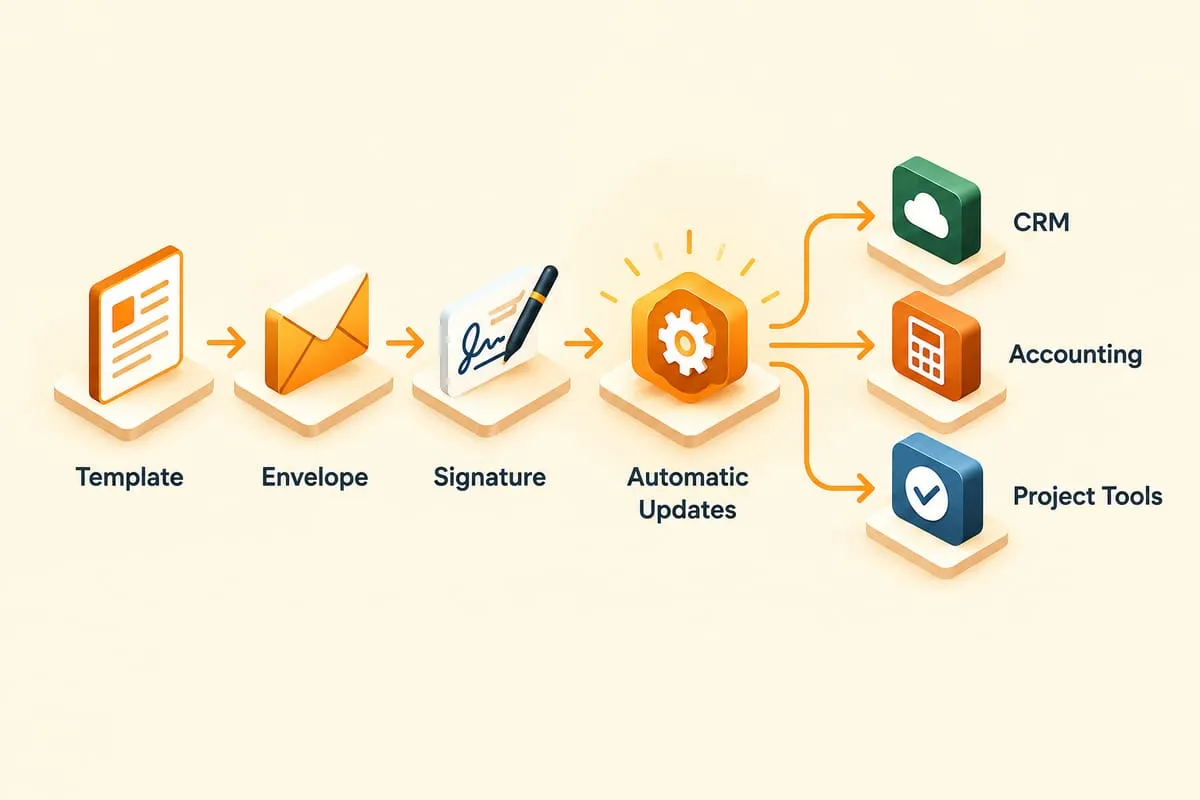
A typical file-based workflow looks like this:
- Source system generates a file (CSV, XML, fixed-width)
- File lands in an outbound directory
- Transfer mechanism moves file to target location (SFTP, shared drive, cloud storage)
- Target system picks up file from inbound directory
- Processing validates, transforms, and loads the data
- Archive moves processed files for audit trail
The magic is in the automation between steps.
Making It Reliable
File integration can be rock-solid or a disaster. The difference is in the details:
File naming conventions: Include timestamps and sequence numbers. invoices_20250122_001.csv beats invoices.csv every time.
Pickup/archive patterns: Never process a file in place. Move it to an archive folder after processing.
Error handling: What happens when a file has bad data? Quarantine it, alert someone, and don’t stop processing good files.
Idempotency: If the same file gets processed twice, the result should be the same. Build your imports to handle this.
Common Patterns
Scheduled exports: Source system generates files at set times. Cron job or scheduled task picks them up.
Watch folders: Monitor a directory for new files. Process immediately when one appears.
Acknowledgment files: Target system creates a .done or .ack file to confirm receipt.
Control files: A small file that triggers processing of associated data files.
When to Use File Integration
File-based integration makes sense when:
- The legacy system only supports file import/export
- You’re moving large batches of data
- You need a clear audit trail
- Real-time sync isn’t required
It’s not glamorous, but it works. And sometimes “works” is exactly what you need.
If you’re connecting legacy systems that don’t speak API, don’t despair. File-based integration is a proven pattern that can be automated, monitored, and made highly reliable.