Does Google Workspace Break OCAP®?
Is Google Workspace at odds with OCAP®? What Gemini does with your email, why possession matters, and how to keep community data in Canada.


Here’s a question I was asked recently, in my words rather than theirs: is staying on Google Workspace at odds with OCAP®? Gemini can read the team’s email now, Google’s values don’t feel like theirs, and they wanted to know whether they could leave if it came to that.
It deserves a public answer. The honest one isn’t quite what people expect from someone who cares about data sovereignty, and the wrong answer, in either direction, can cost an organization a lot of time and money.
The short version
No, Google Workspace doesn’t break OCAP® on its own. Neither does Microsoft 365. But they aren’t neutral, and they aren’t the same.
OCAP® stands for Ownership, Control, Access, and Possession. A paid Workspace or Microsoft 365 plan, set up properly, can support the first three: your community owns the data, you decide who sees it, and you can get it out. Possession is the hard one. FNIGC defines it as physical control of the data, and on these platforms Google or Microsoft physically hold it, on their terms.
That’s why, when you have the choice, I’d rather community data sat in Canada. Microsoft 365 can do that for core data. Google Workspace currently can’t. More on both below.
And whatever platform you’re on, the decisions are still yours. They’re also the part most organizations skip while they’re busy worrying about Google.
”Is Gemini reading our email?”
It can. So can Copilot if you’re on Microsoft. Every big platform is plugging AI into everything, and it’s fair to be uneasy about that.
But there’s a difference between reading and training, and it’s most of the ballgame.
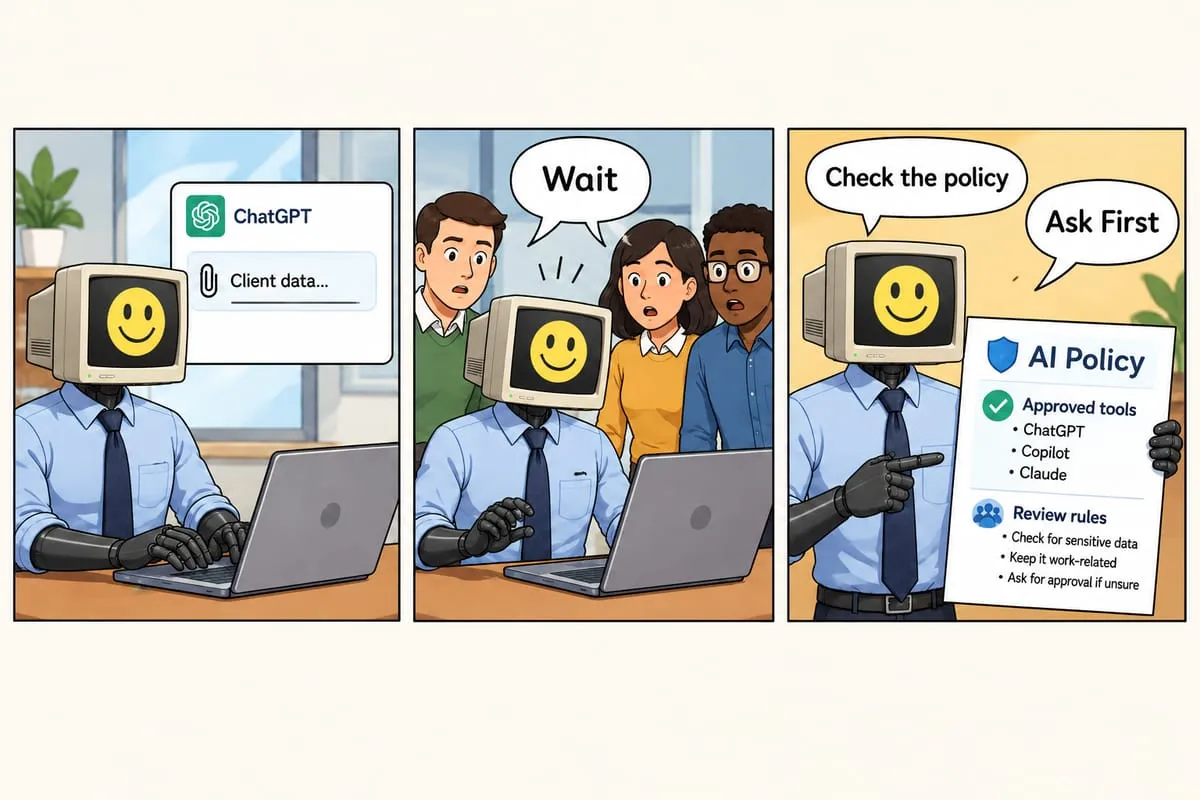
On a qualifying paid Workspace plan, Google’s own privacy hub says your content isn’t “used for Generative AI model training outside your domain without permission.” Microsoft says Copilot prompts, responses, and the work data it pulls in “aren’t used to train foundation LLMs.” Those are their commitments, not mine, so read them yourself: Google’s Gemini privacy hub and Microsoft’s Copilot privacy page.
A free personal Gmail account isn’t covered by those Workspace commitments. It runs on Google’s consumer terms. If anyone on your team does community work in a personal account, fix that first.
If the reading still makes you uncomfortable, fine. Turn it off. Gemini features in Workspace apps are on by default, and admins can switch them off, app by app, in the admin console. Part of what I do in an IT review is find those switches and show you where they are, so you can make the call yourself instead of taking my word for it.
”It doesn’t feel in line with OCAP®”
Here’s where I’ll push back a little, and then agree a little.
OCAP® came out of First Nations communities being researched, surveyed, and reported on by outsiders who took the data and never gave it back. The principles are a response to that. In short, as the First Nations Information Governance Centre (FNIGC) defines them:
- Ownership: the community or group owns its information collectively, the way a person owns their personal information.
- Control: First Nations have the right to control every part of the research and information management that affects them.
- Access: First Nations must be able to access data about themselves and their communities, wherever it’s held, and decide who else gets access.
- Possession: physical control of the data. It’s how ownership gets asserted and protected.
Read the first three again and notice what they’re about: relationships and decisions. Who consented. Who decided. Who can see it. Who gets it back at the end. A platform doesn’t make those decisions for you, and it doesn’t stop you from making them.
Possession is different. It really is about who physically holds the data. So the feeling that Google’s servers aren’t a neutral home for community data isn’t wrong. It just isn’t the whole picture.
Picture two organizations. One runs on a well-configured Microsoft 365 account with its data kept in Canada. The other refuses to touch the big platforms on principle, so its files live in personal email accounts and a shared folder nobody can find the owner of. The second one has less control over its data in practice, not more. Nobody knows where anything is, and nobody could hand a community its data back in an afternoon.
So here’s how I’d put it. Where your data lives matters, and Canada is the best default. But it isn’t, by itself, the test of whether you respect OCAP®.
”Could we leave if we had to?”
You can. Here’s what each option honestly costs, starting with the one I’d look at first.
Keep the data in Canada. If possession is what’s bothering you, the most direct fix is to keep community data in Canada. For automations and the data they handle, that’s what Canadian hosting with us is for: your data can stay in Canadian data centres. For email and files, Microsoft 365 business plans commit to keeping core data (email, SharePoint and OneDrive files, Teams chats) in Canada when your account is set up in Canada. Google Workspace lets some plans choose the US or Europe for your data, but Canada isn’t on the list.
Microsoft 365. If your objection to Google is specifically Google, Microsoft is the obvious alternative, and its Canadian data commitment is a real point in its favour. But if your objection is “big American tech company,” Microsoft isn’t going to feel much better. Data kept in Canada is still held by an American company, and Copilot is another set of AI features you’ll want to configure. Move for a reason, not for a vibe.
Proton, and tools like it. Proton Mail and Proton Drive are real, well-run, privacy-first products. For a small team that mostly needs email and file storage, they work. Where they get painful is collaboration: if your team lives in shared documents and your clients expect to comment on a Google Doc, Proton will feel like a step backward. Also know that Proton keeps its data in Switzerland, Germany, or Norway. That’s private, but it isn’t Canada.
Self-hosting. Running your own Nextcloud or similar, on your own server or in a Canadian data centre, is possible. It’s also a job. Someone has to patch it, back it up, restore it when it breaks, and be on call. Realistically that’s a full-time technical person, or an ongoing contract with someone like us. For a small organization, that’s a big line item.
And one thing regardless of the rest: don’t run your own email server. Google, Microsoft, Proton, and a few others have email locked down. Deliverability, spam filtering, and security on a self-run mail server are a constant fight, and losing it means your email quietly stops arriving. Let a provider do email even if you self-host everything else.
Stay, and set it up properly. If you stay on Google Workspace or Microsoft 365, do it on purpose. Turn on the things that should be on: two-factor for everyone, admin roles, sensible sharing defaults, an offboarding checklist. Turn off the things you don’t want, like AI features or external sharing by default. On Microsoft 365, check that your data location is Canada. Write down where community data lives and who can reach it, and put that in your data sharing agreements. That’s a defensible setup, even if it isn’t the most sovereign one.
What OCAP® asks of you, on any platform
This part doesn’t depend on the platform.
- Consent. Did the community agree to you collecting and holding this data, and for what purpose? Is that written down?
- A data sharing agreement. Before the work starts, not after. What you’ll collect, how you’ll use it, who can see it, when it comes back.
- Access controls that follow your policy. Not “whoever has the link.” Role by role, decided by you, reviewed when someone leaves.
- A way to give it back. When the project ends, can you hand the community its data in a format they can use, and then delete your copy? If you can’t do that in an afternoon, your setup is the problem, not your platform.
- Possession you’ve actually decided. Who physically holds each community’s data, and in which country? Canada where you can. If it’s somewhere else, that should be a choice the community understood and agreed to, not a default nobody looked at.
- AI decisions made on purpose. Whether AI touches community data at all, and which AI, is a decision the community should be making.
If you can say yes to those on Google Workspace, you’re in better shape than a lot of organizations running on “more sovereign” tools they haven’t configured. If you can say yes to them with the data in Canada, better still.
One more thing about AI
A lot of questions about Google are really questions about AI. If you’re against generative AI, or curious about local AI, here’s what I’d say: much of what an Indigenous organization needs is plain automation, not AI at all. A form comes in, a Slack post goes out, a project folder gets built from a template. No model, no guessing. You can be firmly against generative AI and still fix a lot of your admin problems.
And the concern about AI and Indigenous worldviews is real. The big models are trained mostly on non-Indigenous writing, so they carry non-Indigenous assumptions. If AI is on the table at all, that deserves a real conversation, and local or custom models are part of it. I wrote more about that in Guarding Digital Heritage.
What I’d do this week
If you’re an Indigenous organization, or a firm holding Indigenous data, and you’re on Google or Microsoft:
- Check whether you’re on a paid business plan. If anyone is using a free personal account for work, fix that first.
- Open the admin console and find the AI settings. Decide, on purpose, whether they’re on or off.
- Turn on two-factor for everyone. Not “encouraged.” Required.
- Look at your shared drive defaults. If “anyone with the link” is the default, change it.
- On Microsoft 365, check your data location in the Microsoft 365 admin center. On Google, ask whether community data belongs there at all.
- Write one paragraph, for each community whose data you hold, on where it lives and who can reach it.
That’s a Friday afternoon. It’ll do more for your OCAP® posture than a rushed migration would, and you can still move later if you decide to.
If you’d rather have someone walk through it with you, that’s what our IT and data stewardship review is for. No firewall pitch, no automation pitch. Just a plain-language look at how you hold the data you’re responsible for, and what to fix first.
How we apply OCAP® in our work →
OCAP® is a registered trademark of the First Nations Information Governance Centre (FNIGC).