The PCLaw Automation Guide: Mobile Access Without Migration
How to cloud-enable PCLaw for mobile time capture and client access without replacing your practice management system.


Every law firm running PCLaw faces the same dilemma: the software works fine, but it’s stuck in 2005. Attorneys want mobile time entry. Clients expect online access. And you’re not ready to rip and replace a system that handles your entire operation.
Good news: you don’t have to.
The PCLaw Dilemma
PCLaw does its job. Time tracking, billing, trust accounting—it handles the core functions of practice management. But it’s a desktop application built before smartphones existed.
That creates problems:
- Attorneys reconstruct their days at 5pm, losing billable time
- Partners want dashboards but get static reports
- Clients call asking about case status and invoice questions
- Remote work means VPN headaches or no access at all
Cloud-Enabling Without Replacing
The key insight: you don’t need to replace PCLaw to get modern capabilities. You can build a layer on top of it.
Mobile Time Capture
Build a simple mobile app or web form for time entry. Attorneys log time from their phones throughout the day. The entries queue up and sync to PCLaw overnight.
This captures the time that’s otherwise forgotten. Even a 10% improvement in capture rates moves the needle on revenue.
Client Portal
Create a web portal where clients can check case status, view invoices, and make payments. The portal reads from PCLaw and writes back payment information.
Clients get self-service. Your staff gets fewer phone calls. Win-win.
Dashboards and Reporting
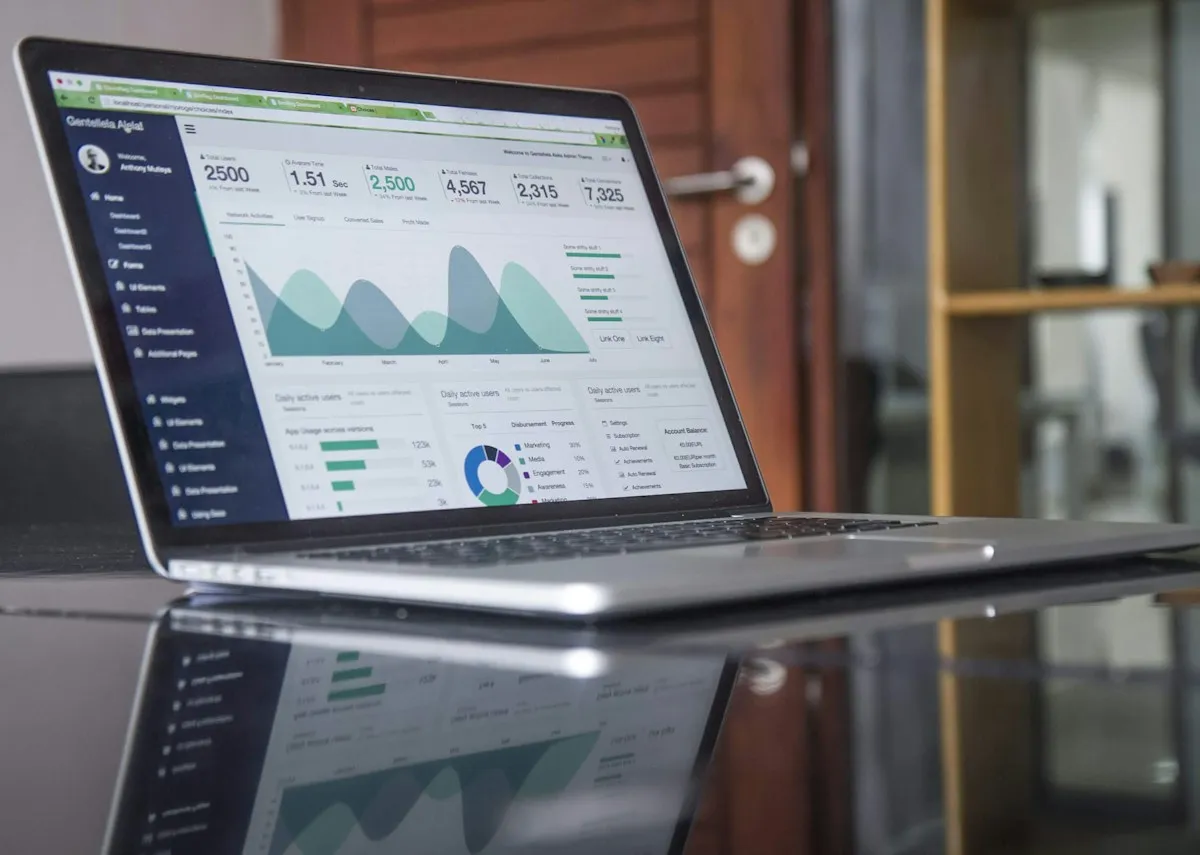
PCLaw’s database (typically c-tree or SQL) can be queried for reporting. Connect it to a BI tool like Power BI or Tableau and build the dashboards partners actually want.
Real-time visibility into WIP, collections, and productivity—without waiting for month-end reports.
How the Integration Works
PCLaw stores data in files or databases that can be accessed programmatically. The integration layer:
- Reads data from PCLaw for display in portals and dashboards
- Accepts input from mobile apps and web forms
- Writes data back to PCLaw in its expected format
The tricky part is understanding PCLaw’s data structures. But once mapped, the automation is straightforward.
Getting Started
Start with the highest-value use case for your firm. Usually that’s mobile time capture—it has the most direct impact on revenue.
From there, add client portal capabilities and reporting based on demand. Each piece builds on the same integration foundation.
You don’t need to abandon PCLaw to run a modern practice. You just need to extend what it can do.