Office Task Automation: Why Your Business Needs More Than a Simple Tool
Searching for office task automation? Zapier and Power Automate work great until they don't. Here's when your business needs a managed automation service instead of another DIY tool.


You’ve Already Tried the DIY Route
You signed up for Zapier. Maybe Power Automate. Maybe both. You connected your email to a spreadsheet, automated a Slack notification or two, and felt like a wizard for about three days.
Then things got complicated.
Your automation broke because someone changed a column header. Or the Zap hit its monthly task limit. Or you needed it to pull data from a system that doesn’t have an API — like that ancient ERP your accounting team refuses to leave behind.
Sound familiar?
Most businesses searching for “office task automation” are really searching for a solution to a much bigger problem than any single tool can fix.
The Tool Trap
Here’s the thing about Zapier, Power Automate, Make, and the rest: they’re great at connecting two systems with a simple “if this, then that” logic. Move a file here. Send a notification there. Update a row somewhere.
But real office work isn’t that simple.
Real office work looks like this:
- Pulling invoice data from PDFs that arrive in five different email formats
- Cross-referencing purchase orders against delivery receipts in two separate systems
- Reconciling bank transactions that your ERP doesn’t categorize correctly
- Routing approval requests through a chain of people who all use different tools
Try building that in Zapier. You’ll hit the wall fast — too many steps, too many exceptions, too many edge cases that a no-code builder can’t handle.
And now you’ve got a half-working automation that someone has to babysit. Which kind of defeats the purpose.
What “Office Task Automation Service” Actually Means
When someone searches for an “office task automation service,” they usually want one of two things:
- A tool — software they can set up themselves to automate simple tasks
- A partner — someone who understands their business, maps their processes, and builds automation that actually works at scale
If you’re reading this, you’ve probably already tried option one.
Option two is what we do at DigitalStaff.
We’re not a software product. We’re a team that sits down with you, figures out where you’re hemorrhaging time on repetitive work, and builds custom automation around your actual workflows — not a template that kind of fits if you squint.
The Difference in Practice
Let me give you a real example.
A $15M construction company came to us with an invoicing problem. Invoices were taking days to go out because of manual data entry, approval chains, and copy-pasting between Sage 300 and their project management system.
A DIY tool couldn’t touch this. Their systems didn’t play nice with each other. The data lived in PDFs, emails, and spreadsheets. The approval workflow changed depending on the project size.
We built a custom automation that:
- Reads incoming invoices (regardless of format)
- Extracts the data and validates it against their project records
- Routes approvals based on the project tier
- Enters everything into Sage 300
The result? Invoices go out in hours, not days. Their team reclaimed about 15 hours per week. Cash flow improved because they got paid faster.
No Zap could have done that.
When DIY Tools Work (and When They Don’t)
To be fair, not every business needs a managed automation service. Here’s the honest breakdown:
DIY tools are fine when:
- You’re connecting two cloud apps with a simple trigger-action flow
- The data is clean and consistent
- You have someone technical enough to maintain it
- Volume is low (under 100 tasks/month)
You need a managed service when:
- You’re dealing with legacy software, PDFs, or systems without APIs
- The process has exceptions, approvals, or conditional logic
- Multiple departments or systems are involved
- Volume is high enough that errors cost real money
- Nobody on your team has time to build and maintain automations
Most mid-market businesses — the $5M to $50M range — fall squarely into the second category. They’ve outgrown the DIY tools but haven’t hired an internal automation team. That’s the gap we fill.
What to Look For in an Automation Partner
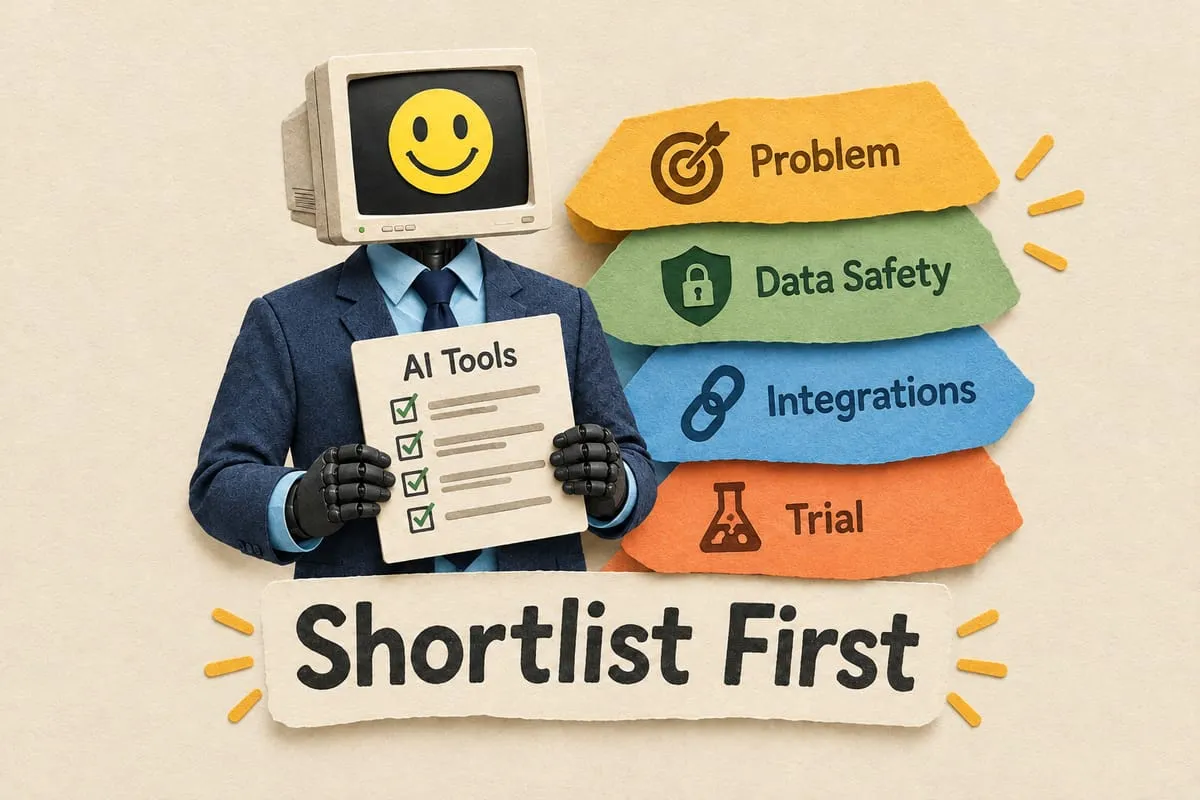
If you’re evaluating automation services, here’s what actually matters:
1. They start by understanding your business, not selling you software. If the first conversation is about their platform, run. The first conversation should be about your processes, your pain points, and your goals.
2. They build custom, not cookie-cutter. Your business isn’t a template. Your automation shouldn’t be either.
3. They handle the maintenance. Building automation is half the job. The other half is monitoring it, fixing edge cases, and optimizing it as your business changes. A good partner does both.
4. They keep your data where it belongs. Especially in Canada, data sovereignty matters. Your data should stay in your systems, not get routed through a dozen third-party services you’ve never heard of.
Stop Searching for a Tool. Start Solving the Problem.
“Office task automation” isn’t really about automating office tasks. It’s about getting your team out of the repetitive work that’s eating their week so they can focus on the work that actually grows your business.
The right question isn’t “What tool should I use?” It’s “What’s the problem I’m actually trying to solve?”
If you know the answer to that second question — and it involves manual work that’s costing you hours, accuracy, or money — we should talk.
Book a 25-minute call and tell us what’s slowing you down. We’ll tell you honestly whether automation is the right fix, and what it would look like for your business.