Your First AI Project: How to Start Without Making a Mess
Stop overthinking it. Here's a concrete 30-day plan to launch your first AI project with low risk, real results, and zero regrets.

A real estate office in Ontario was drowning in listing descriptions. Every new property meant 45 minutes of writing, editing, and formatting. The agents hated it. The admin staff hated it more.
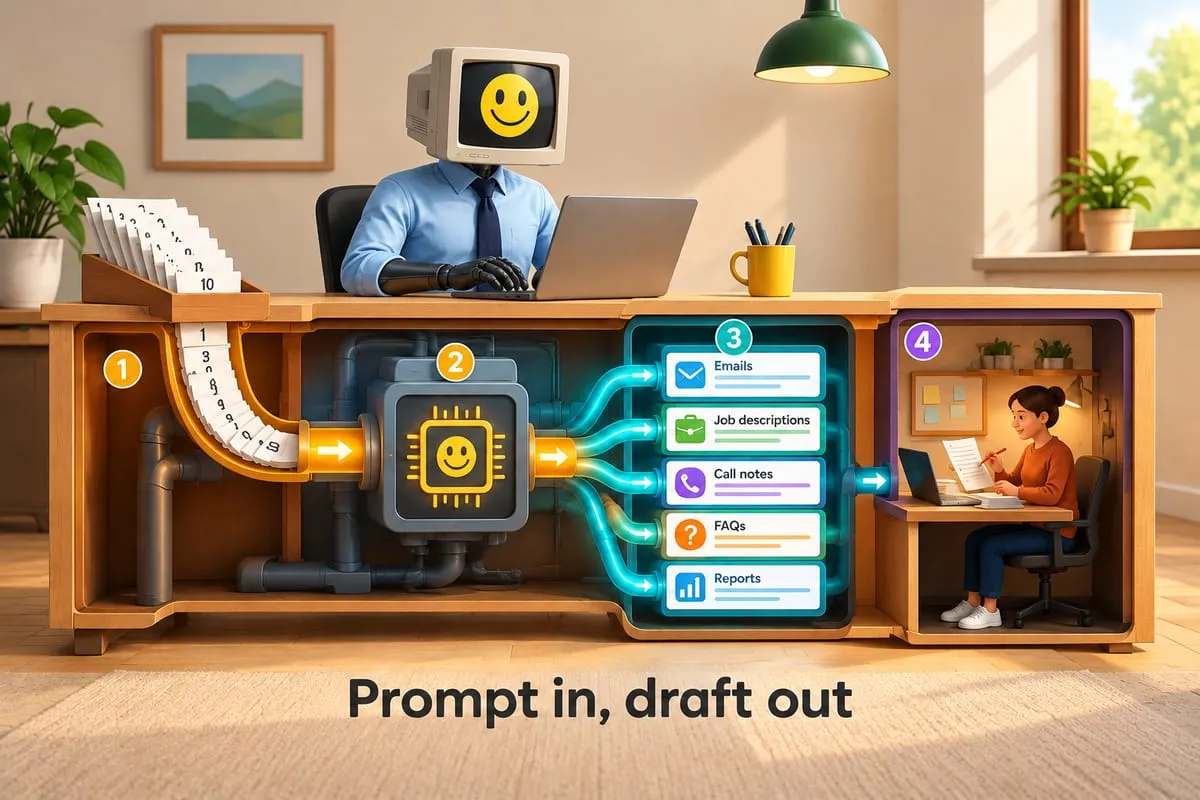
One afternoon, their office manager opened ChatGPT, pasted in the property details, and asked it to write a description in their brokerage’s style. Four minutes later, she had a draft better than what they’d been spending 45 minutes on.
No expensive software. No consultants. No six-month plan. Just one person, one real problem, and a free tool.
Within a month, the whole office was using it. That boring first project opened every door that followed.
Pick the right first project (hint: it’s not your most important one)
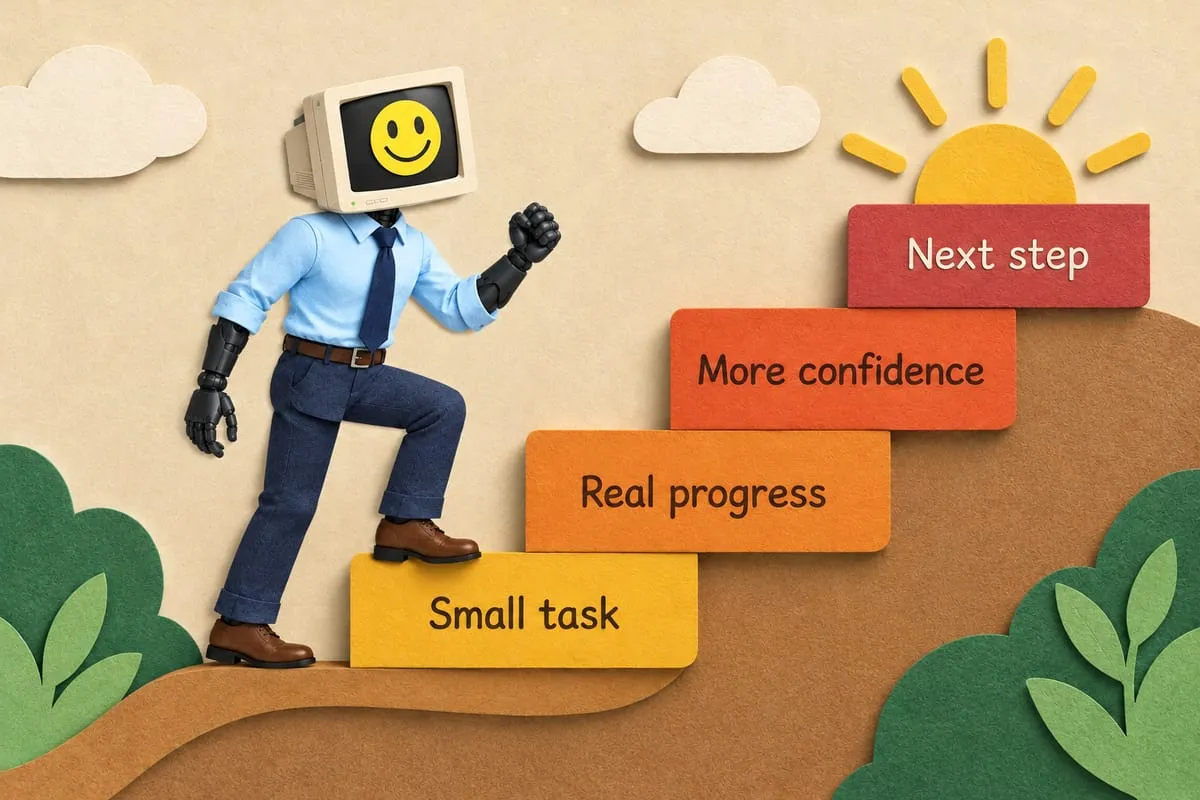
Your first AI project should be boring. Low risk. If it fails completely, nobody notices. If it works, people go, “What else can it do?”
It’s repetitive. Same type of task, done the same way, over and over.
It has a clear before and after. “This used to take 45 minutes. Now it takes 5.”
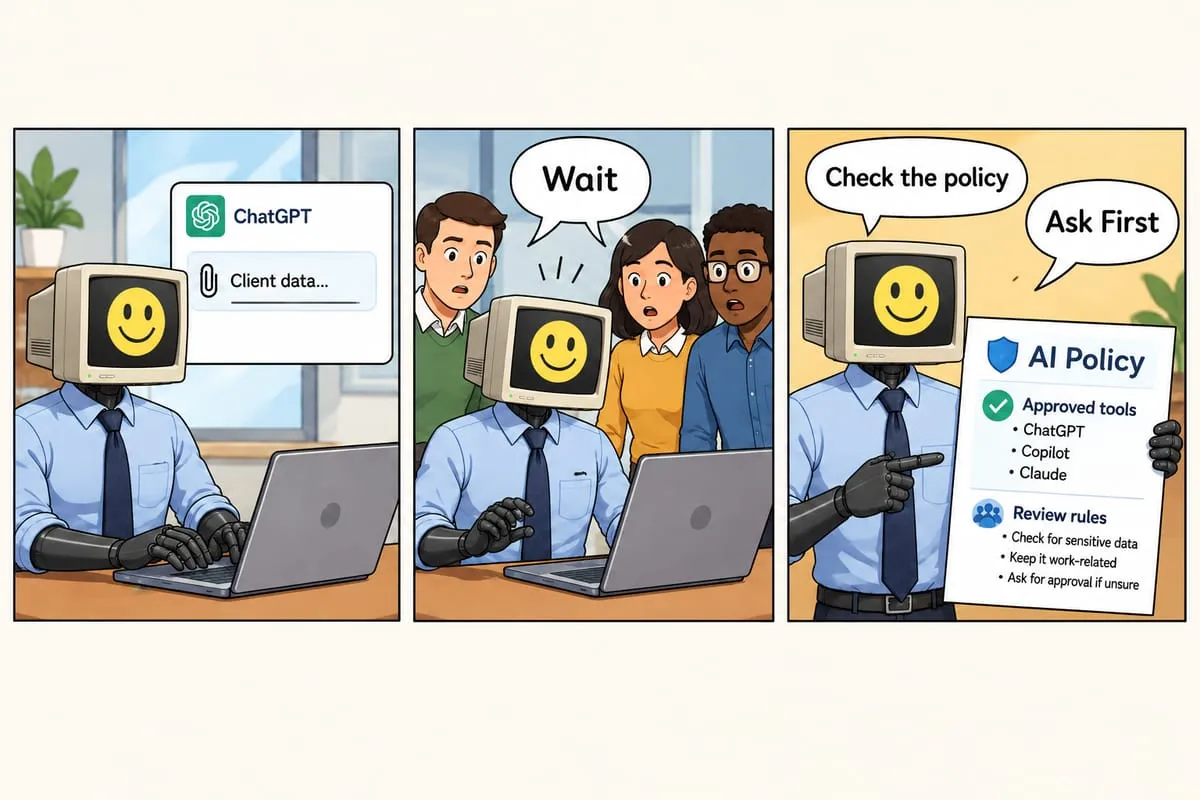
It doesn’t involve sensitive client data. Not for your first one. Start with internal stuff. Once you’re comfortable with the data privacy implications, expand.
It’s not mission-critical. If this breaks, your business doesn’t stop.
A distributor I work with started by using AI to draft purchase order confirmations. Boring? Absolutely. But it freed up 6 hours a week and gave the operations manager confidence to pitch a much larger project to leadership.
The 30-day plan
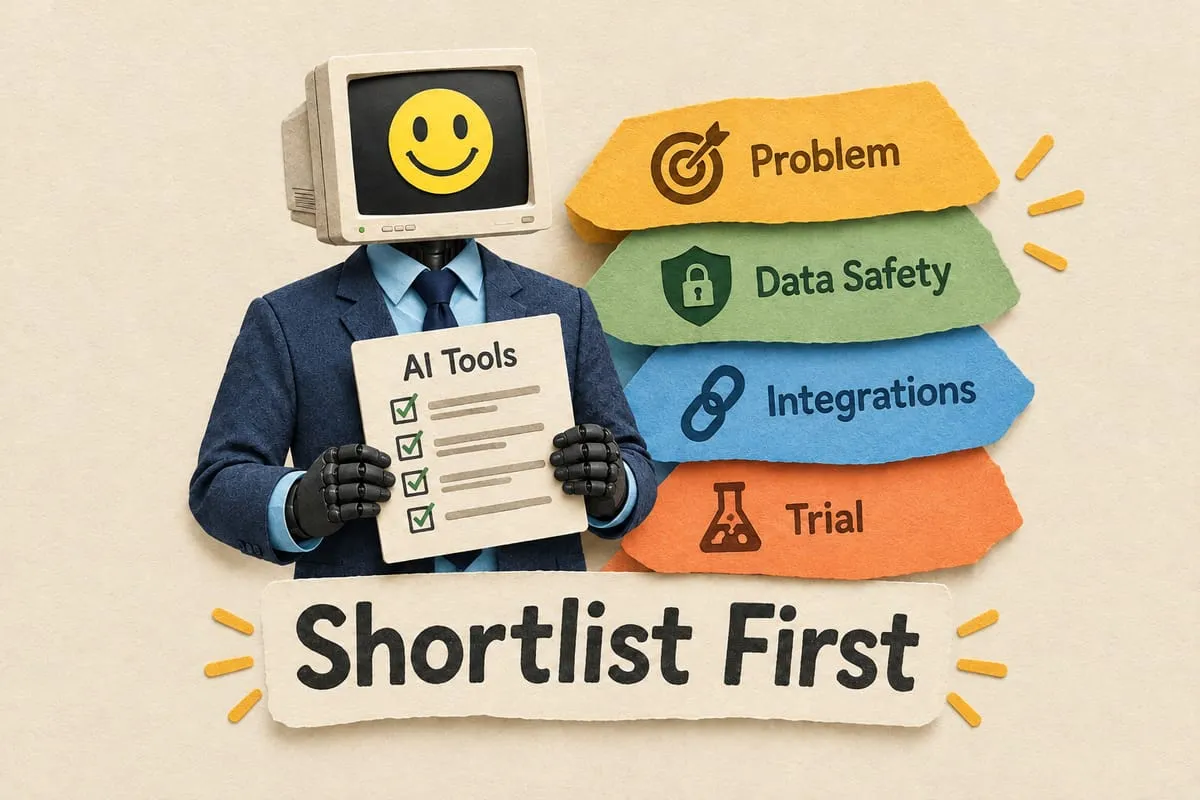
Week 1: Pick one problem. Write it down.
Not three problems. One. Walk through your week and find a task that eats time without creating value. Then write this sentence:
“We spend ___ hours per week doing ___ manually.”
That’s your project brief. “We spend 8 hours per week writing order confirmations.” “We spend 5 hours reformatting supplier price lists.” If you can’t fill in the blanks, keep looking.
Week 2: Test it with free tools.
Don’t buy anything. Go to ChatGPT or Claude. Take a real task and try it. Give good context. (Our prompting guide gets you there in 10 minutes.)
Did it help? How much time did it save? Was the output usable or did it need heavy editing? Try it on 5-10 real tasks during the week.
Week 3: Measure the results.
Compare old way vs. new way. How many minutes before? How many now? Quality difference? Did the AI need minor edits or a complete rewrite? What did your team think?
Write the numbers down. You’ll need them.
Week 4: Decide what’s next.
Scale it. Results are good, team likes it. Make it standard. Consider whether a paid tier would make it better.
Tweak it. Sort of worked but needs refining. Adjust prompts, try a different tool, give it another week.
Pivot. Didn’t work for this task. That’s fine. You spent zero dollars and learned something. Pick a different task, go back to Week 1.
Getting your team on board
Don’t spring AI on people with “we’re doing this now” energy. That backfires.
People resist what they don’t understand, and they really resist what feels like it might replace them. Instead: show them what it does, let them try it, ask for their input on what’s repetitive and annoying.
The real estate office manager didn’t mandate anything. She showed one agent. He said, “Wait, can it do that for my listings?” By the end of the week, everyone was using it. Nobody felt threatened. They felt helped.
A law firm took a similar approach. One associate started using AI to summarize case research — briefs in minutes instead of hours. Other lawyers saw her results and asked her to show them how.
The mistakes that derail first projects
Starting with the hardest process. Your multi-step, exception-heavy, cross-department workflow is not a first project. It’s a fifth project.
Automating everything at once. One task. One process. One win at a time.
Not measuring the before state. If you don’t know how long the old way took, you can’t prove the new way is better.
Buying expensive tools before proving the concept. The free tier exists for exactly this reason.
DIY vs. calling for help
DIY: Individual task assistance. Using ChatGPT to draft emails, summarize documents, brainstorm. One person, one tool, one task. That’s what your 30-day plan is for.
Time for help: When AI needs to connect to your actual business systems. When the workflow spans multiple apps — CRM talks to accounting software, triggers an email, updates a spreadsheet, notifies your team. That’s integration, data flows, and error handling. That’s when you need someone who builds this stuff.
More on readiness: 5 stages of AI readiness and is your business ready for automation?
You know enough. Start.
Pick one task this week. Write down how long it takes. Open a free AI tool and try it. You don’t need permission, a budget, or a strategy deck. You need 20 minutes and a willingness to try.
The businesses that get the most out of AI aren’t the ones that planned the longest. They’re the ones that started.
This is Part 8 — the final post — in our AI for Business Owners series. If you’re just finding this, start with Part 1: What Is AI, Really?.
Ready to go beyond your first project?
Your first project is yours to own. When individual AI tasks become connected business workflows — that’s where the real value lives, and that’s what we build. Let’s talk.