How to Choose the Right AI Tool for Your Business (Without Getting Sold Something You Don't Need)
A simple framework for evaluating AI tools so you buy what you need, skip what you don't, and never get talked into expensive software that overpromises.

There are over 15,000 AI tools on the market. Every vendor promises to “transform your business.” And here you are, trying to figure out which one you actually need.
Maybe you’ve already been burned — signed up for something that sounded incredible in the demo, used it twice, and now it’s a $200/month line item nobody touches. Or maybe you’re drowning in comparison articles that all read like ads.
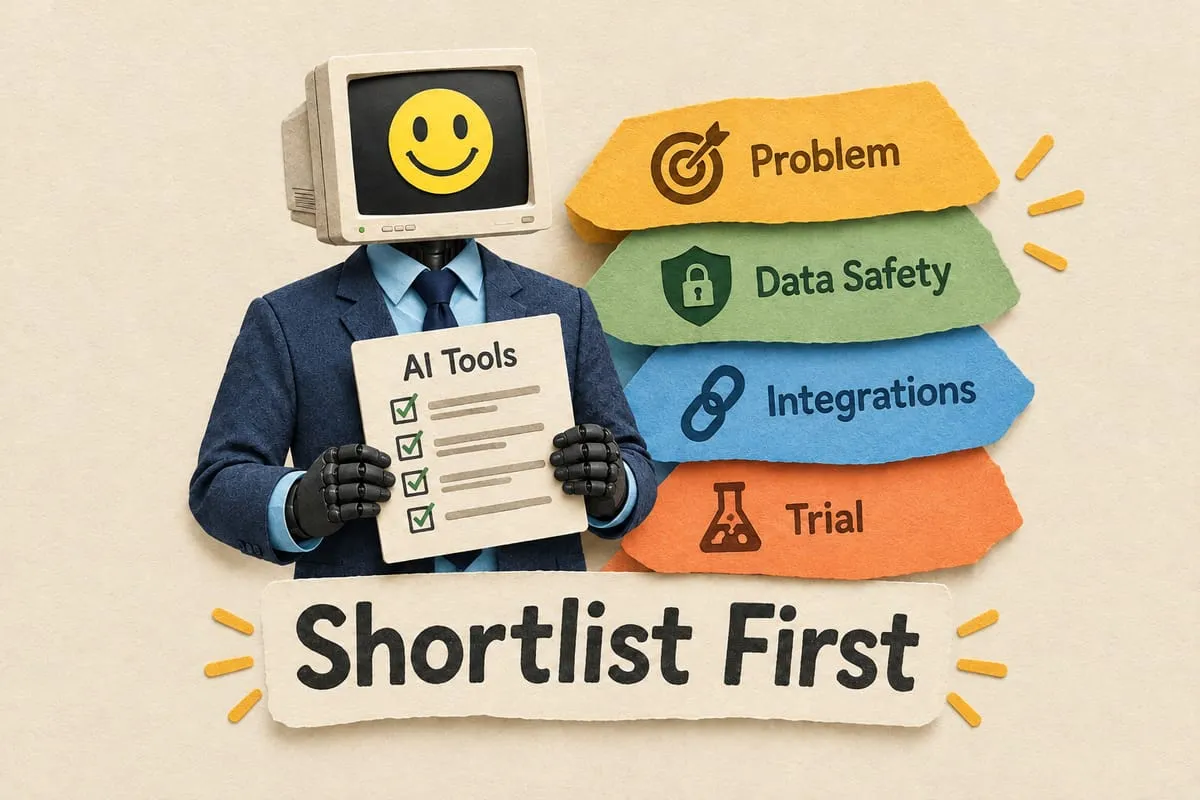
Here’s a framework you can actually remember. Four questions. No spreadsheet required.
Start with your problem, not the tool
I wrote a whole post about this: Don’t Buy AI. Solve Your Business Problem Instead. It’s the most important thing I can tell you.
Before you look at a single product, write down what you’re trying to fix:
- “It takes us 3 hours to draft responses to RFPs.”
- “Our bookkeeper spends 10 hours a week entering invoices from PDFs.”
- “We lose leads because nobody follows up within 24 hours.”
Those are problems. Then ask: “Does this tool solve this specific thing?” If not, move on.
When free is genuinely enough
For a lot of individual tasks, free ChatGPT is genuinely good enough. Drafting emails, summarizing notes, rewriting job postings — free handles all of it.
I’ve seen a 5-person accounting firm spend $4,800/year on an “AI writing assistant” when ChatGPT free covered 90% of what they used it for. That’s not a tech mistake. Someone sold them something they didn’t need.
Paid makes sense when you need more volume, API access, team accounts, or proper data governance. The question isn’t “is paid better?” It’s always better. The question is whether “better” justifies the cost for how you’ll actually use it.
Where does your data go?
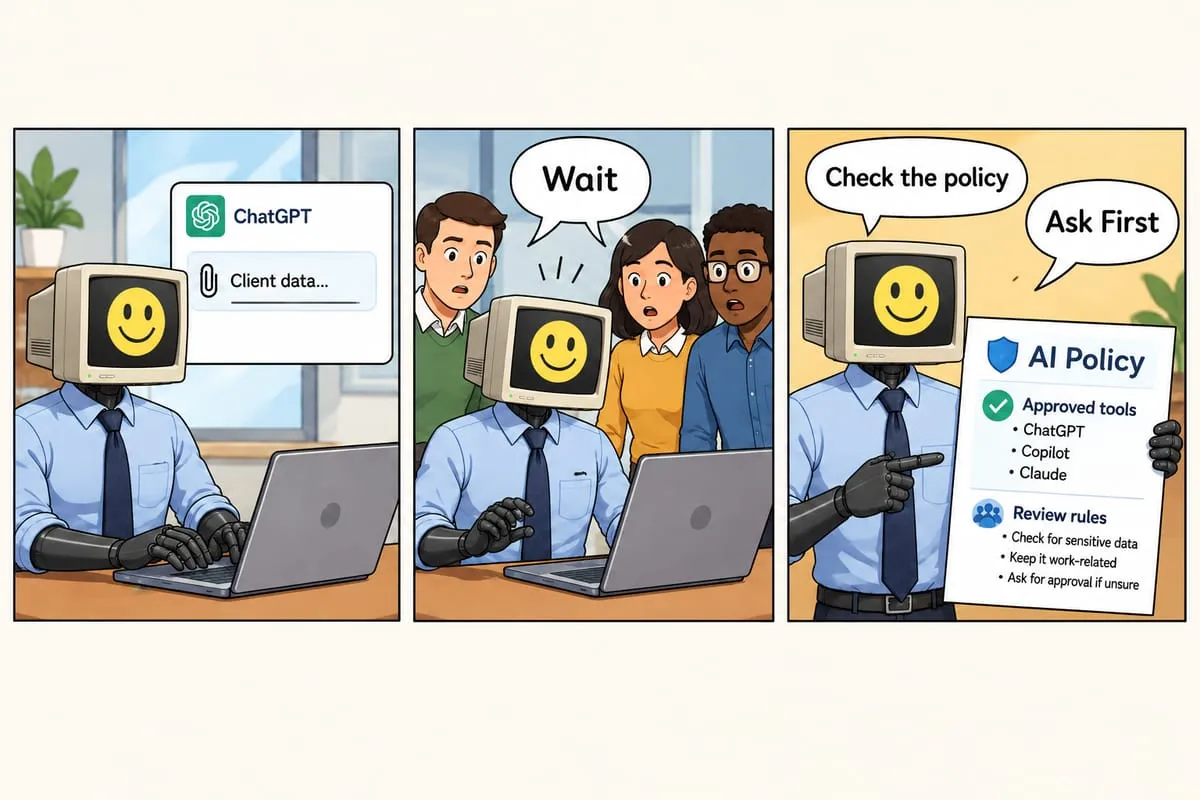
Most free tiers use your conversations to train the model. If you paste in a client contract or financial data, it could influence future responses. For brainstorming, fine. For client data, real problem.
Check: Does the free tier train on your data? Does the paid tier have different policies? (Usually yes — ChatGPT Team/Enterprise and Claude Pro/Team don’t train on your conversations.) Where is data stored? If you’re Canadian and handling Canadian client data, this might be a compliance issue.
Read the “how we use your data” page before committing. If you can’t find one, that’s your first red flag.
Does it connect to what you already use?
A tool that works great in isolation but doesn’t connect to your accounting software, CRM, or email creates more work, not less.
If you buy an AI that drafts perfect follow-up emails but you still manually copy each one into Outlook, find the right contact, and paste it in — you haven’t saved much time.
Sometimes a simple automation between your CRM and email platform does more than a new AI tool. More on this in how to choose an automation partner.
Run a real pilot
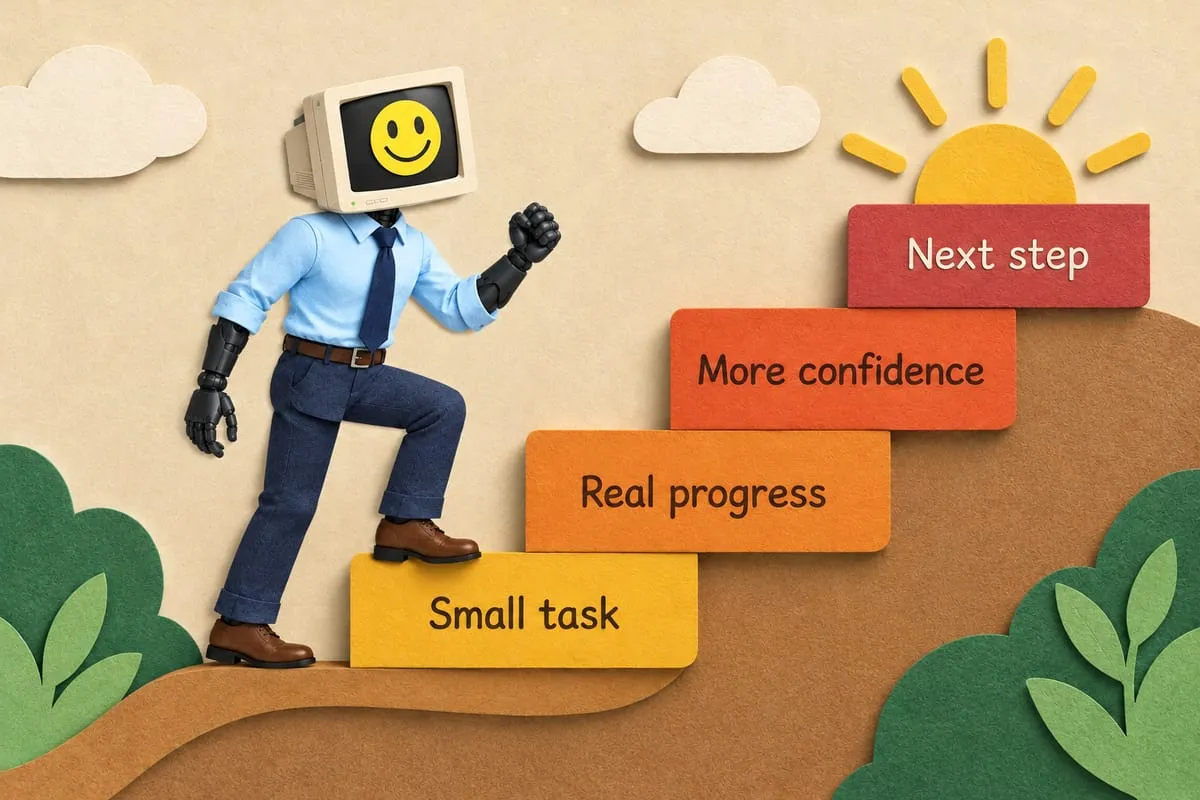
Don’t evaluate AI by reading about it. Use it on a real task for two weeks.
Pick one specific, repeatable task. Use the tool every time for two weeks. Track time with vs. without. Note where it works and where it doesn’t.
One client tested an AI tool for customer responses — saved 45 minutes a day across the team. Worth $50/month. Another tested an “AI scheduling assistant” that was slower than Calendly, which they already had. Cancelled.
The pilot tells you the truth. The demo tells you a story.
Red flags
“AI-powered everything.” If every feature is AI-powered, it’s a marketing term, not a technology. Real AI does specific things well.
No clear pricing. “Contact us for a quote” on standard SaaS usually means the price depends on how much they think you’ll pay.
Won’t explain how it works. You don’t need a PhD explanation. But if “how does this work?” gets buzzwords instead of a clear answer, walk away.
10x promises. Any tool promising to make you ten times more productive is selling hype. A 20% time saving on a daily task is genuinely valuable.
No trial. If they won’t let you try before buying, ask yourself why.
More on this in Good Bots vs Bad Bots.
Build vs. buy
Start with off-the-shelf. ChatGPT, Claude, Copilot, Notion AI — cheap, proven, works for most common tasks.
But sometimes off-the-shelf doesn’t cut it. A client bought an expensive “AI-powered” CRM add-on that claimed to prioritize leads. In practice? Basic keyword matching — scanning for “urgent” or “quote” and tagging them. That’s a filter rule you could build in Outlook in five minutes. They were paying $350/month for it.
You need custom when: the task is specific to your business, you need AI connecting multiple internal systems, or data requires specialized handling. Custom costs more upfront but solves your actual problem.
The four-question framework
1. What problem am I solving? Can’t name it specifically? You’re not ready to buy.
2. Is my data safe? Check privacy policy. If it involves client data, use business-tier.
3. Does it work with what I already have? No integration = factor in manual work.
4. Have I tested it for real? Two weeks. One task. Actual measurement.
Those four questions save you from 90% of bad AI purchases.
This is Part 7 of our AI for Business Owners series.
If you’d rather not navigate this alone — we help businesses evaluate and implement the right AI tools. Not the most expensive ones. Let’s talk.