How AI Reads Your Purchase Orders (And Why It's Better Than You Think)
You spend 10 minutes per purchase order, manually typing data your computer is already looking at. Here's how AI document extraction changes that.

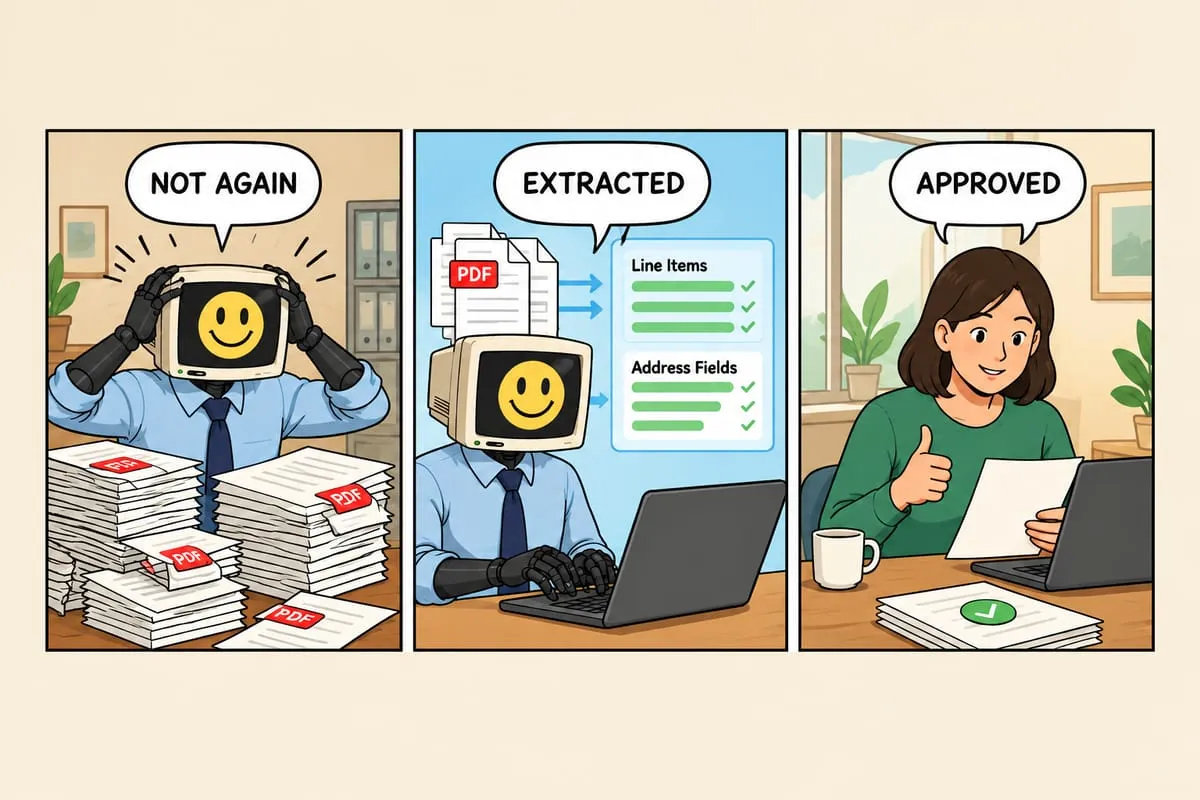
You spend 10 minutes per purchase order, manually typing the same information your computer is already looking at. Here’s how AI changes that.
Purchase orders arrive as PDF email attachments. Every customer uses a different format. Someone has to open each one, read through it, find the item codes, quantities, prices, customer details, shipping address, and PO number, then type all of that into your system. It takes 5 to 15 minutes per PO depending on complexity. It’s mind-numbing work. And it’s completely unnecessary.
How AI Purchase Order Processing Actually Works
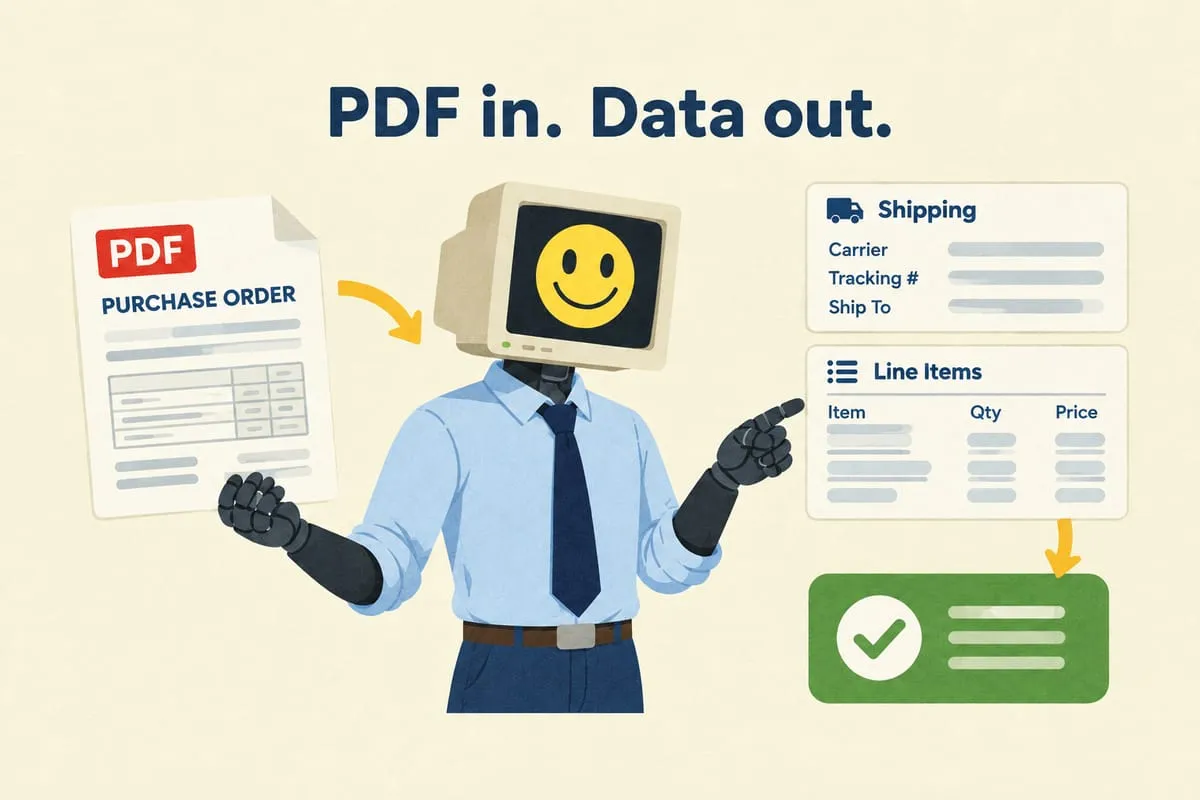
Modern AI doesn’t “read” a PDF the way you do. It doesn’t scan left to right, line by line. Instead, it looks at the entire document, understands the structure (headers, tables, line items, addresses, totals), and pulls out the specific data points it’s been told to find.
This is fundamentally different from old-school OCR (optical character recognition). OCR tried to read text character by character. It needed templates for every document format. If a table shifted by a few pixels, it broke.
AI extraction understands context. A purchase order from a school board in Toronto looks completely different from one sent by a university in Vancouver. Different layouts, different fonts, different table structures. But the AI understands that both contain item codes, quantities, a shipping address, and a PO number. It finds the data by understanding what it means, not by looking in a fixed location.
Accuracy in the Real World
In our experience, accuracy on clean, well-formatted purchase orders is typically 90% or higher. That means for a PO with 20 line items, the AI correctly extracts 18 or more of them without any human help.
On messy, poorly scanned, or handwritten POs, accuracy drops. This is exactly why the human review step exists. The AI does the heavy lifting, extracting 15 line items from a complex PO in 2 seconds instead of 10 minutes manually. The human does the quality check, scanning the extracted data, confirming it looks right, and fixing the occasional mistake.
The net result is still dramatically faster than doing everything by hand. Instead of 10 minutes of typing per PO, you spend 30 seconds reviewing and clicking approve.
The Confidence Score
The AI doesn’t just extract data. It tells you how confident it is about each piece.
“I’m 98% sure this SKU is GDX-HD.” That one auto-processes. “I’m 72% sure this quantity is 8. It might be 3.” That one gets flagged for human review.
Low-confidence items are highlighted in the review interface so you know exactly where to focus your attention. High-confidence items can eventually auto-process once you’re comfortable with the system’s track record. Read more: How to Set Up Human Approval Steps in Business Automation
This is how the system gets better over time without taking risks. You start by reviewing everything. After a month of seeing 95% accuracy, you let the high-confidence items flow through. After three months, you’re only reviewing the exceptions.
What AI Extraction Can’t Do
Honesty matters here. If a purchase order is a photo of a handwritten note taken in bad lighting, the AI will struggle. If the PO references product descriptions that don’t match anything in your catalogue (the customer uses their own internal product names instead of your SKUs), the AI can extract the text but can’t match it to your products without help.
These edge cases still need a human. But they represent 5 to 10% of volume, not 100%. The goal isn’t to eliminate human involvement entirely. It’s to redirect human attention from routine data entry to the cases that actually need judgment.
The Compound Effect
Every purchase order the system processes successfully adds to its track record. In the engagements we’ve seen, after several hundred POs the system has typically encountered most of the common formats from your customer base and handles them reliably. Over time, it starts catching patterns a human might miss, like a customer that always puts their PO number in a non-standard location, or uses a slightly different product code for the same item.
This doesn’t mean the AI is “learning” in real time (it’s not retraining itself on your data). It means the extraction rules and confidence thresholds get tuned based on real performance data, making the system progressively more reliable.
Beyond Extraction
Extraction is step one. The real value is what happens after the data is pulled from the PDF.
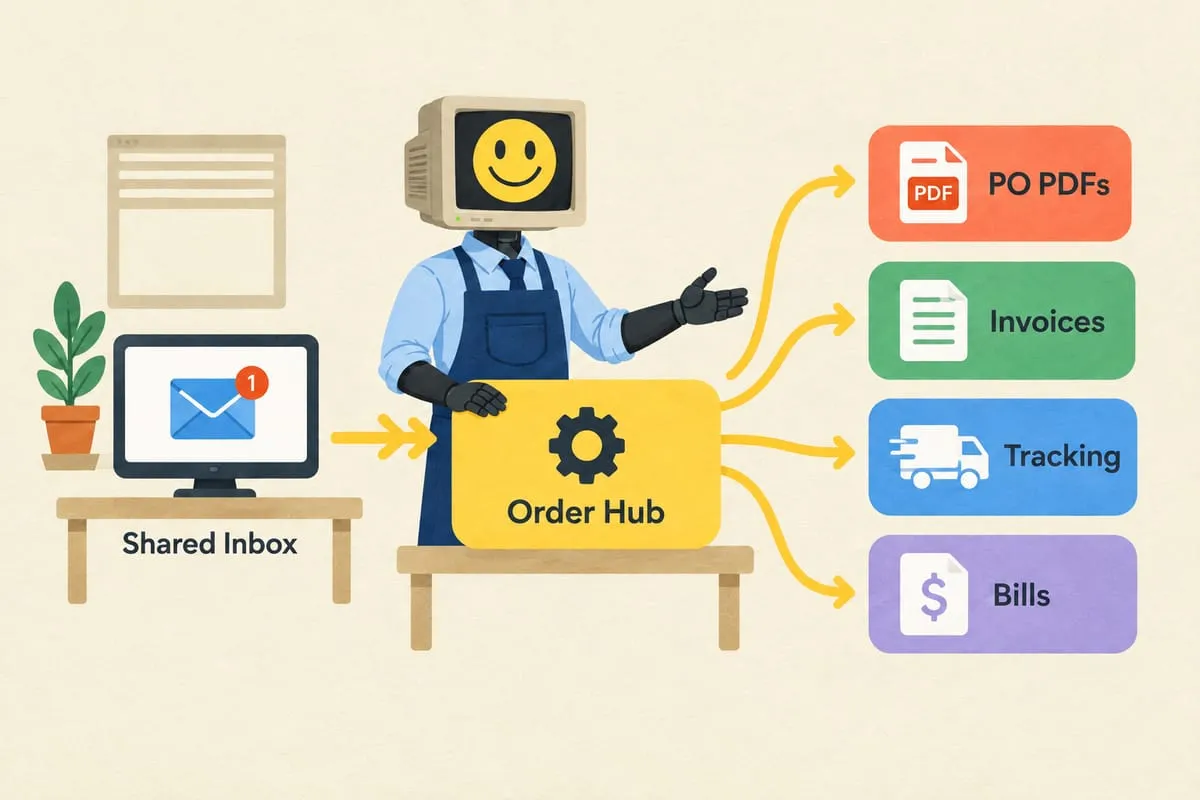
The extracted data flows into your order management system. It creates invoices in QuickBooks Online. It places orders with your supplier. It sends confirmation emails to your customers. All without manual intervention on the happy path.
That’s the difference between a simple OCR tool and a complete automation. The extraction is the front door. The workflow behind it is where the time savings really add up. Read more: What Automation Looks Like for a 3-Person Distribution Business
If you’re processing purchase orders manually and want to see what AI extraction could do for your specific document formats, book a discovery call. We can usually assess accuracy on your actual POs within the first session.