How to Process PDF Purchase Orders Without Retyping Everything
Tired of manually entering purchase orders from PDF emails? AI extraction can read your POs and pull the data automatically.

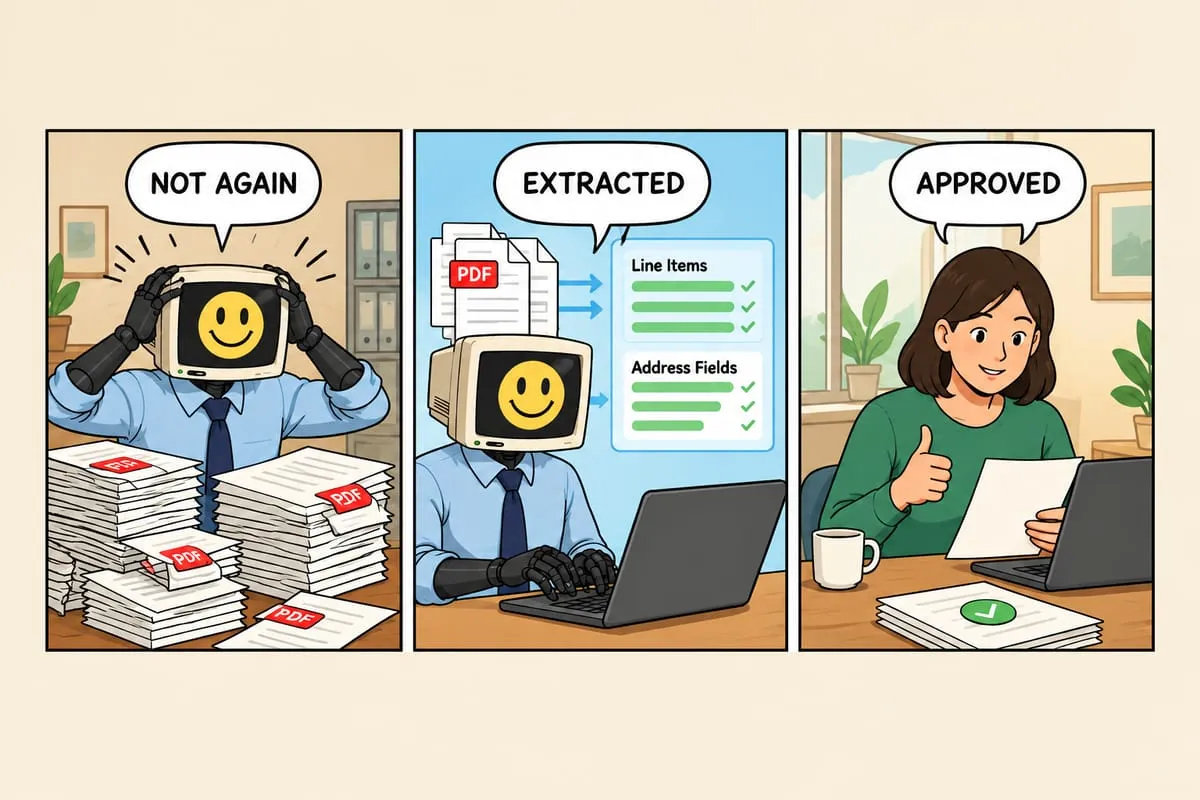
You’re spending 5 to 15 minutes on every purchase order. Open the PDF, find the line items, type everything into your system, double-check it, move on to the next one. Multiply that by 30 or 50 orders a week and you’ve lost an entire day to data entry.
Here’s the quick version of how to stop doing that.
What AI Extraction Does
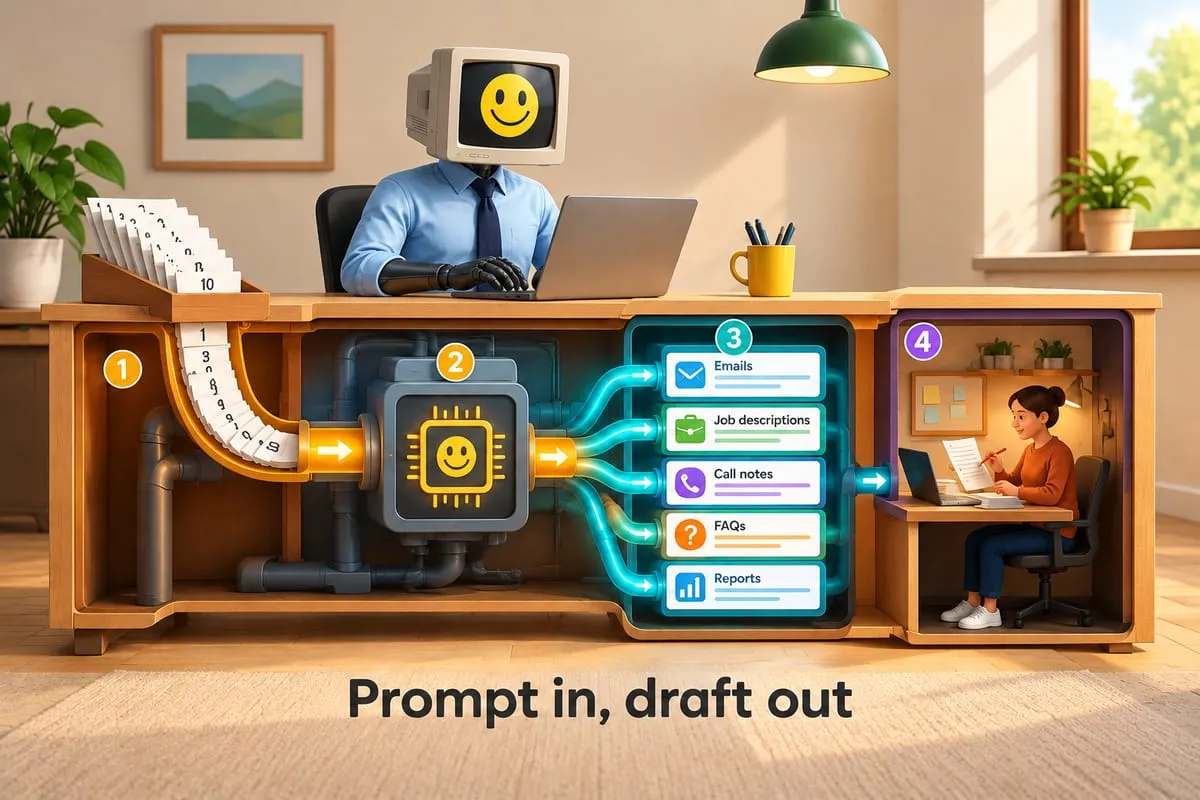
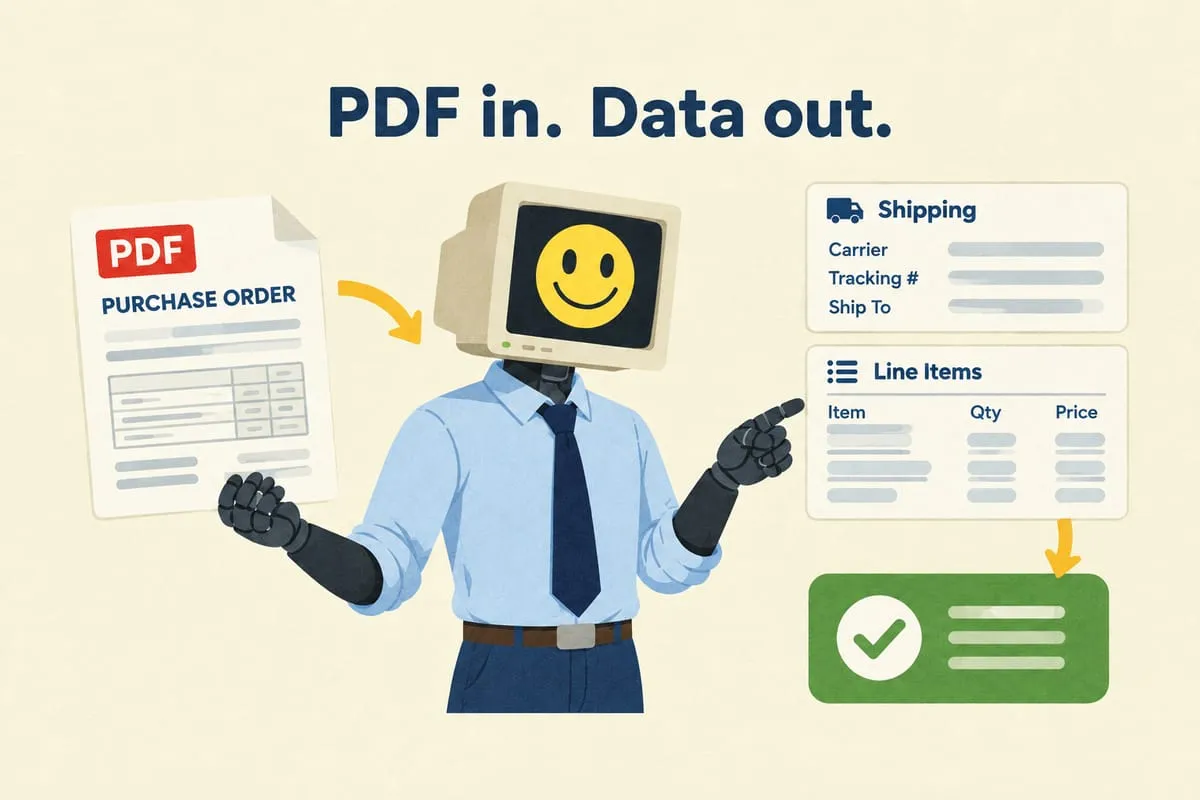
AI models can “read” PDFs and extract structured data from them. This isn’t the old-school OCR that tried to read text character by character and failed on anything that wasn’t perfectly formatted.
Modern AI understands document structure. It recognizes tables, headers, line items, addresses, and totals. It can handle hundreds of different PO formats without needing custom templates for each one. A PO from a school board in Ontario and a PO from a university in British Columbia look completely different, but the AI understands that both contain item codes, quantities, and a shipping address.
How Accurate Is It?
On clean, well-formatted documents, expect 90 to 95% accuracy or higher. On handwritten or very messy documents, accuracy drops.
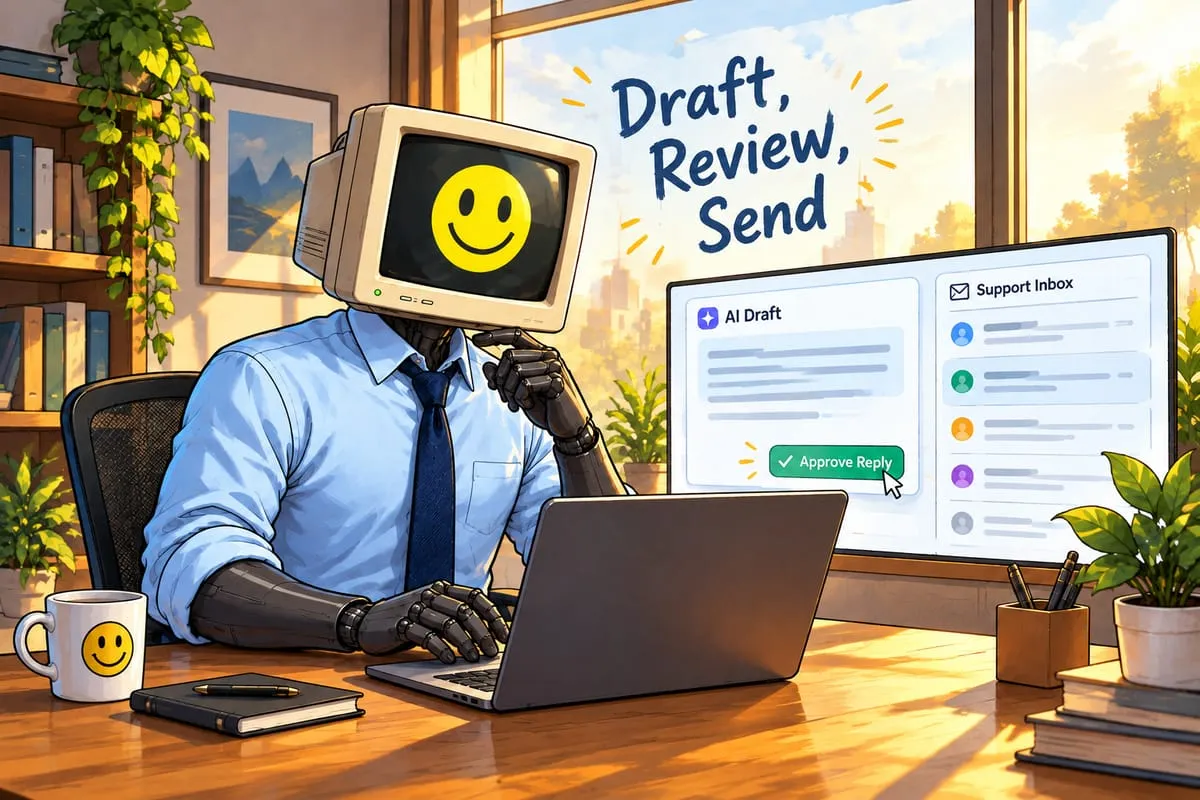
This is why the process includes a human review step. The AI extracts the data in seconds. You review it on screen, confirm it looks right, and approve. If something is off, you correct it. The net time savings compared to typing everything from scratch is significant, even with the review step.
Think of it as the difference between typing a 20-line order from a PDF versus scanning a pre-filled form and fixing one or two fields. The second approach is dramatically faster.
What You Need to Make It Work
Digital PDFs. The POs need to be actual digital documents, not photos of paper taken with a phone camera. Most POs sent by email are already digital, so this is rarely an issue.
A product catalogue to match against. When the AI extracts a SKU like “GDX-HD,” your system needs to know what that is, what it costs, and what the sell price is. The product catalogue is what turns extracted text into actionable order data.
A review and approval interface. You need somewhere to see the extracted data, compare it against the original PDF, and approve or correct it before it processes. This is usually a simple web-based dashboard.
Error handling for when extraction fails. Some POs will be messy enough that the AI can’t extract them reliably. The system needs to know when to stop trying and send the PO to a human for manual processing instead of guessing badly.
The Bigger Picture
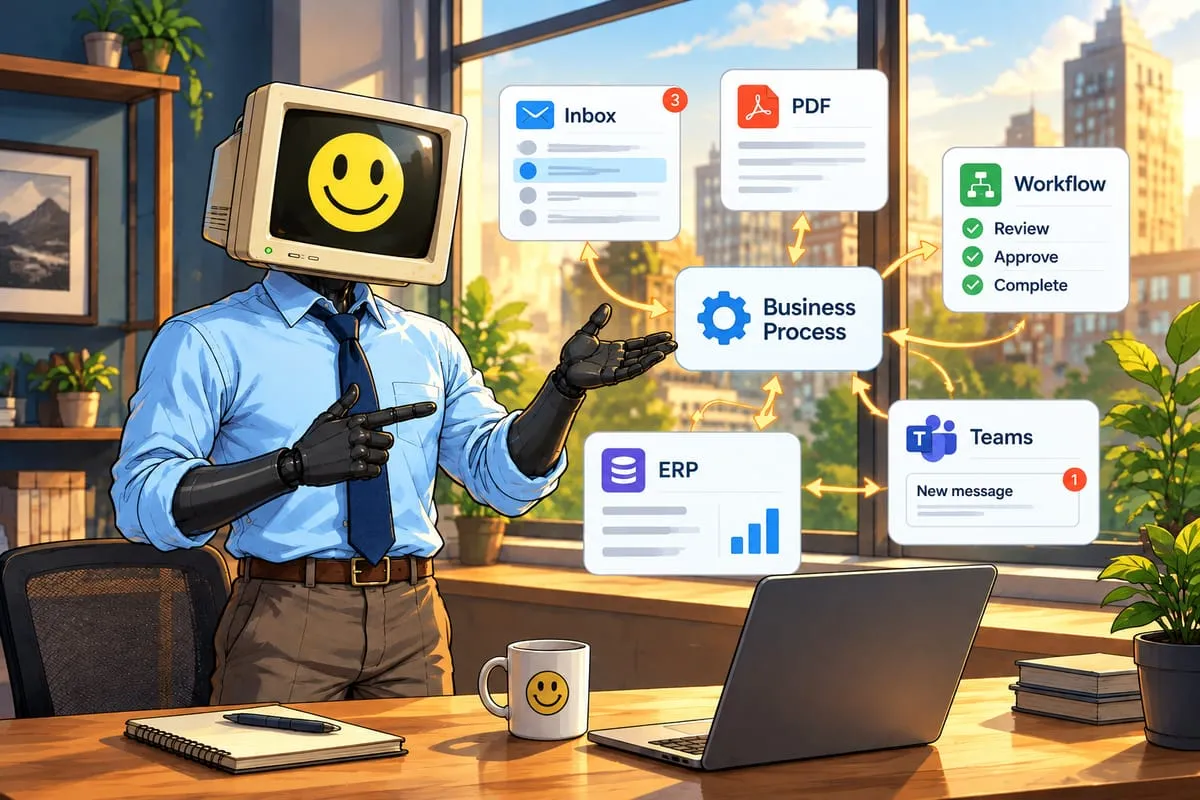
Extraction is step one. The real value comes when the extracted data flows directly into your downstream systems without manual intervention.
Instead of extracting the data and then manually entering it into QuickBooks, the automation creates the invoice automatically. Instead of emailing the supplier separately, the automation places the order in their portal. Instead of tracking fulfilment in a spreadsheet, the automation updates the order status when shipping confirmations arrive.
The PDF extraction is the front door to a much larger workflow. Read more: How AI Reads Your Purchase Orders (And Why It’s Better Than You Think)
On the supplier side, the same extraction-then-match pattern drives the whole accounts payable workflow automation process: incoming invoices get extracted, matched against these same purchase orders (three-way matching), routed for approval, and scheduled for payment — the PO data you capture here is exactly what makes that matching possible.
Is This Worth It for Your Business?
If you process fewer than 10 POs per week, the manual approach might still be manageable. If you process 50 or more, you’re spending a full day or more each week on pure data entry. That’s where automation pays for itself quickly.
The best way to find out is to test it on your actual documents. If you want to see how well AI extraction handles your specific PO formats, reach out and we’ll run a quick assessment.