How to Set Up Human Approval Steps in Business Automation
Good automation doesn't mean removing humans entirely. Here's how approval workflows keep you in control while the system handles the grunt work.

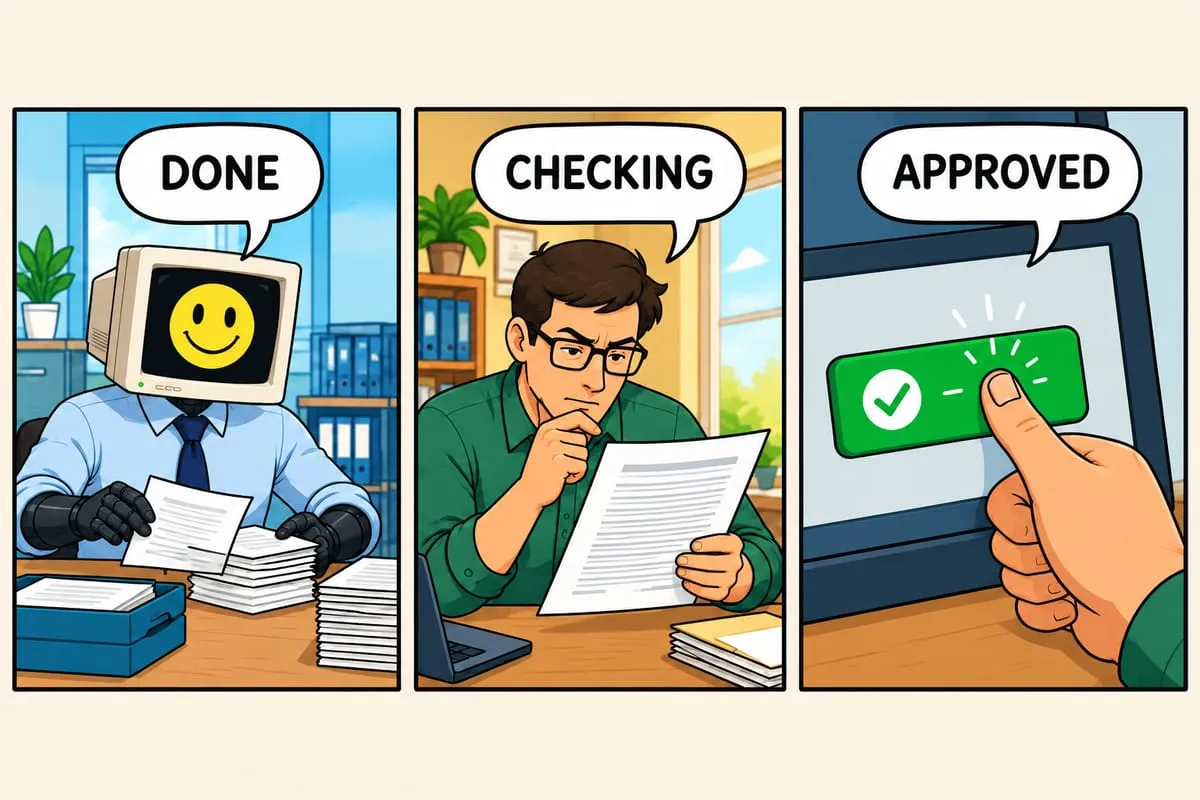
People think automation means “fully automatic, no human involved.” That’s the end state, maybe. But starting there is risky and unnecessary.
Good automation includes human approval steps. Here’s how they work and why they matter.
The False Dichotomy
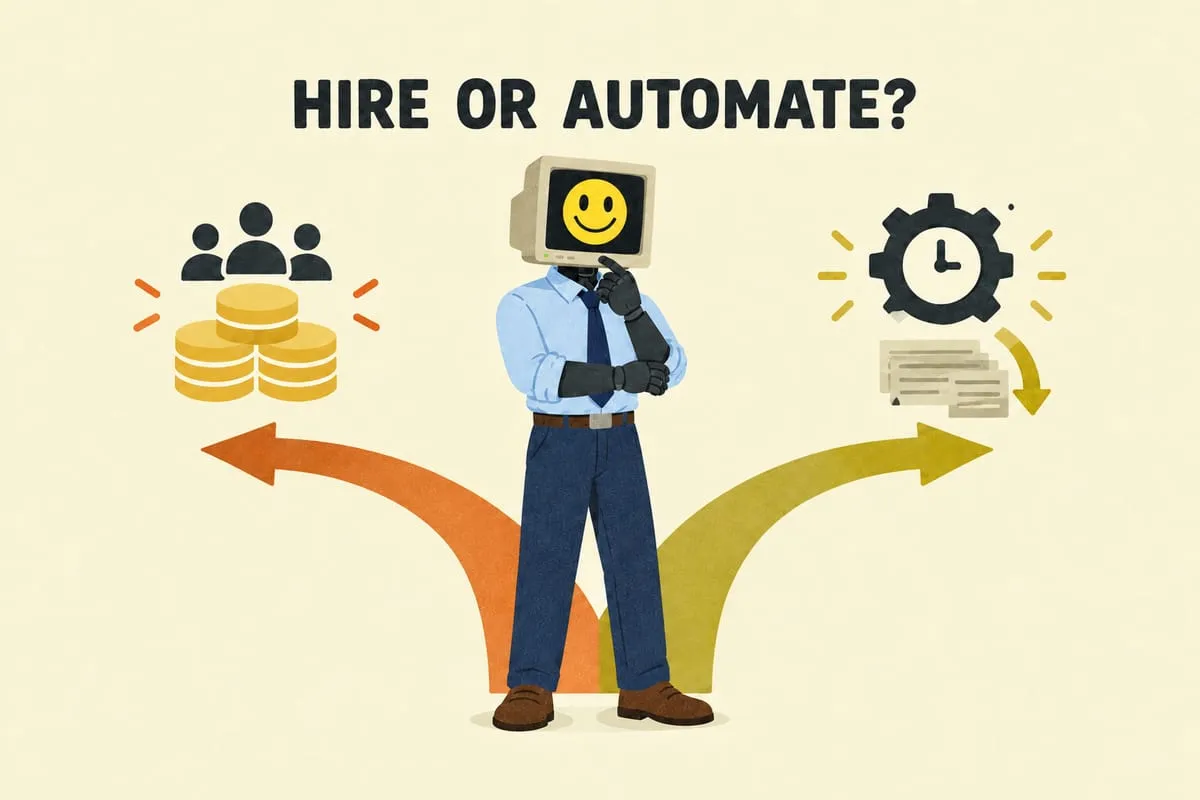
The conversation about automation often gets framed as all or nothing. Either a human does the work, or a machine does. In reality, the most effective automation sits somewhere in the middle — the system does the heavy lifting and a human makes the final call.
This is especially true for processes that touch your customers, your money, or your reputation. You want the speed and consistency of automation with the judgment and accountability of a person.
The Approval Options
There are several ways to keep humans in the loop. Which one you use depends on the stakes, the volume, and how comfortable you are with the system.
Full review. Every item goes through human approval before anything happens. The system prepares everything, and a person checks and approves it. This is how every new automation should start.
Smart routing. The system learns which items it handles well and which ones need a closer look. Straightforward items move through automatically. Anything unusual gets flagged for human review. You control how strict or relaxed this is.
Exception-only review. Everything processes automatically unless something looks off — an unusual amount, an unfamiliar customer, a quantity that doesn’t match the quote. Only the outliers need your attention.
Batch review. Instead of one-at-a-time, you review a group of items at once. Scan through, approve the ones that look right, flag anything that needs attention. Faster than individual review but still gives you oversight.
Formal signature as approval. For contracts, agreements, and anything with legal weight, the approval is the signature. That’s essentially a specialized approval workflow — sequential routing, parallel signing, and audit trails, all driven from the same data you already have in your other systems. It’s what our DocuSign integration layer handles alongside the rest of your automation.
What It Looks Like in Practice
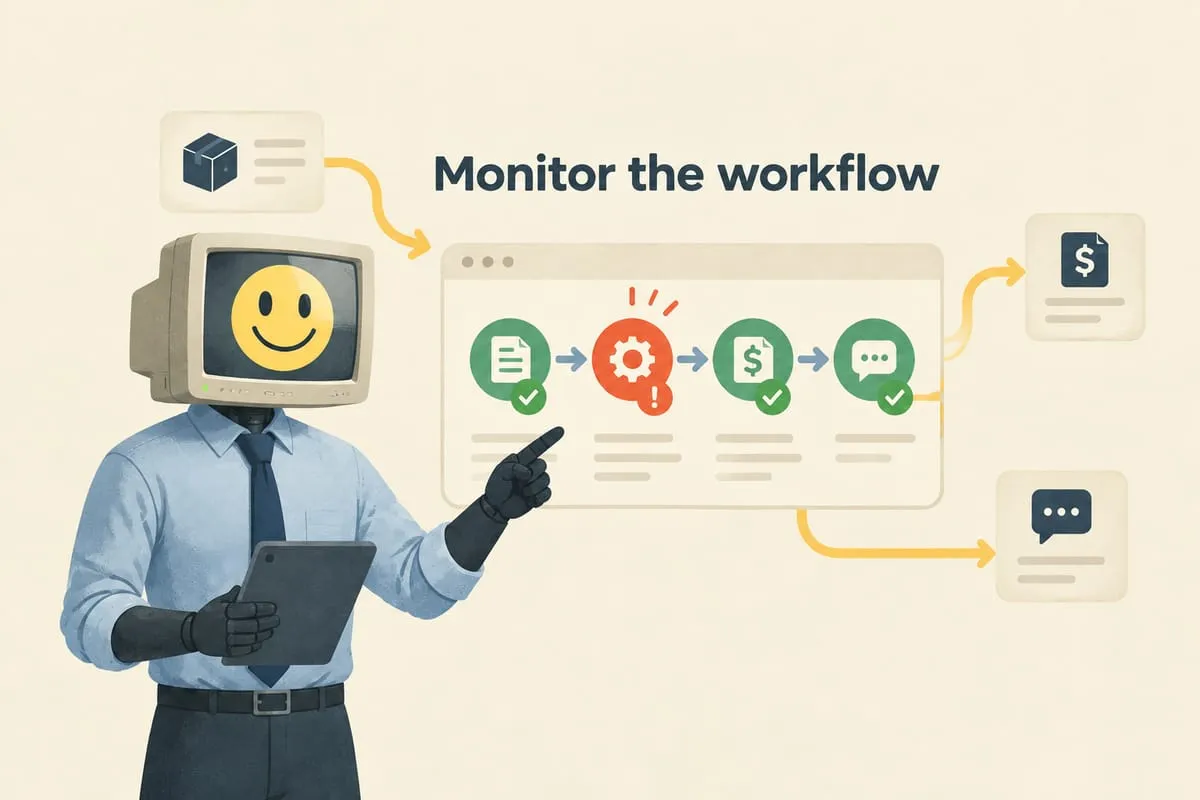
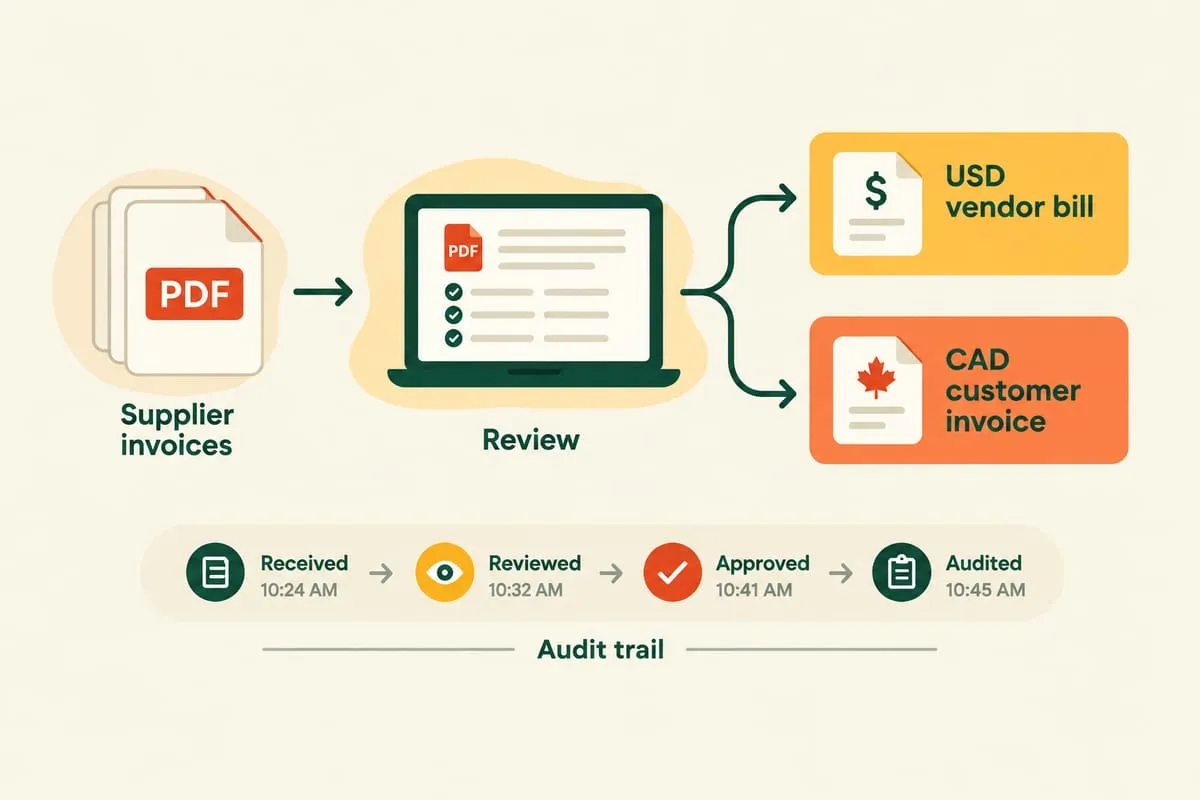
You get a review screen — a dashboard where the system’s output is shown alongside the original source. If data was extracted from a purchase order PDF, you see the extracted data next to the original document so you can verify at a glance.
For each item, you can approve it, edit something and then approve, or reject it for manual handling. Nothing moves forward without your say-so. That’s the key guarantee.
The Training Wheels Approach
Here’s how we roll this out with clients.
You start with full review — every item gets a human check. This builds confidence and catches anything the system needs to learn about your real-world data.
After a few weeks, you look at the numbers. If you’re approving most items without changes, it’s time to let the straightforward ones flow through automatically. The rest still come to you.
Over time, you keep expanding what the system handles on its own. You’re always in control of the pace. If something goes wrong, you can tighten things up instantly.
The destination isn’t necessarily 100% automation. Some businesses settle at 80% automatic with 20% human review, and that’s the right balance for them. The goal is to find the level of involvement that matches your comfort and your volume.
Why This Matters for Adoption
Even when the automation is nearly perfect, having the option to review gives business owners peace of mind. It’s not about the system being untrustworthy. It’s about feeling in control.
A business owner who can see and verify every output is going to expand its use. A business owner who feels like they’ve handed control to a black box is going to look for reasons to shut it down.
Transparency and control aren’t just nice-to-haves. They’re what make automation adoption stick. Read more: What Happens When the Automation Breaks? (Spoiler: We Already Know)
If you’re interested in automation but worried about losing control, let’s talk about how human-in-the-loop workflows would work for your business. The answer is almost always “you stay in control, and the automation handles the grunt work.”