3 Ways to Automate Your Shared Mailbox Without Losing Control
Your shared mailbox is overflowing. Here are 3 levels of automation, from simple sorting to full intake processing, without losing visibility.


Your shared mailbox is the operational hub of your business. Orders, inquiries, support requests, invoices, tracking emails, all landing in one inbox. When volume grows, things get missed.
Here are three levels of automation, from simple to comprehensive, to get your shared mailbox under control. Pick the level that matches your current needs.
Level 1: Rules and Folders
This one’s free and built into Microsoft 365 and Google Workspace.
Set up rules to auto-sort incoming emails by sender, subject keywords, or attachment type. Purchase orders go to a “POs” folder. Tracking emails go to a “Shipping” folder. Customer inquiries go to “Support.” Supplier communications go to “Vendors.”
This doesn’t process anything. It just organizes. But organization alone can make a significant difference when your team is scanning a single inbox for different types of emails mixed together.
The limitation: someone still has to open each folder and manually process every email. You’ve sorted the pile into smaller piles. You haven’t reduced the work.
Level 2: Classification and Notification
Connect the mailbox to an automation that classifies incoming emails using AI. Is this a quote request? A purchase order? A support question? A tracking update? A supplier invoice?
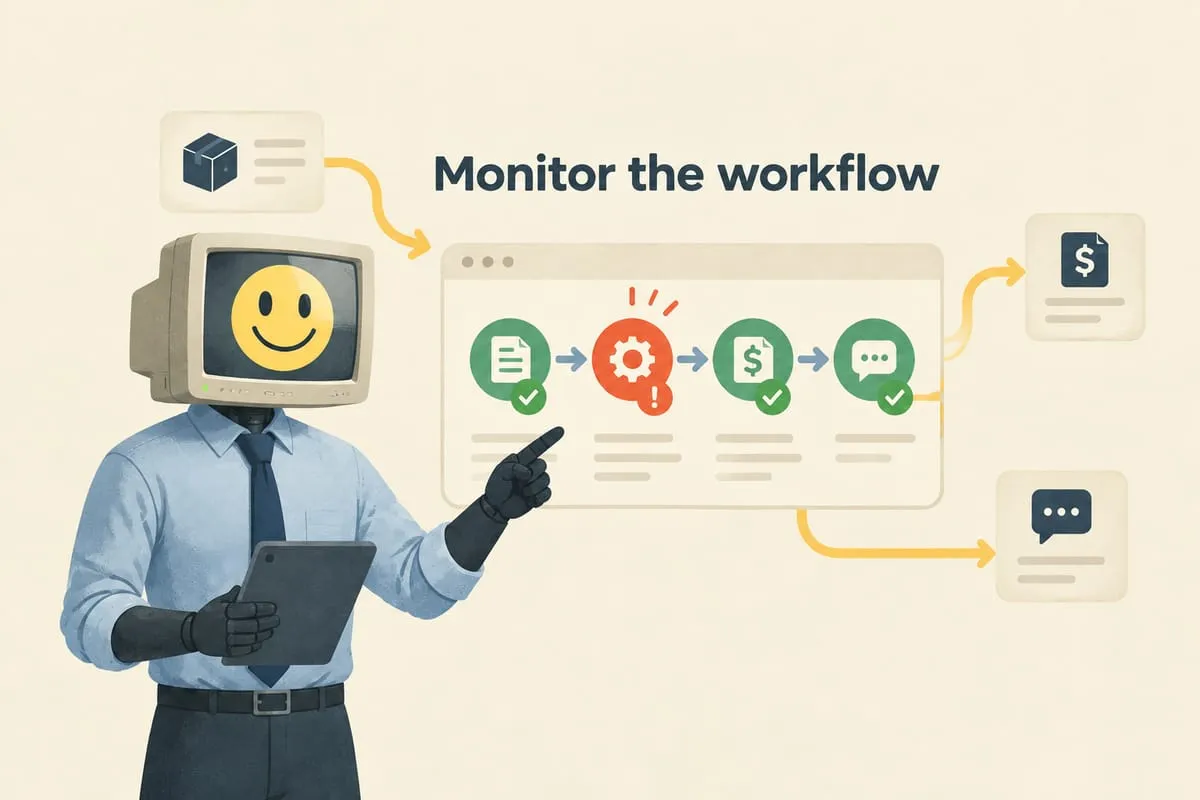
The system reads the email, determines what type it is, and sends an alert to the right person via Slack, Teams, or text message. “New PO from Toronto French School. Looks like 4 line items, estimated value $1,200.” “Tracking update for order #4521 from UPS.”
Now your team knows what’s waiting without manually checking the inbox. They can prioritise based on the classification: handle the urgent PO now, deal with the routine tracking update later.
This level requires connecting the mailbox API (M365 or Google) to an automation that reads email content and uses AI to classify it. It’s more involved than rules and folders, but the ROI is immediate for high-volume mailboxes.
Level 3: Full Intake Automation
This is where the real transformation happens.
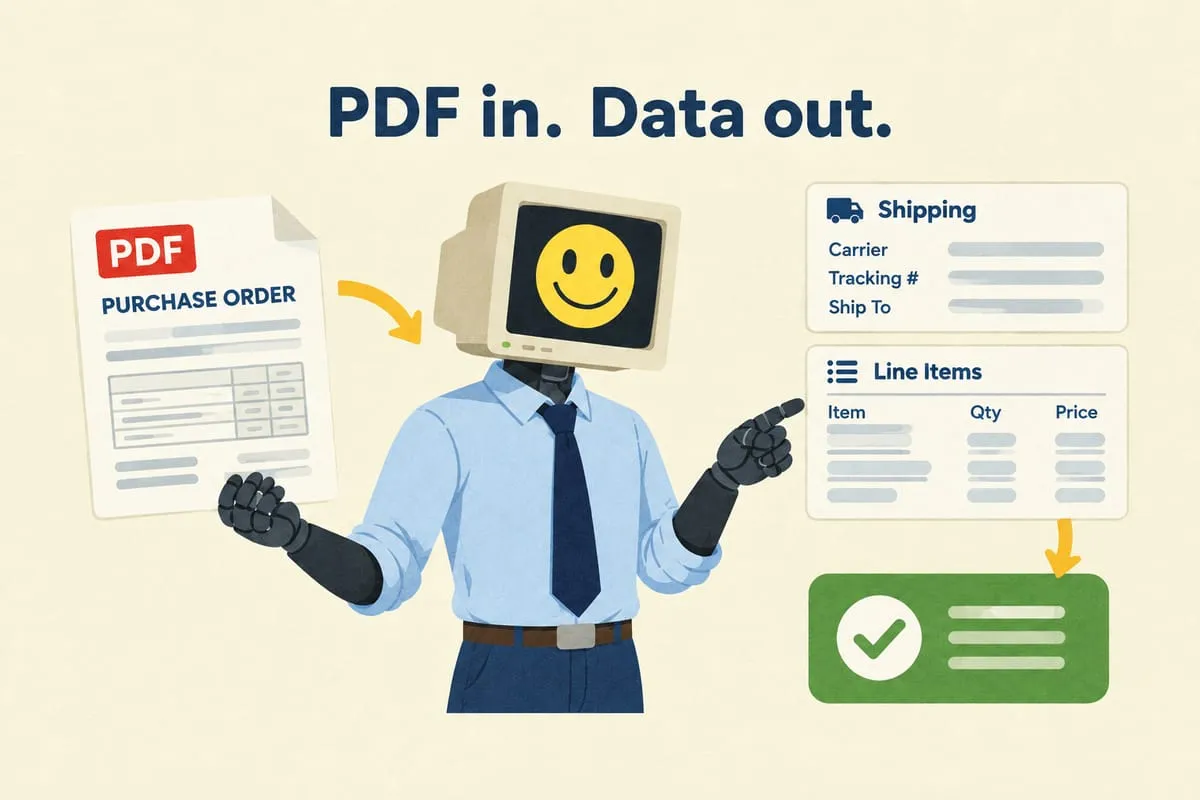
The system reads the email, extracts data from attachments (purchase orders, invoices, tracking confirmations), matches it to your product catalogue or customer records, creates records in your business systems, and presents everything in a review queue.
You don’t process email anymore. You process orders, quotes, and support tickets in a purpose-built app. The email is just the intake mechanism that feeds it. Read more: How AI Reads Your Purchase Orders (And Why It’s Better Than You Think)
A purchase order arrives by email. The system extracts the data, creates a draft order in your dashboard, and it’s ready for one-click approval. A tracking email arrives. The system matches it to the right order and updates the status automatically. A customer inquiry arrives. The system classifies it and creates a support ticket with the customer’s order history already attached.
The shared mailbox still receives everything. But your team works from the dashboard, not the inbox.
What About “Losing Control”?
This is the concern everyone has. “If automation is reading my emails, what if it messes something up? What if emails get deleted? What if I miss something important?”
Here’s the key: at every level, the mailbox itself is not changed or disrupted.
Level 1 uses rules that copy or move emails within the mailbox. Nothing leaves. Level 2 reads emails via API and sends notifications. The emails stay untouched. Level 3 reads emails via API, processes copies of the data, and presents results in a dashboard. The original emails remain in the inbox, untouched, exactly as they arrived.
If the automation stops working for any reason, the emails are still there. Your team can fall back to manual processing at any time. There’s no point of no return.
Which Level Is Right for You?
Level 1 if you have a small team (2 to 3 people) and moderate volume. Free, easy to set up, immediate benefit.
Level 2 if you have a larger team or high volume and need to route different email types to different people quickly. Moderate setup cost, significant time savings.
Level 3 if email processing is a core operational function and you’re spending hours per day on manual data extraction and entry. Higher setup cost, but it fundamentally changes how your team works.
Most businesses start at Level 1, realize it’s not enough, jump to Level 2, and eventually move to Level 3 when they see the full potential.
If your shared mailbox is a bottleneck and you want to explore what automation could look like, get in touch. We’ll look at your current volume and email types and recommend the right level for your situation.