What Automation Looks Like for a 3-Person Distribution Business
Three people running a growing distribution business. Orders piling up. Here's what the automated version of that workflow looks like.

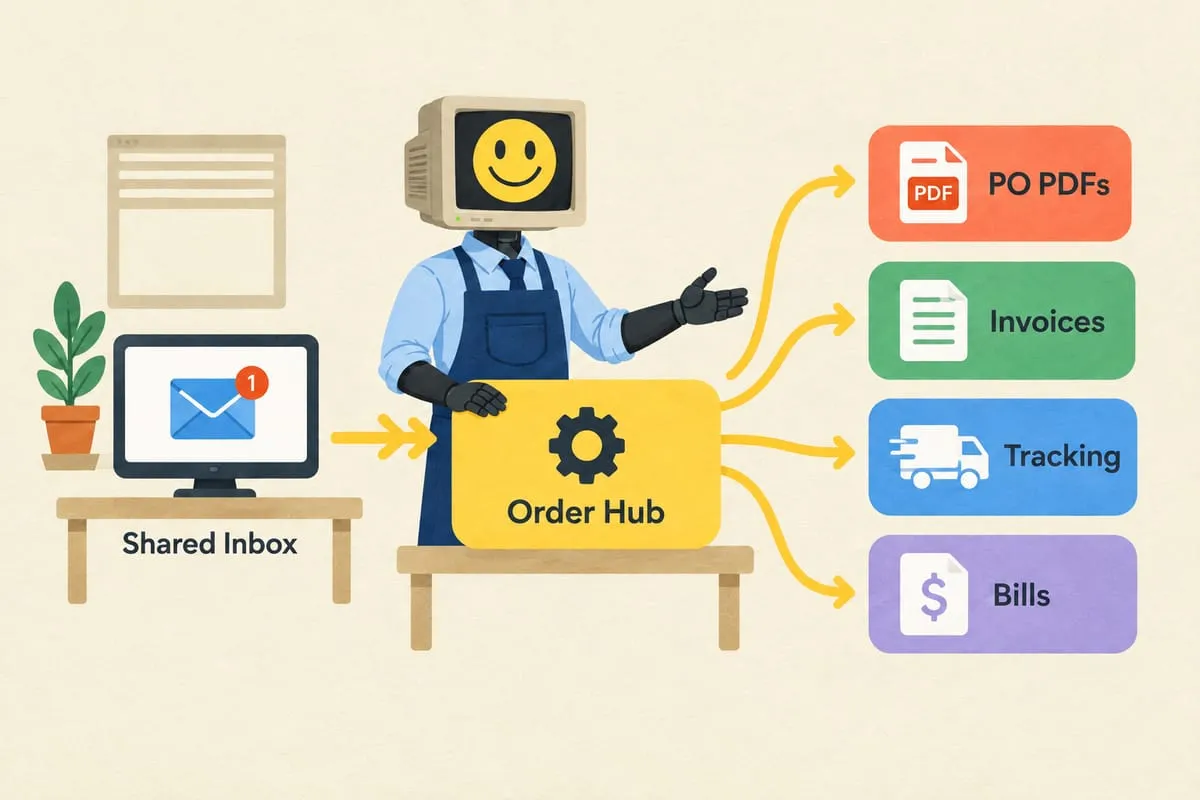
If you run a small distribution business, you probably recognise this pattern: a small team of three or four people doing everything, order volume growing faster than your capacity to process it, and evenings disappearing into data entry.
This is one of the most common scenarios we encounter. A lean team running a healthy business, processing hundreds of orders per year, but drowning in the manual work required to keep it all moving.
The Typical Setup
A small Canadian distributor. Three or four people handling order intake, quoting, data entry, supplier coordination, invoicing, customer follow-up, and sometimes even packaging. The product line is specialised, the customer base is loyal, and the business is growing.
The problem isn’t the business. The problem is that every step in the order-to-invoice cycle is manual.
Where the Time Goes
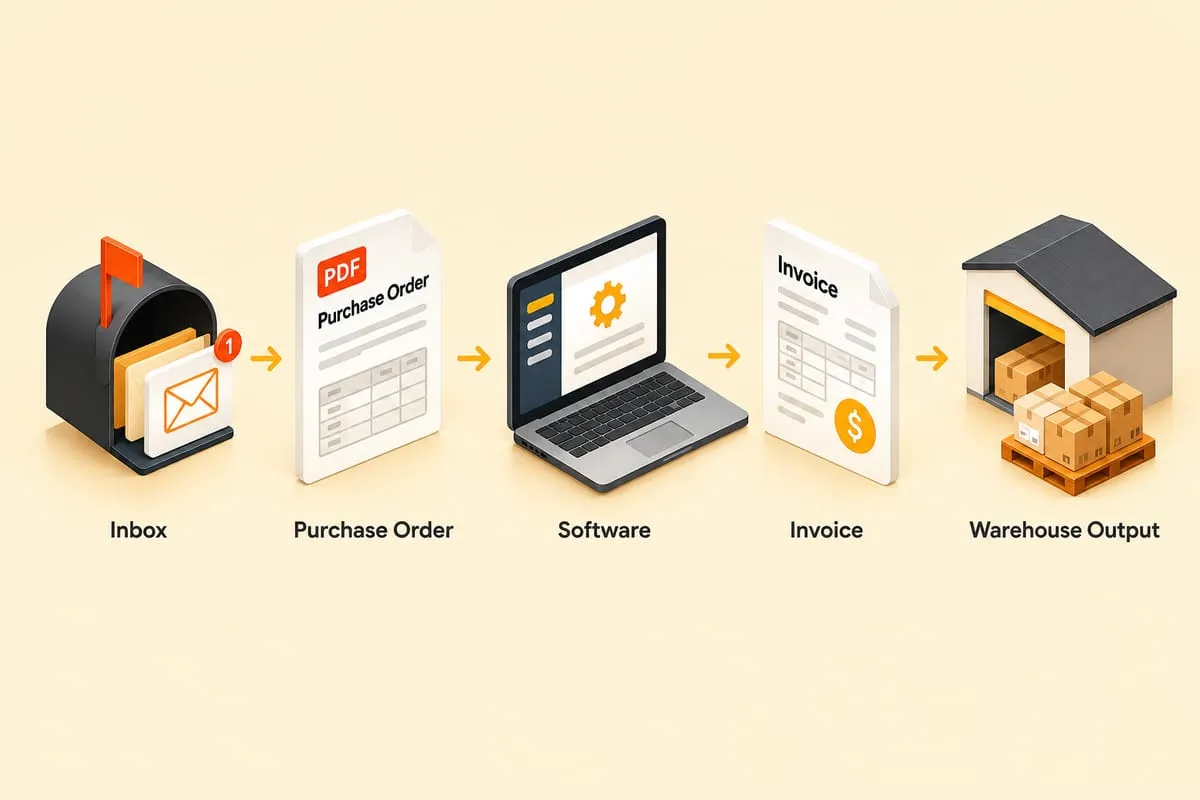
Purchase orders arrive as PDF email attachments. Every customer uses a different format. Someone opens each PDF, finds the item codes, quantities, shipping address, and PO number, then manually enters all of that into the supplier’s ordering portal. Then manually creates an invoice in QuickBooks Online with the correct pricing. Then manually forwards tracking numbers when shipments go out. Then manually enters supplier bills (often in a different currency). Then manually reconciles everything.
Every order touches multiple systems. Every system requires its own data entry. And with a small team, there’s no backup. If someone is sick or on vacation, orders pile up.
For a business processing dozens of hours of manual order work every week, the choice eventually becomes clear: hire, or find another way. Read more: Automation vs Hiring: The Real Math for Growing Canadian Businesses
What the Automated Version Looks Like
The goal is a single dashboard, an “Order Hub,” that becomes the central nervous system of the business.
Email monitoring. The system watches the shared inbox for incoming purchase orders using the Microsoft 365 or Google Workspace API.
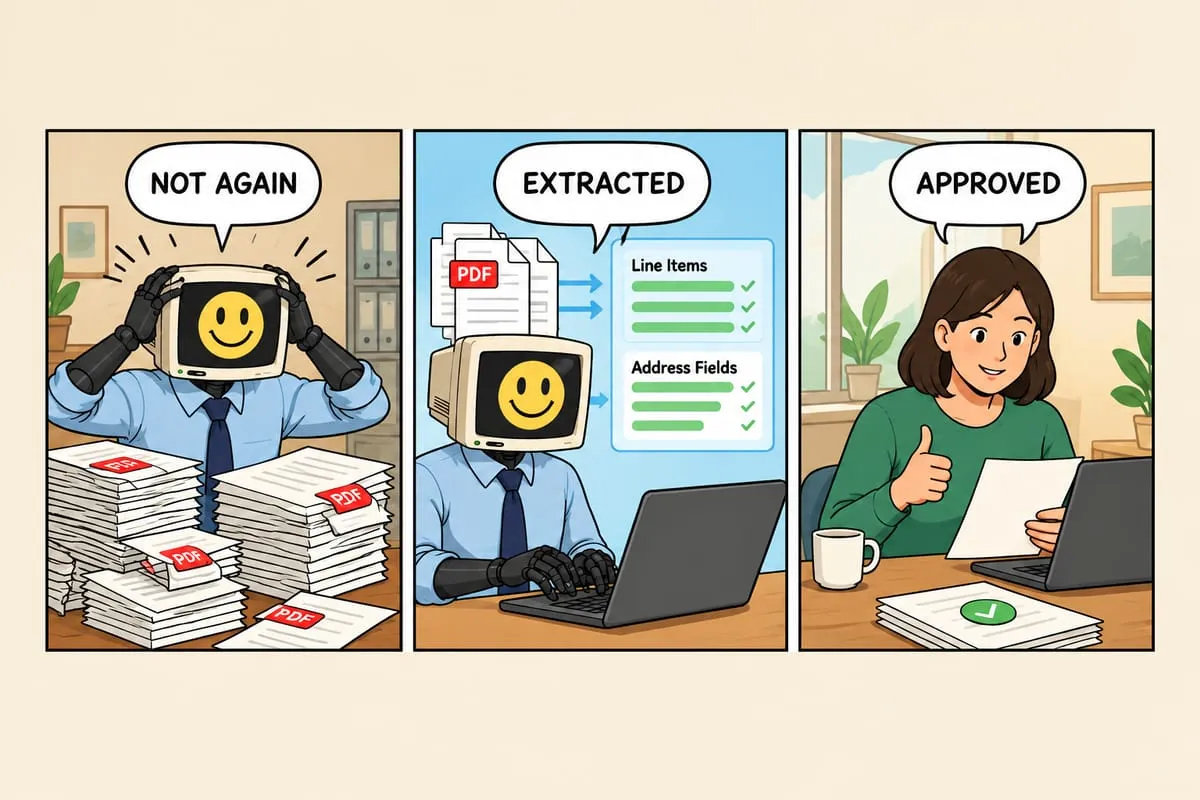
AI extraction. When a PO arrives, AI reads the PDF and extracts the relevant data: customer name, PO number, line items, quantities, shipping address. It matches extracted items against the product catalogue and flags anything it can’t match with confidence. Read more: How AI Reads Your Purchase Orders (And Why It’s Better Than You Think)
One-click review and approval. The extracted data appears in a clean dashboard. The team can see the original PDF alongside the extracted data, verify it’s correct, and approve with one click. If something needs editing, they fix it right there.
Automatic invoicing. Once approved, the system creates the invoice in QuickBooks Online with the correct line items, pricing, tax calculation, and customer details.
Automatic supplier ordering. The system places the order in the supplier’s portal automatically, using the correct pricing and currency.
Tracking number processing. When the supplier ships the order, tracking information flows back through the system, updates the QBO invoice, and sends a notification to the customer.
Supplier bill entry. When the supplier’s invoice arrives, the system enters it as a bill in QBO under the correct vendor with the correct currency context.
All from one dashboard. No switching between browser tabs. No spreadsheets tracking order status. No copying and pasting between systems. Read more: Why Your Operations Team Lives Across 6 Browser Tabs (And What to Do About It)
The Human-in-the-Loop Approach
None of this runs on full autopilot from day one. The starting point is manual approval on every single order. The team reviews every extraction, every invoice, every supplier order.
Over time, as the system proves itself on hundreds of orders, high-confidence extractions start auto-processing. The team shifts from approving everything to reviewing only the exceptions: unusual PO formats, new customers, items with low extraction confidence. Read more: How to Set Up Human Approval Steps in Business Automation
The pace of that transition is always the business owner’s choice.
Why This Matters for Small Teams
The value isn’t just time savings, though those are significant. It’s what the team can do with their time once they’re not buried in data entry.
Instead of processing orders at midnight, they can pursue growth opportunities. Build customer relationships. Work on marketing. Take on new product lines without worrying about whether they can handle the volume.
When they eventually hire, that person can focus on sales and customer care, not copying data between PDFs and QuickBooks.
If this pattern sounds like your business, we’d like to hear about it. We can map your current workflow and show you what the automated version would look like for your specific setup.