AI vs. Automation vs. RPA: What's the Difference and Why Should You Care?
AI, automation, and RPA all sound the same but work very differently. Here's a plain-language breakdown so you can pick the right tool and stop overspending.

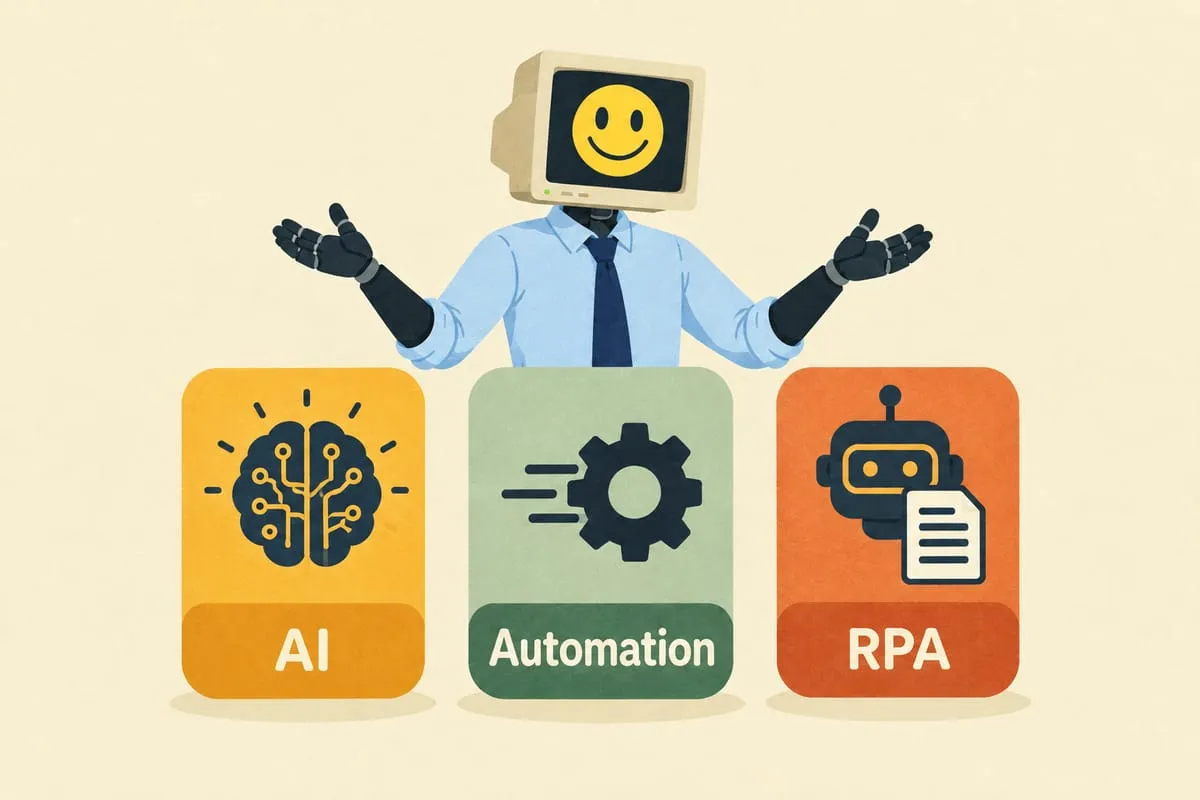
You’ve probably sat through a sales pitch where someone used “AI,” “automation,” and “RPA” like they all mean the same thing. Maybe you nodded along. Maybe you Googled it afterward and ended up more confused.
That confusion isn’t just annoying. It’s expensive. When you can’t tell these things apart, you end up buying a $50,000 AI platform when a $500 automation would have done the job.
Let’s fix that.
The simplest way to think about it
Automation is doing a task automatically. You set up a rule, the computer follows it. No thinking involved.
RPA (Robotic Process Automation) is a software robot that mimics what a human does on screen. It clicks buttons, copies data, navigates between apps. It follows a script, like a very obedient employee who never improvises.
AI (Artificial Intelligence) makes decisions based on data. It reads, interprets, and chooses what to do, even when the situation isn’t the same every time.
Automation follows rules. RPA follows scripts. AI makes judgment calls.
Three examples you’ll actually remember
Email. You set up an Outlook rule that auto-forwards every email from your supplier to your purchasing team. That’s automation. Now imagine you need hundreds of emails routed to the right department based on content — complaints to customer service, quote requests to sales, shipping updates to logistics. That’s AI. It reads the email, understands intent, and routes it. No static rule can handle that.
Data entry. Your office manager opens the same Excel template every Monday, copies last week’s numbers from your accounting system, and emails the report. An RPA bot does exactly that — opens the same screens, clicks the same buttons, copies the same fields. But when suppliers send invoices as PDFs in different formats? RPA freezes. AI can read those documents and extract the data even when the layout changes every time.
Lights. You put your office lights on a timer. They turn off at 7pm. That’s automation. You want them to adjust based on whether anyone is actually in the building? That’s AI — sensing, interpreting, and deciding.
The automation spectrum
These aren’t rigid categories. They’re points on a spectrum.
Simple rule-based automation on one end. Cheap, fast to set up, incredibly effective. RPA in the middle — works across multiple apps but follows a fixed script. AI on the far end — handles ambiguity and makes decisions, but costs more to build and maintain.
You should always start as far left on that spectrum as possible. Don’t reach for AI when a simple automation will do.
The most expensive mistake: over-engineering
I’ve seen a company spend months and tens of thousands of dollars building an AI document processing system. The problem? Pulling the same three numbers from the same report template every week. That’s a five-minute RPA setup. Or honestly, a formula in Excel.
Quick gut check:
- Repetitive and predictable? Simple automation. Maybe Zapier or Power Automate. Cost: often free, or under $500.
- Clicking through multiple apps the same way every time? RPA. Cost: a few thousand to set up.
- Reading, interpreting, or deciding based on content that changes? AI. Cost: varies, but expect more investment.
Most businesses need a mix of all three. Match the right tool to the right problem.
”But I’m already using ChatGPT. Doesn’t that count?”
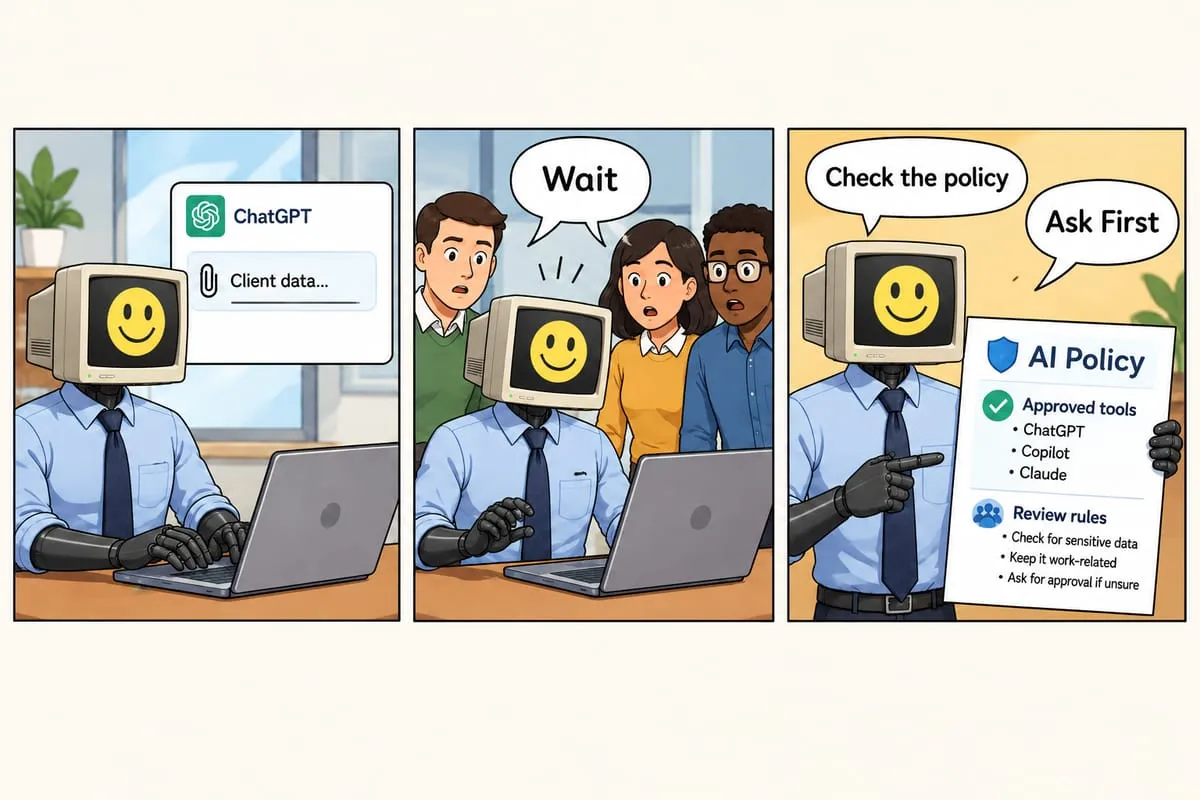
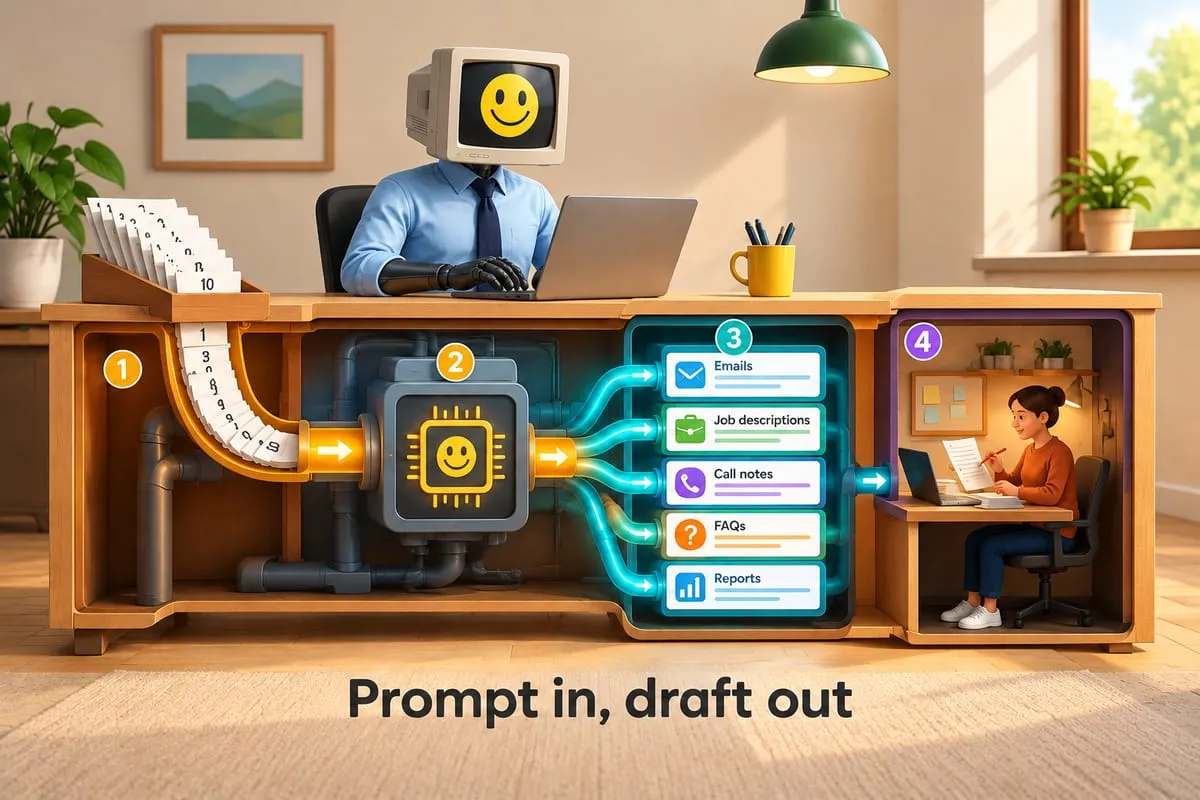
If you’re using ChatGPT to draft emails or summarize documents, that’s great. But you’re using an AI assistant. You’re still the one copying, pasting, and making decisions. You’re the bottleneck.
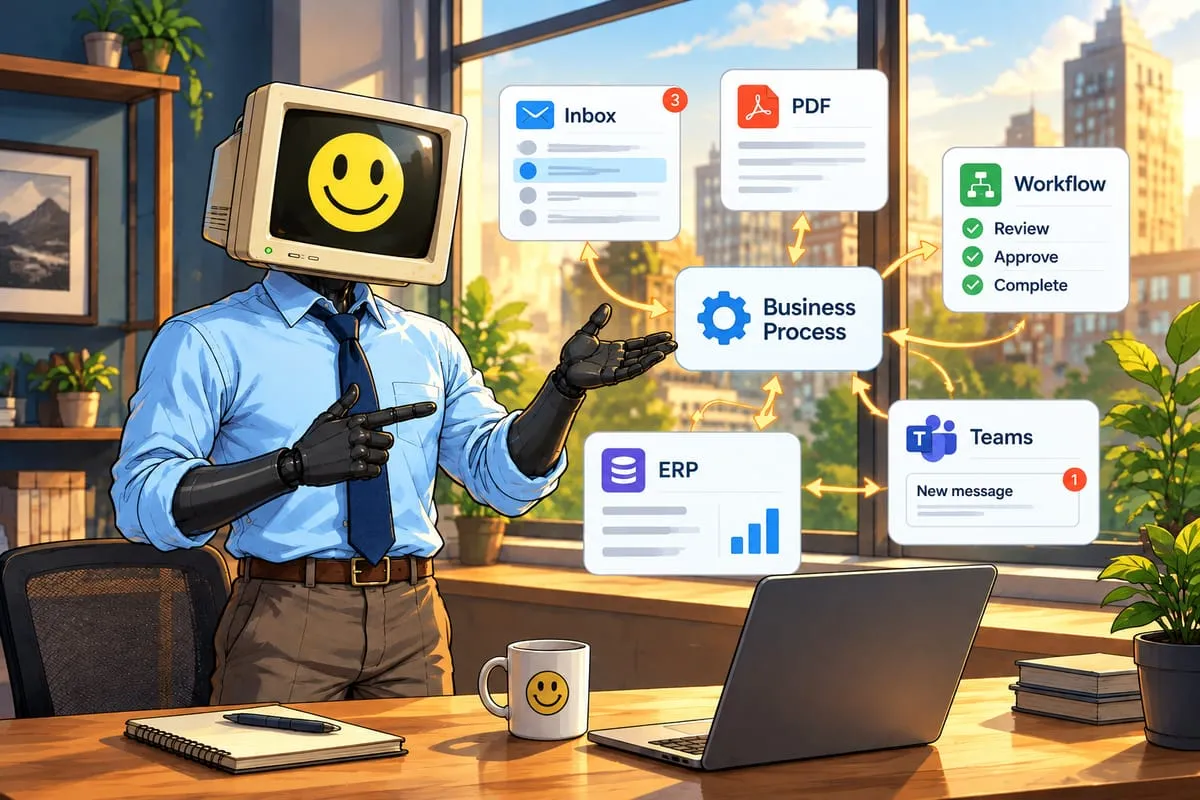
An AI-powered system runs on its own — reads incoming purchase orders, extracts line items, checks inventory, creates a sales order in your ERP, and sends a confirmation. All without you touching it.
Using ChatGPT at your desk is like having a smart coworker you can ask questions. Building an AI system is like hiring an employee who handles an entire workflow end to end.
Both are valuable. They’re not the same thing.
So what should you actually do?
Look at the work eating your team’s time and ask:
- Same steps every single time? Automate it with a simple rule or integration.
- Clicking through screens in a predictable pattern? Consider RPA.
- Reading, understanding, or deciding on something that varies? That’s where AI earns its keep.
Most businesses I work with find 70-80% of their pain points can be solved with simple automations. AI is the right answer maybe 10% of the time — but when it is, it’s a game-changer.
Don’t start with the technology. Start with the problem. We wrote a whole post about that: Don’t Buy AI. Solve Your Business Problem Instead.
For deeper dives: What is RPA? | RPA vs automation | 5 stages of AI readiness
This is Part 2 of our AI for Business Owners series.
Not sure which approach fits your situation? Let’s talk through it. Our AI and automation services start with figuring out what you actually need, not what sounds most impressive on a slide deck.