Where AI Fits Into a Real Business Process (And Why It's Never Just the Chatbot)
AI in your business isn't a chatbot. It's one ingredient in a larger workflow. Here's how to see where AI fits and where simpler tools do the job better.

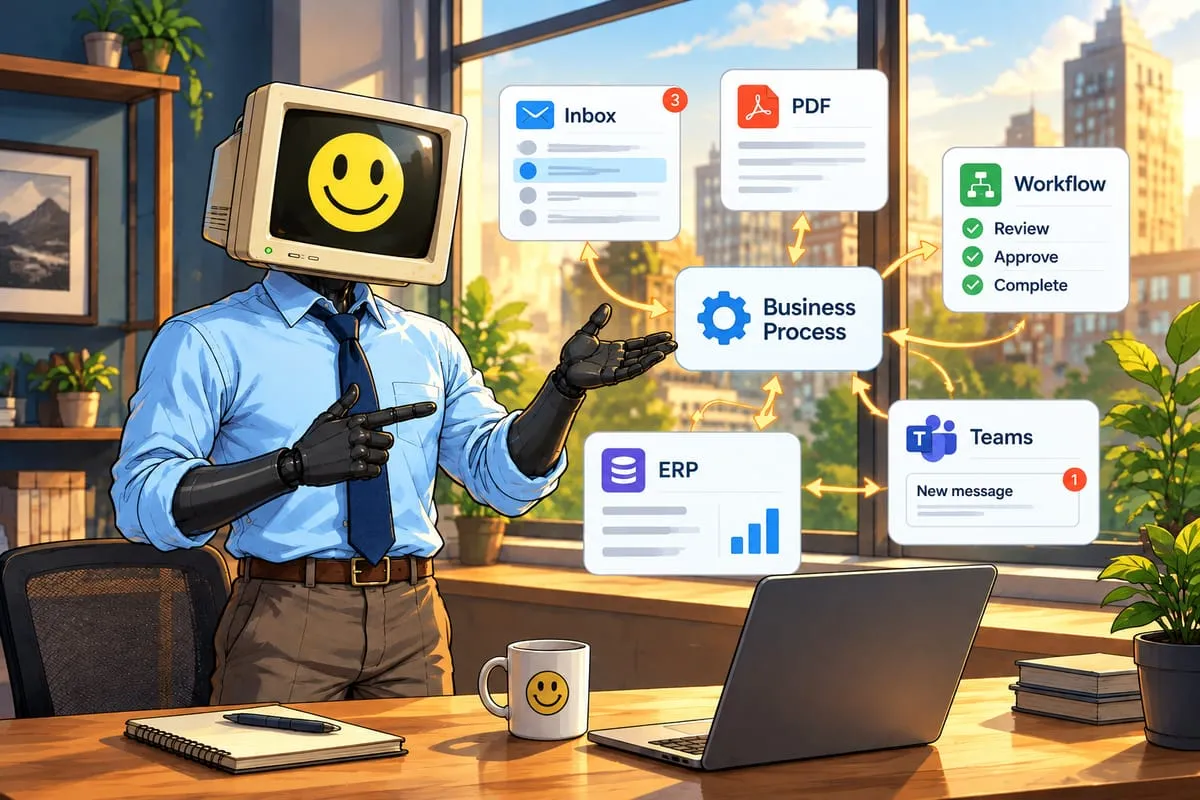
Most people hear “AI in your business” and picture someone typing into ChatGPT. That’s using AI. It’s not the same as having AI in your business.
Having AI in your business means it’s woven into how work actually flows. It means a purchase order arrives by email at 2pm and by 2:01pm it’s been read, validated, and turned into a sales order in your ERP, without anyone touching it. AI played a role in that. But so did three other things that aren’t AI at all.
This is the thing almost every business owner gets wrong when they start thinking about AI adoption. They try to put AI everywhere. The real skill is knowing exactly where it belongs, and where something simpler and cheaper does the job better.
A Business Process Isn’t One Step. It’s a Chain.
If you went through Season 1, you already know the difference between an AI assistant and an AI system. This post goes deeper.
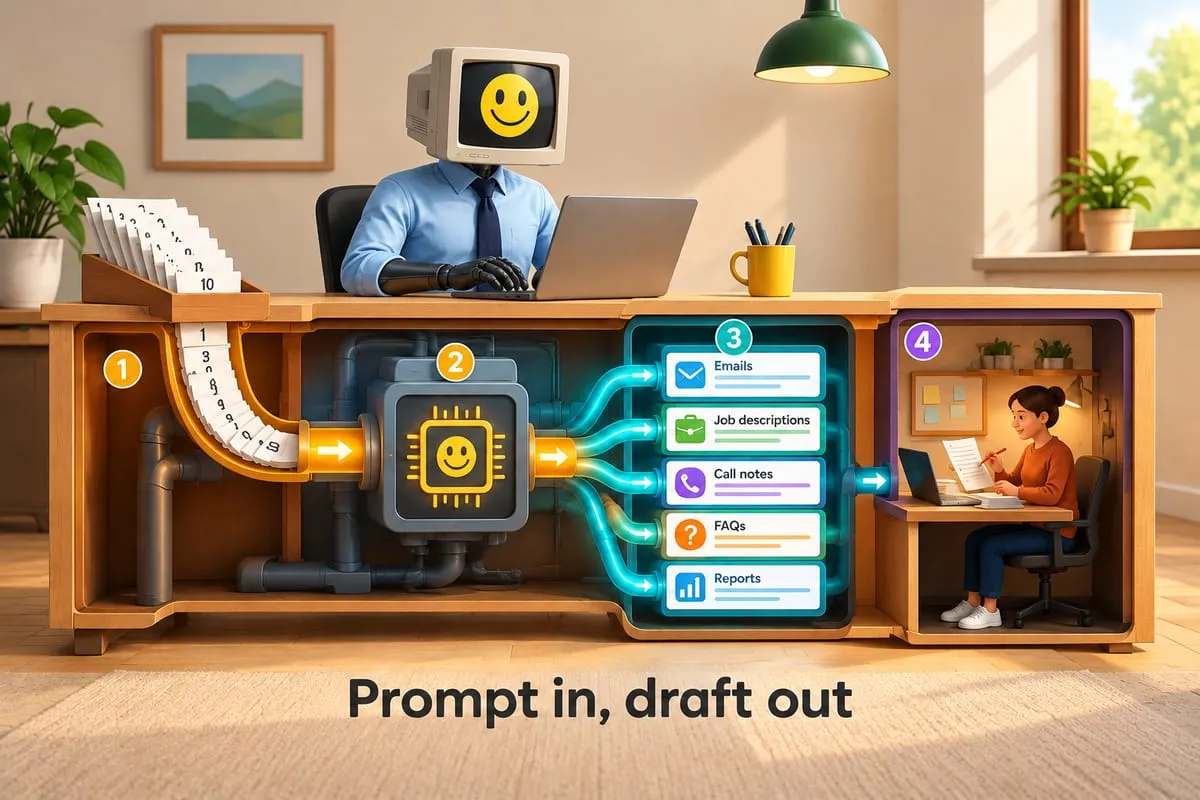
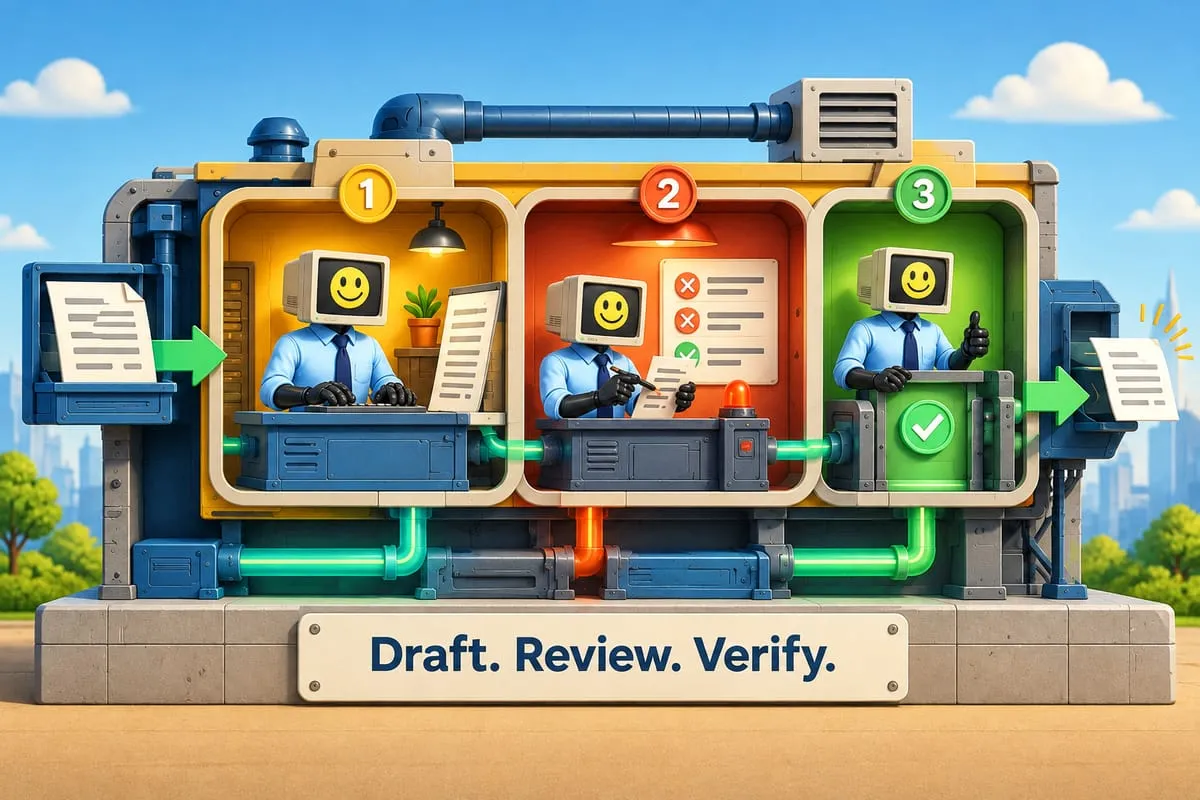
Every real business process is a chain of steps: input, processing, validation, routing, exception handling, logging, follow-up. Each step has a job. And each step has a best tool for that job.
Sometimes that tool is AI. Sometimes it’s a simple IF/THEN rule. Sometimes it’s a human being making a judgment call. The magic is in picking the right tool for each link in the chain.
Let’s walk through one.
The Purchase Order: End to End
Here’s a real process we’ve built for clients. A purchase order arrives by email. It needs to end up as a confirmed sales order in the ERP. Here’s every step, and what handles it.
Step 1: Email arrives. A new email lands in the shared mailbox with a PDF attached. Simple automation detects it. A Power Automate flow or a Zapier trigger fires based on the mailbox receiving a new message. No AI needed. This is a trigger, and triggers should be simple and reliable.
Tool: Simple automation.
Step 2: AI reads the PDF. The PDF attachment gets sent to an AI model. It reads the document, identifies that it’s a purchase order, and extracts the line items, quantities, unit prices, ship-to address, and PO number. This is where AI earns its keep. PDFs are messy. Customers all use different templates. Some are scanned images. A rules-based system can’t handle this variety. AI can.
Tool: AI (document extraction).
Step 3: Validation against your data. The extracted data gets compared against your current inventory levels and your pricing sheet. Does the customer’s price match your price? Is the item in stock? Is the quantity reasonable? This is pure logic. IF the price matches AND the item is in stock, proceed. No AI required. A rules engine or a simple database lookup handles this faster, cheaper, and more reliably than any language model.
Tool: Rules engine / database lookup.
Step 4: Exception routing. Something doesn’t match. The customer quoted $42 per unit but your current price is $45. Or they ordered 500 units and you only have 300 in stock. This gets flagged and routed to a human. A notification goes out via Teams or email: “PO #4810 from Acme Supply has a pricing discrepancy on line 3. Review needed.” The human makes the call. They negotiate, approve, or reject.
Tool: Human judgment (with automated notification).
Step 5: Sales order creation. Everything checks out, either from Step 3 directly or after the human resolved the exception. Automation takes the validated data and creates the sales order in your ERP. NetSuite, SAP, QuickBooks, whatever you’re running. API call, record created, done.
Tool: Simple automation (API integration).
Step 6: Confirmation email. Automation sends a confirmation email to the customer with the order details and expected delivery timeline. Template-based, personalized with the order data. This is mail merge, not AI.
Tool: Simple automation (templated email).
Step 7: Logging. Every step gets logged. Timestamp, what happened, what data was extracted, what decisions were made, who approved exceptions. This is your audit trail. It’s also how you improve the process over time, which connects directly to process mining.
Tool: Simple automation (logging).
Count It Up
Out of seven steps, how many used AI? One. Step 2.
Simple automation handled five steps. A human handled one. AI handled one. That’s roughly the ratio you’ll see in most well-designed business workflows: 70% simple automation, 20% AI, 10% human judgment.
That ratio isn’t a weakness. It’s the entire point.
Why This Matters for Your Budget
AI costs money. Not just the subscription. Every API call to an AI model has a cost. GPT-4-class models charge per token. Document extraction models charge per page. If you’re processing 200 purchase orders a month, you want AI running on the one step that actually needs it, not on the six steps that don’t.
If you tried to use AI for the validation step, you’d be paying for something a database query does instantly for free. If you used AI to generate every confirmation email from scratch, you’d be paying for something a template handles in milliseconds. If you used AI to create the ERP record, you’d be introducing unpredictability into a step that needs to be deterministic every single time.
The companies that get the best ROI from AI aren’t the ones using it the most. They’re the ones using it in the right places.
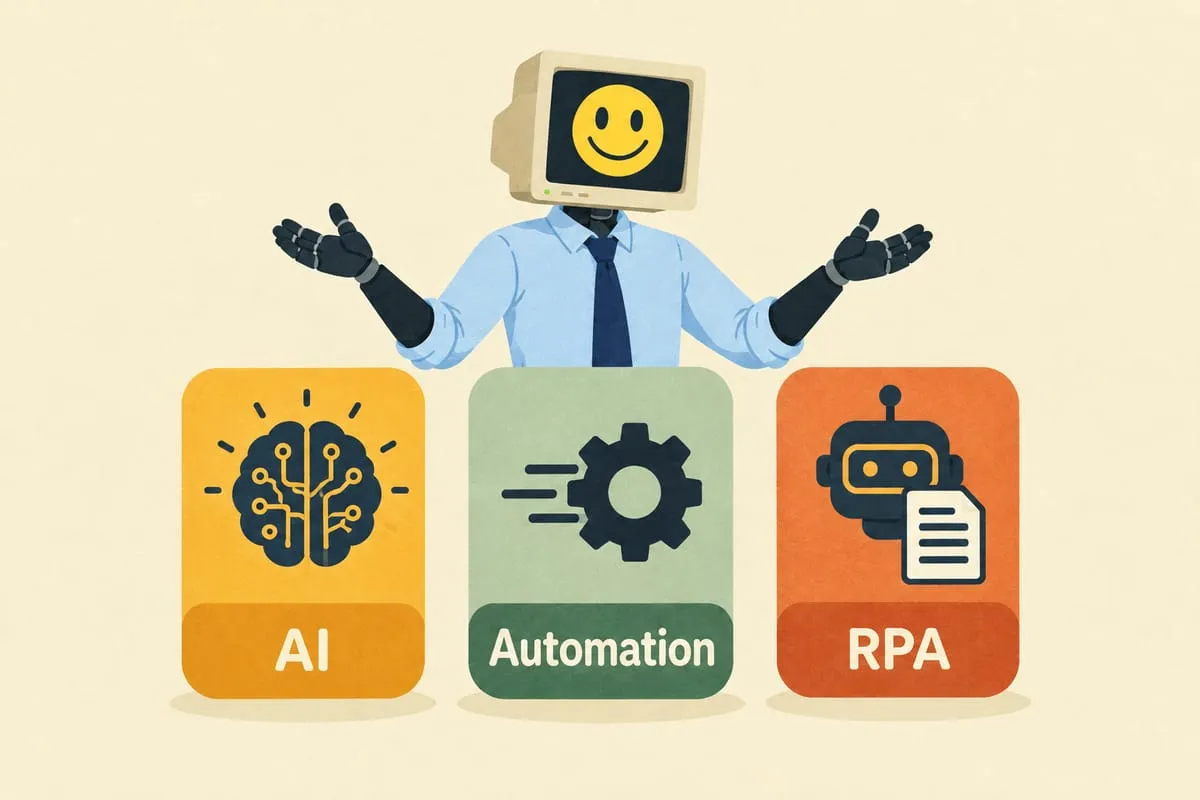
This is the same principle behind understanding the difference between AI, automation, and RPA. Each tool has a sweet spot. Overlap them and you waste money. Place them correctly and the whole system runs faster, cheaper, and more reliably than any single technology could on its own.
How to Find the AI Steps in Your Own Processes
Here’s the quick test. For each step in any process, ask: does this step require interpretation, or just execution?
If the answer is execution, meaning the logic is clear, the data is structured, the rules are known, use simple automation. It’s cheaper, faster, and more predictable.
If the answer is interpretation, meaning the input is messy, unstructured, or variable, that’s where AI fits. Reading documents. Classifying emails. Summarizing customer feedback. Understanding intent. These are interpretation tasks, and they’re what AI is built for.
And if the answer is “it depends,” meaning context matters, relationships matter, judgment matters, that’s a human step. Don’t automate it. Route it to the right person with the right information so they can make the call quickly.
This Is What We Build
At DigitalStaff, we don’t just plug in a chatbot and call it a day. We map the whole process. We identify which steps need AI, which need automation, and which need a human in the loop. Then we build the entire workflow, end to end.
That’s the difference between using AI and having AI in your business.
If you want to see the same interpretation-execution-judgment test applied to an accounting file, read what AI should actually automate in a compilation engagement.
If you’re ready to figure out where AI actually fits in your operations, let’s talk.
This post is part of the AI for Business Owners series, Season 2. Season 1 covered the fundamentals. Season 2 is about putting it to work.