How Cross-Border AP/AR Automation Works for Canadian Distributors
Buying in USD, selling in CAD, and entering every invoice twice? Here's how cross-border AP/AR automation actually works.

If you’re a Canadian business buying in US dollars and selling in Canadian dollars, every invoice is a mini accounting project. This is one of the most common pain points we see in distribution businesses, and one of the best fits for automation.
The example below is based on patterns we encounter regularly across Canadian import and distribution businesses. No specific company is being described.
The Workflow That Eats Your Day
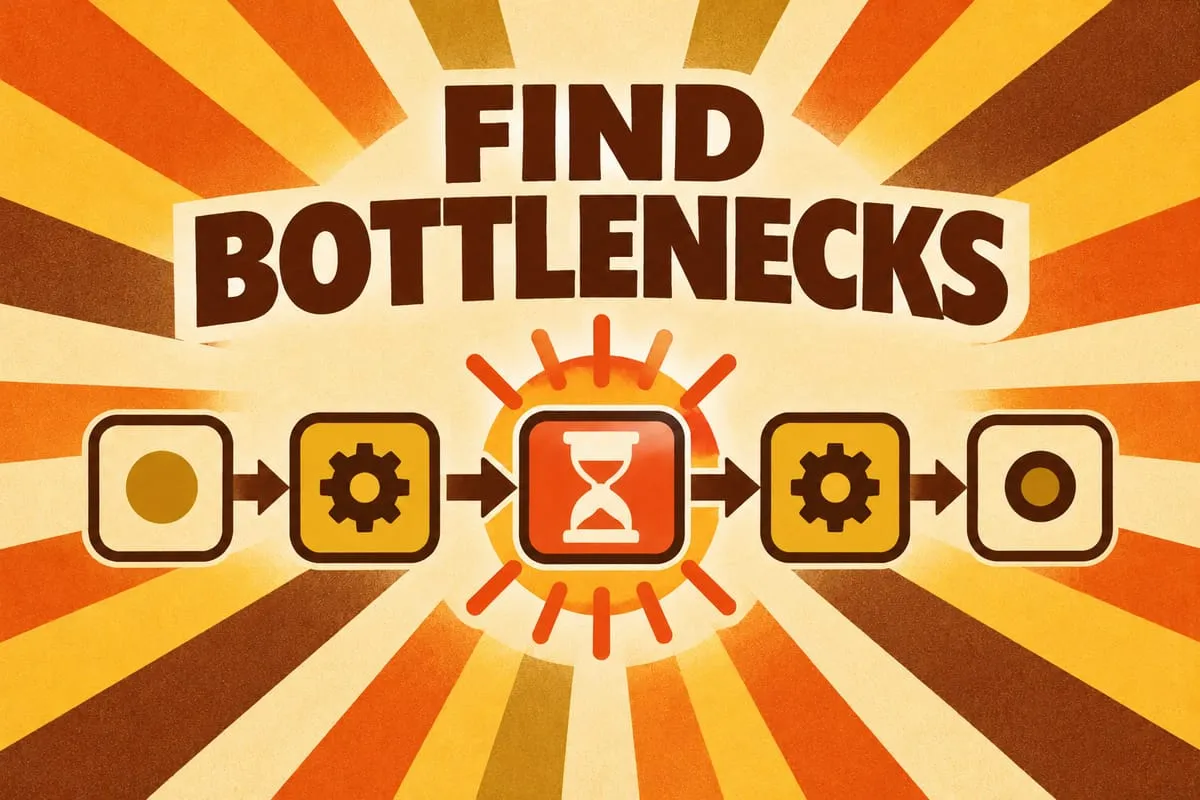
The process sounds simple at a high level: receive supplier invoice, enter it into QuickBooks Online, create customer invoice, send it out. But the details are where the pain lives.
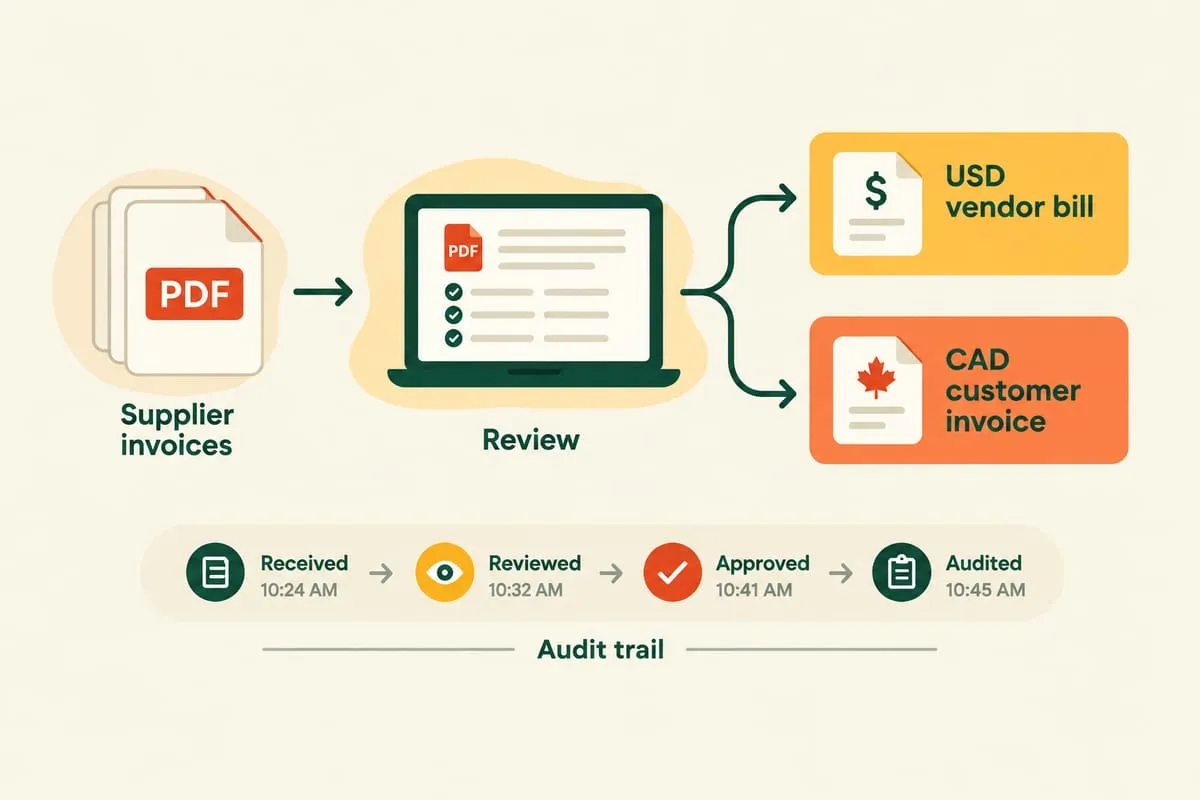
Every supplier invoice arrives as a PDF. Someone opens it, reads each line item, looks up the USD cost, and manually enters it as a bill in QBO under the US-dollar vendor. Then they switch to the customer side and create a CAD invoice with the correct Canadian pricing tier applied. The two don’t map one-to-one because of exchange rates, markups, and customer-specific pricing.
On top of that, someone needs to cross-reference purchase order numbers to make sure every supplier bill ties to the right customer invoice. This often involves a naming convention or reference system that’s been built up over time.
Multiply this by 20 to 50 orders per week. That’s a full-time job that requires focus and accuracy, but no real creative thinking. It’s pure data entry.
Why QuickBooks Online Alone Doesn’t Solve It
QBO Advanced supports multi-currency. It handles exchange rates, tracks realised gains and losses, and lets you assign currencies to vendors and customers. But it doesn’t automate the data entry.
You still have to manually open each supplier invoice, read the line items, enter them as a bill in USD, then switch contexts and create the customer invoice in CAD with the correct pricing. QBO gives you the accounting framework. It doesn’t give you the labour savings. Read more: How to Handle Multi-Currency Invoicing in QuickBooks Online Advanced
How the Automation Works
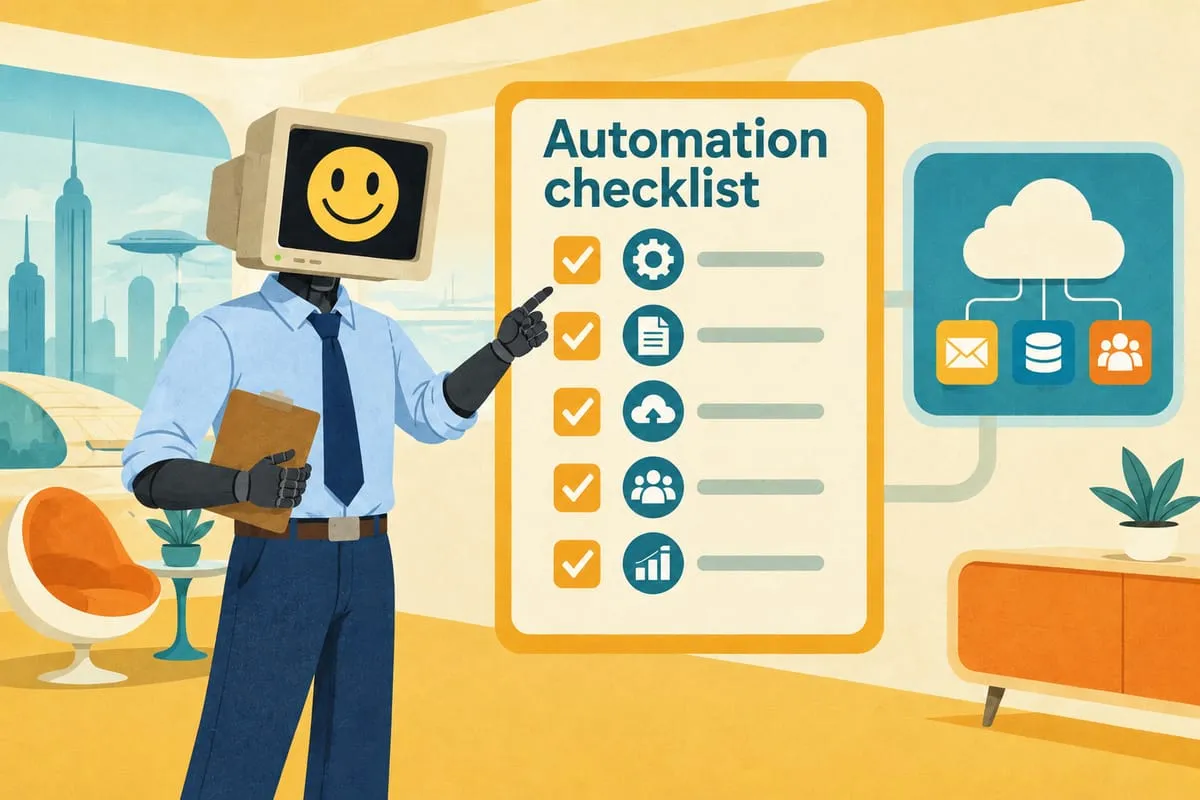
Here’s what a typical cross-border AP/AR automation looks like:
AI extraction of supplier invoices. When supplier invoices follow a consistent format (same supplier, consistent layout), AI extraction accuracy is very high. Line items, quantities, prices, and PO references are extracted automatically. Read more: How AI Reads Your Purchase Orders (And Why It’s Better Than You Think)
Automatic bill entry in QBO. The extracted data is entered as a bill in QBO under the correct USD vendor, with each line item coded properly. No manual data entry required.
Automatic customer invoice creation in CAD. Using the product catalogue and the customer’s pricing tier, the system creates the corresponding CAD invoice in QBO. The right markup is applied automatically based on the customer.
Cross-referencing via PO numbers. Every supplier bill is linked to the correct customer invoice through the order reference number. The system handles the matching automatically, so the audit trail is clean and every transaction is traceable.
The Audit Trail
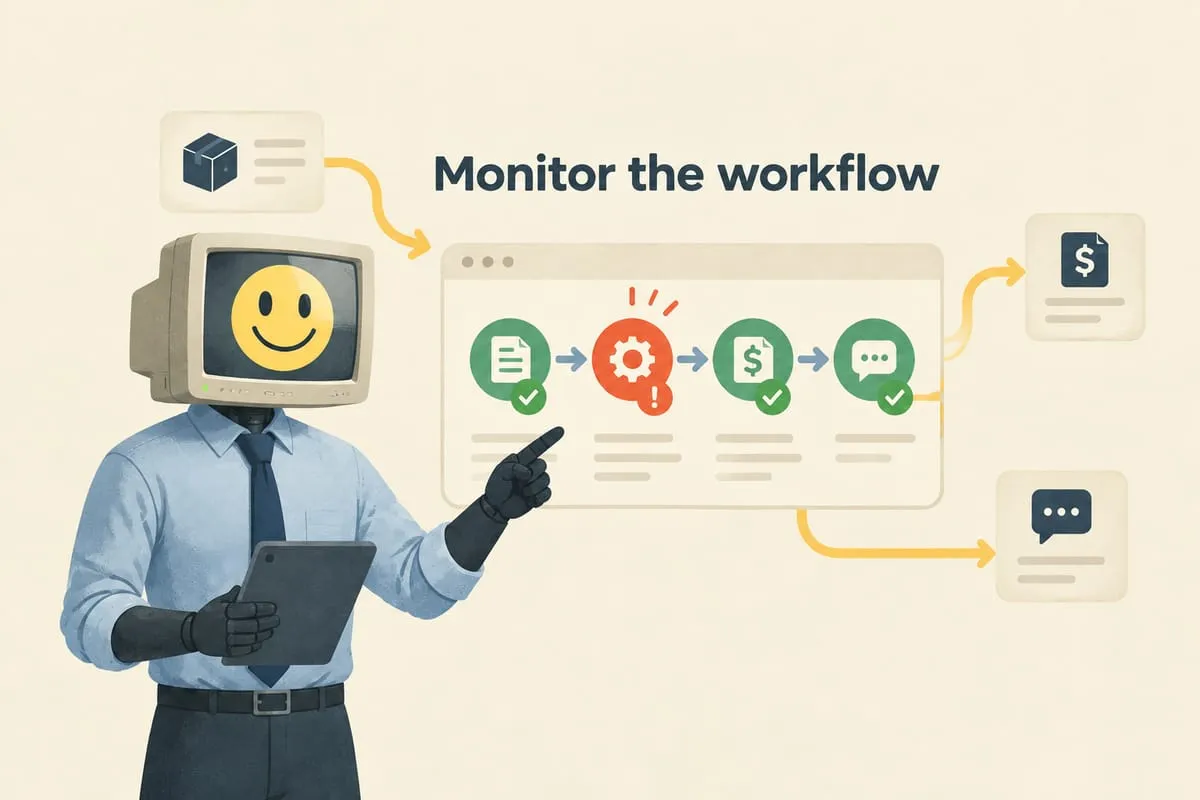
Every entry the automation makes is logged. What was extracted from the PDF. What was entered into QBO. Which reference number linked the supplier bill to the customer invoice. Any discrepancies are flagged for manual review.
This matters at tax time. It matters during audits. And it matters for peace of mind. Any transaction can be traced from the original supplier PDF all the way through to the customer payment.
Starting with Human Review
The system doesn’t run on autopilot from day one. Every batch starts with a review screen. The operators see the extracted data alongside the source PDF. They can approve with one click, edit if something looks off, or flag an item for manual handling.
Over time, as confidence builds, high-accuracy items auto-process and only exceptions require review. But the option to review everything is always there. Read more: How to Set Up Human Approval Steps in Business Automation
The Result
What typically takes hours of manual data entry per batch of invoices can be reduced to minutes of review and approval clicks. The accuracy tends to improve too, because the automation applies the same rules consistently every time, eliminating the transposed quantities and misapplied prices that come with manual entry.
The supplier-bill side of this — intake, extraction, coding, approval, payment — is a cross-border flavour of accounts payable workflow automation, which covers the full invoice-to-payment process including the GST/HST handling and Canadian payment rails that US-built tools miss.
If you’re a Canadian business dealing with cross-border invoicing and spending hours on manual AP/AR, let’s look at your workflow together. This is one of the patterns where the automation math tends to work out quickly.