AI for Customer Communication: Emails, Chat, and Support That Don't Sound Like a Robot
AI-written customer emails all sound the same. Here's how to make yours sound like your company, with real approval workflows and tone controls.

You’ve seen these emails before.
“Thank you for reaching out. We value your feedback and will get back to you as soon as possible.”
That’s not your company’s voice. That’s nobody’s voice. It’s AI-generated wallpaper — bland, corporate, and interchangeable with every other business on the planet. Your customers can tell. They’ve been getting the same lifeless messages from every company that discovered ChatGPT six months ago.
Here’s the problem: AI is genuinely useful for customer communication. It saves real time and keeps quality consistent. But if you use it the lazy way — paste a customer question into ChatGPT, copy the response, hit send — you’ll sound exactly like everyone else.
You already know what AI slop looks like. Customer communication is where it does the most damage, because it’s the one place your brand voice matters most.
Let’s talk about how to actually do this right.
Teach AI How Your Company Talks
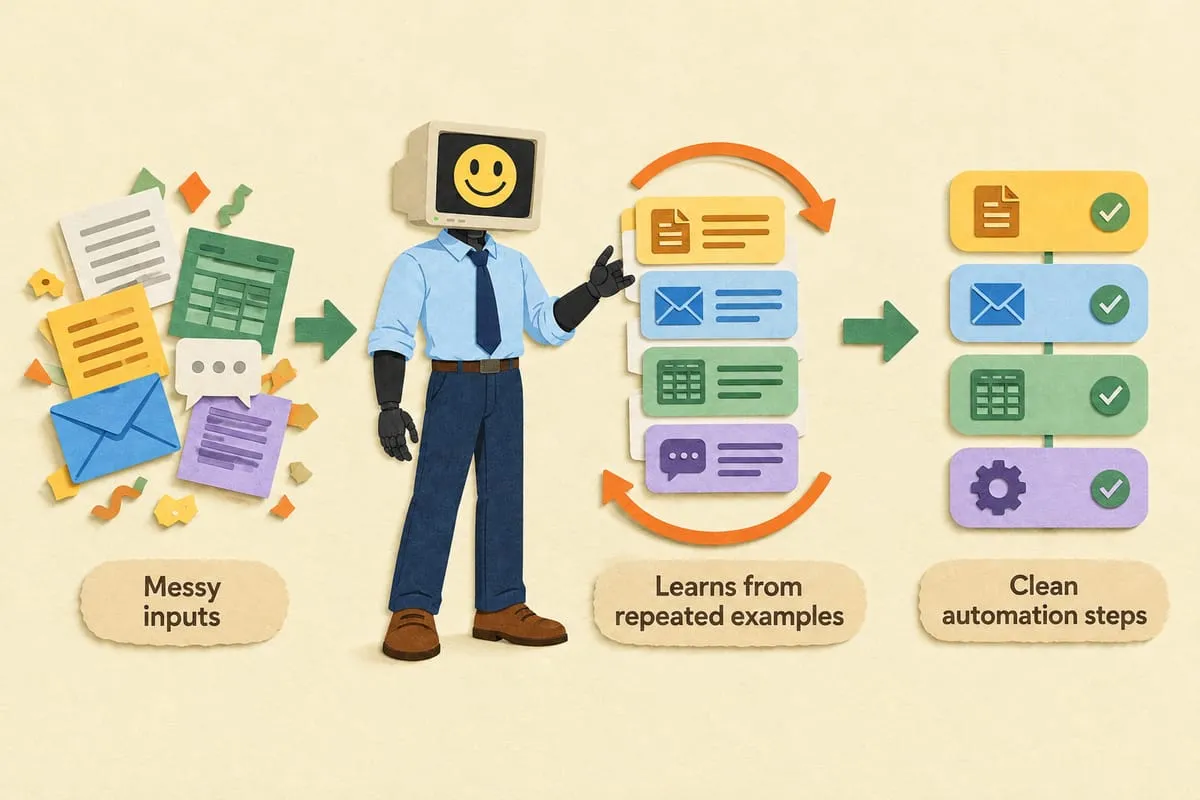
The single most underrated prompt technique for customer communication: give AI examples of YOUR writing.
Don’t just say “write a professional email.” Go into your sent folder. Find five emails your team has sent that nailed the tone. Paste them in and say “match this voice.”
A plumbing company that signs off with “We’ll get it flowing” sounds different from a law firm that closes with “Please don’t hesitate to reach out with any questions.” AI can learn both — but only if you show it.
Here’s what this looks like in practice. Take your best customer-facing emails — the ones where the rep struck the perfect balance of friendly, helpful, and on-brand. Drop them into a system prompt or a custom GPT. Tell the AI: “This is how we talk. Every draft you write should sound like these.”
The difference is night and day. Instead of “We appreciate your inquiry regarding our services,” you get something that actually sounds like your company wrote it.
Where AI Saves Real Time in Customer Communication
Not every customer touchpoint needs the same level of human attention. Here’s where AI earns its keep:
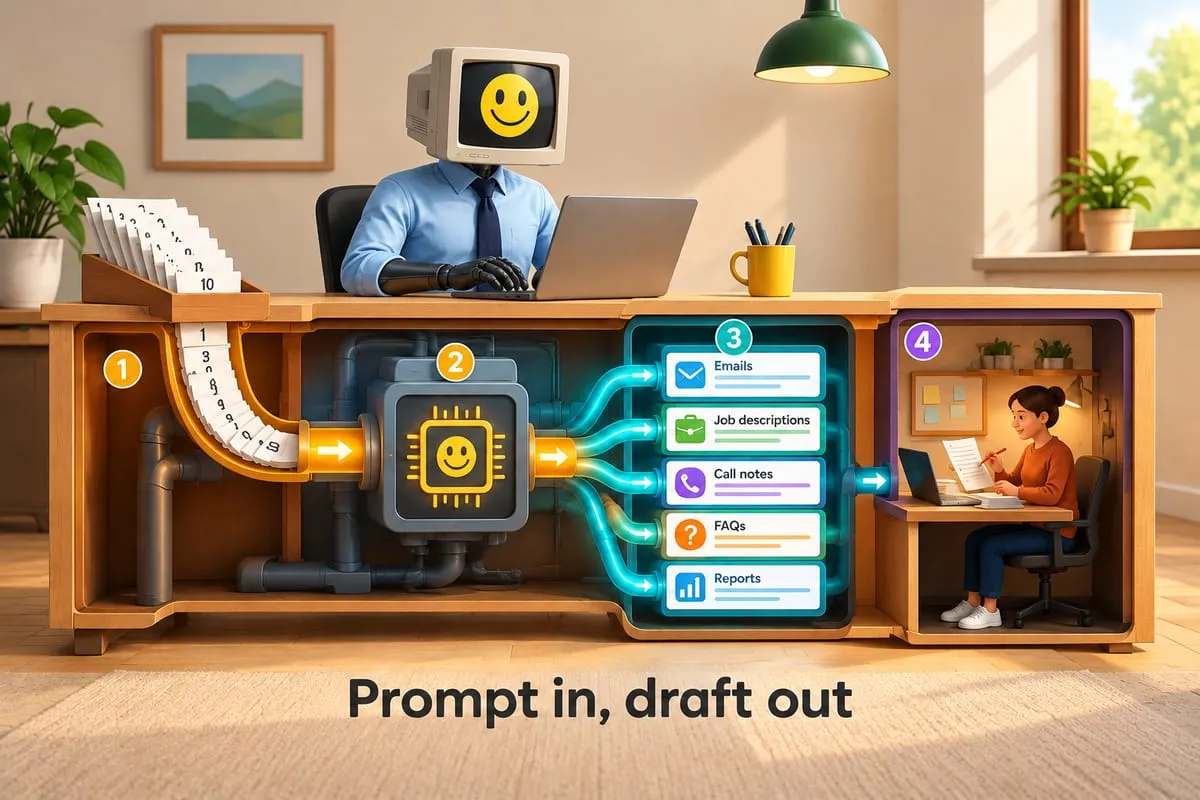
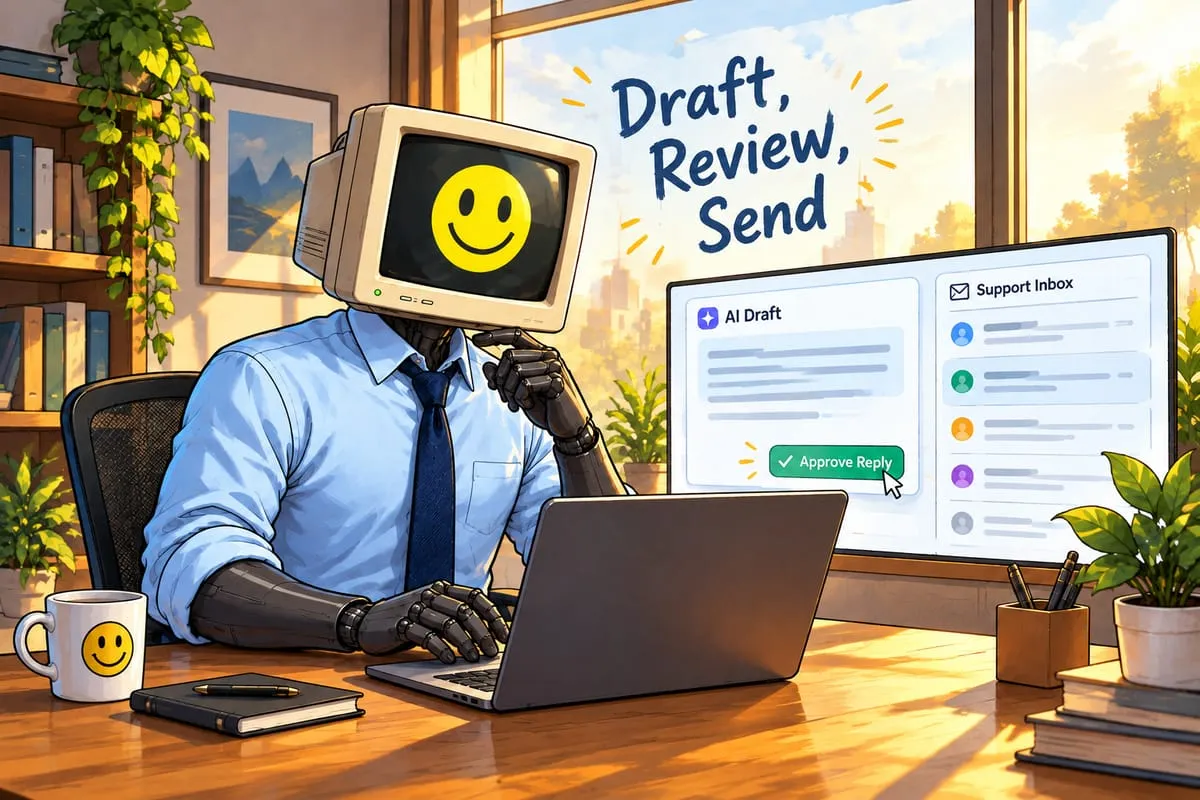
First-draft emails. Your rep gets a customer question. Instead of staring at a blank screen for five minutes, AI generates a draft in seconds. The rep reviews it, adds a personal touch, and sends. Total time saved: three to five minutes per email. Across a team of five reps handling 30 emails a day, that’s 10+ hours back per week.
Response templates for common questions. “What’s your return policy?” “Do you serve my area?” “How do I reset my password?” AI generates consistent, accurate templates that every team member can use. No more one rep giving a thorough answer while another sends two sentences.
FAQ content. Take your 50 most common customer questions and have AI draft clear, on-brand answers for your website or chatbot. What used to take a week of writing takes an afternoon of editing.
Issue summaries before escalation. When a support ticket gets passed from frontline to a specialist, AI summarizes the conversation so far. The customer doesn’t have to repeat themselves. The specialist gets context instantly. A support team we’ve seen doing this cut their average escalation handling time by 40%.
Where Humans Must Stay in the Loop
This is the part people skip, and it’s where things go wrong.
AI should never be the final word on:
Anything involving specific pricing, terms, or commitments. AI hallucinates. It will confidently quote a price you’ve never charged or a timeline you can’t meet. A customer who receives an AI-generated quote that turns out to be wrong isn’t going to blame the AI. They’re going to blame you.
Complaint escalations. When a customer is genuinely upset, they need a human. Not because AI can’t write an empathetic-sounding response — it can. But because the customer needs to know a real person heard them. Faking empathy with AI is worse than a slow human response.
Legal or compliance-sensitive responses. Insurance claims. Medical information. Anything regulated. AI doesn’t understand liability, and “the chatbot told me” is not a defense your legal team wants to deal with.
Anything that could create a contractual obligation. If an AI-generated email says “we guarantee delivery by Friday” and you can’t deliver by Friday, that’s your problem now.
The Approval Workflow That Actually Works
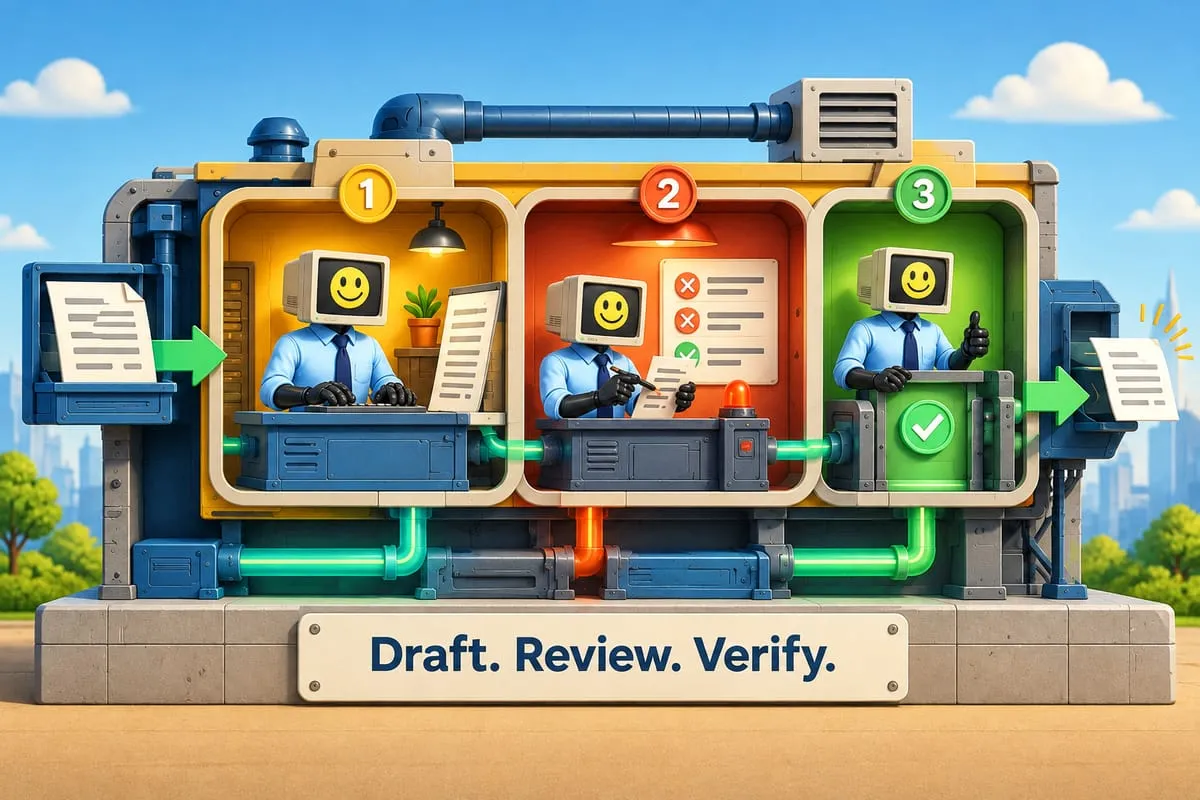
The rule is simple: AI drafts, humans review, humans send.
For low-risk communication — appointment confirmations, shipping updates, password resets — AI can send automatically. These are templated, factual, and unlikely to cause problems.
For everything else, the workflow looks like this:
- AI generates a draft based on the customer’s message and your brand voice guidelines
- A team member reviews the draft for accuracy, tone, and anything the AI might have gotten wrong
- The team member personalizes it — adds a specific detail, adjusts the tone if the situation calls for it
- The team member hits send
A property management company we worked with used this exact workflow for tenant communications. Move-in instructions, maintenance updates, lease renewal notices — all drafted by AI, all reviewed by a property manager before sending. Same consistent tone across 50 units. Twenty minutes saved per notice. That’s over 16 hours saved on a single round of lease renewals.
Chatbots: Generic vs. Actually Useful
Most chatbots are terrible. You know the ones. You ask a specific question about a product, and the chatbot says “I’ll connect you with a team member.” That’s not a chatbot. That’s a speed bump.
The difference is what the chatbot knows. A generic chatbot has no idea what your company sells, what your policies are, or what your pricing looks like. It can only give generic answers. So it gives up on anything specific and routes to a human — which defeats the entire purpose.
A chatbot built with RAG — retrieval-augmented generation — is trained on your actual business data. Your product catalog. Your pricing. Your policies. Your FAQ. When a customer asks “Do you carry the 3/4-inch brass fitting in stock?” it can actually answer instead of punting to a human.
We built our own chatbot, Winston, exactly this way. It knows our services, our pricing model, and our process. It answers real questions with real answers. The difference between Winston and a generic chatbot is the difference between a helpful employee and a broken phone tree.
If you’re evaluating chatbots, read our breakdown on AI chatbots vs. live chat — the right answer depends on your business, your volume, and what your customers actually need.
The Bottom Line
AI for customer communication works. But it works like every other AI tool: it’s a draft machine, not a send machine.
Give it your voice. Build an approval workflow. Keep humans on anything that matters. And if you’re deploying a chatbot, feed it your actual business data or don’t bother.
The companies getting this right aren’t replacing their customer service teams. They’re making those teams faster, more consistent, and less likely to burn out answering the same question for the 200th time.
We build AI chatbots and communication systems that sound like your company, not like every other company. If you want customer communication that’s faster without being generic, let’s talk.