Why Your Operations Team Lives Across 6 Browser Tabs (And What to Do About It)
Your operations person has 6 browser tabs open and 4 spreadsheets tracking order status. Here's what happens when you consolidate all of that.

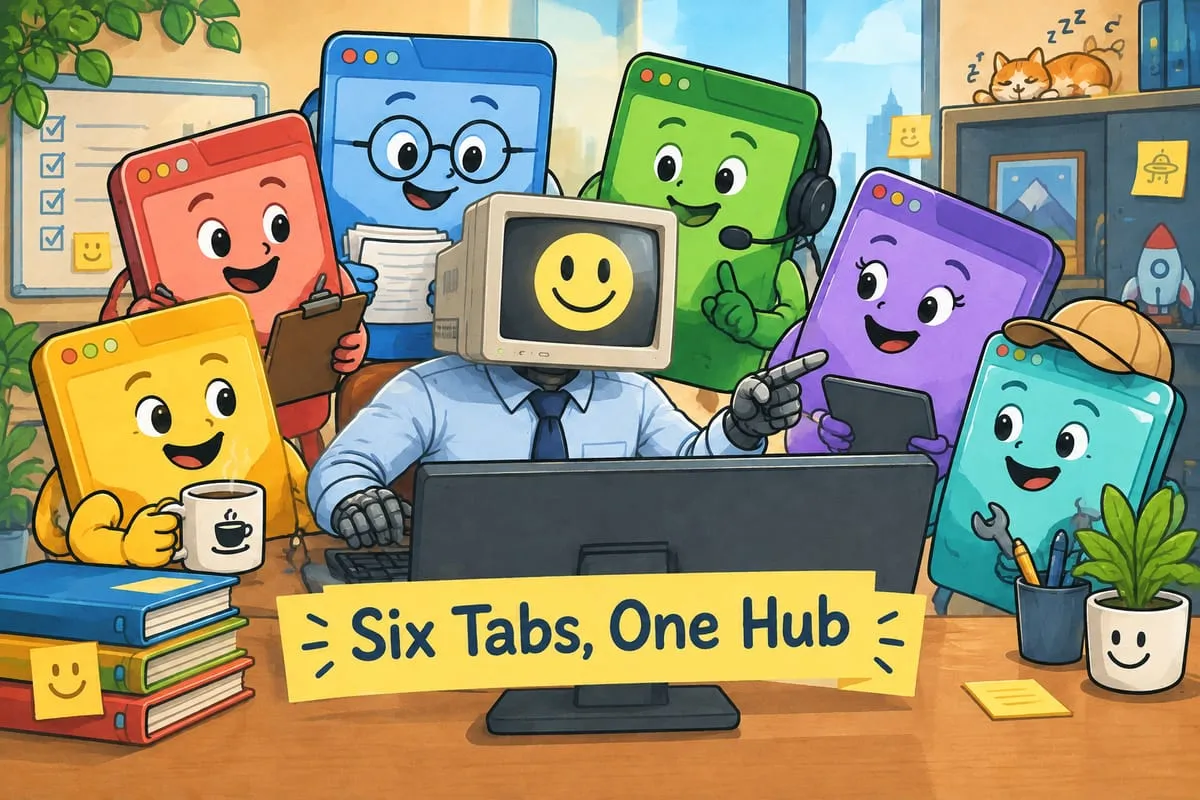
How many browser tabs do you have open right now? If the answer is “too many,” keep reading.
The Setup Everyone Recognises
Open any operations person’s browser and you’ll find a familiar scene. QuickBooks in one tab. Email in another. A supplier website in a third. A Google Sheet tracking order status in a fourth. Maybe a CRM they barely use in a fifth. A shipping portal in a sixth.
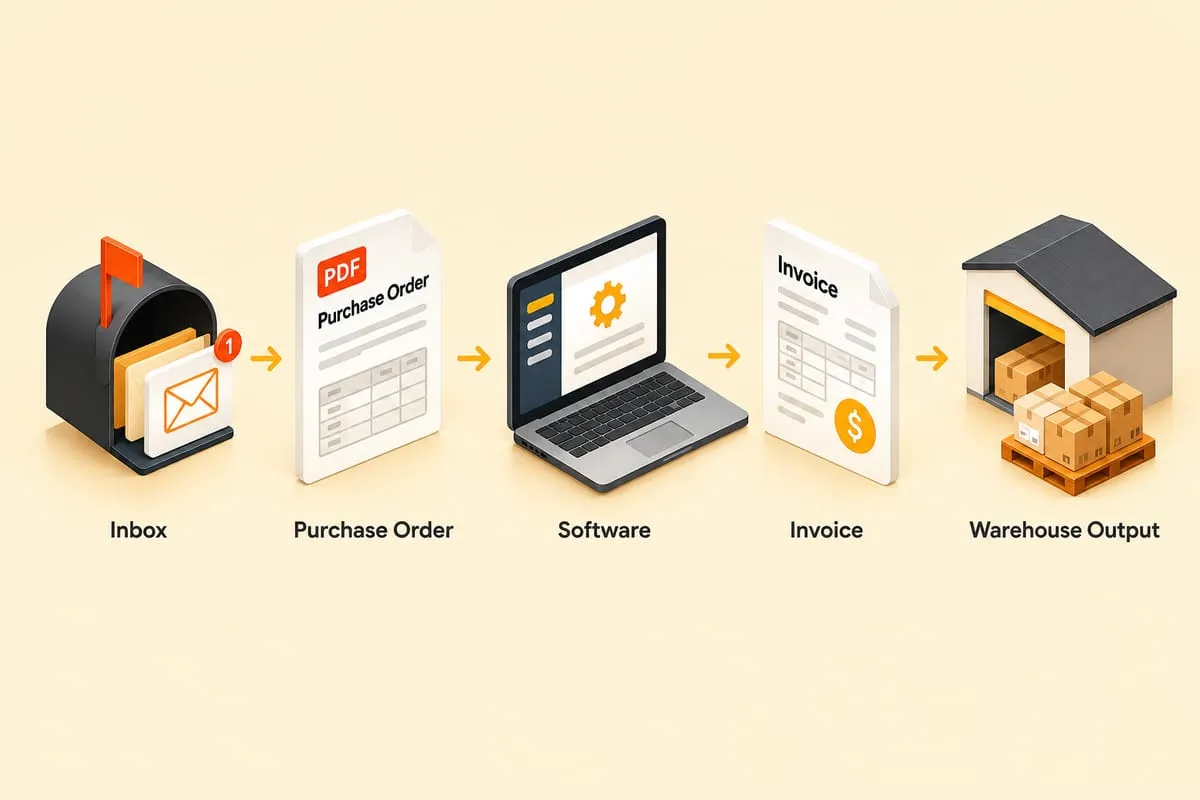
They’re the human middleware connecting all these systems. Copy the PO number from the email. Paste it into the spreadsheet. Look up the customer in QBO. Create the invoice. Switch to the supplier portal. Place the order. Go back to the spreadsheet and update the status. Check email for tracking numbers. Update QBO. Update the spreadsheet again.
This person isn’t doing creative work. They’re a data transfer mechanism between software that doesn’t talk to each other.
Why Another SaaS Tool Doesn’t Fix It
The instinct when things get chaotic is to buy another tool. A project management platform. An ERP system. A workflow app.
The problem is that buying an off-the-shelf tool means adapting your business to the software. You end up with yet another tab and more data entry, not less. The new tool has its own way of doing things, its own data model, its own limitations. And now someone has to keep it in sync with everything else too.
You don’t need another tab. You need fewer tabs.
What a Custom Operations Hub Actually Is
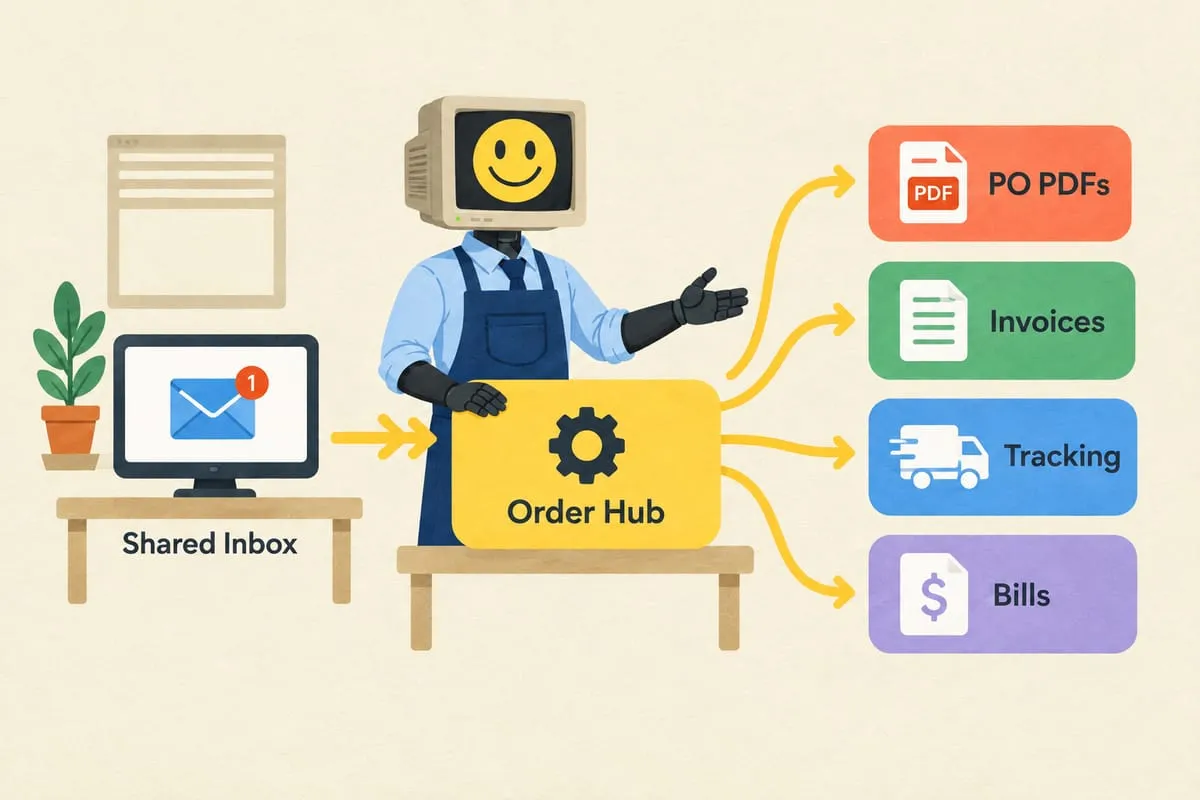
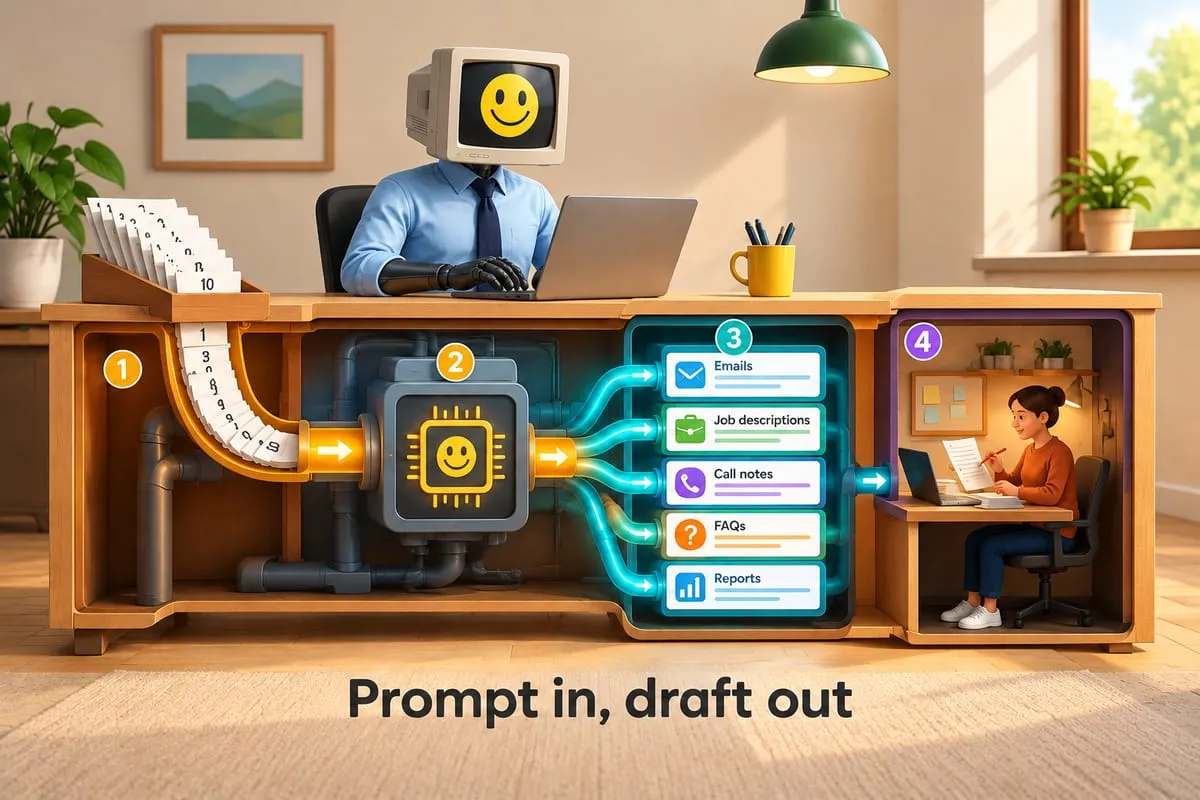
A custom app is a single web-based dashboard built specifically for how your business works. Not a template. Not a modified Airtable. Not a Notion database with automations bolted on. An application that pulls data from your existing systems, presents it in one view, lets you take action, and pushes the results back to those systems automatically.
It doesn’t replace QuickBooks or your email. It sits on top of them. It’s the control centre that connects everything behind the scenes so you don’t have to do it manually.
What a Typical Operations Hub Includes
This example is based on patterns we build regularly for distribution and order-processing businesses.
Incoming orders. Purchase orders arriving by email, with AI-extracted data ready for review. No more opening PDFs and retyping. Read more: How AI Reads Your Purchase Orders (And Why It’s Better Than You Think)
Order pipeline. Every order visible in one view, from “received” to “approved” to “ordered from supplier” to “shipped” to “invoiced.” No more spreadsheet tracking.
One-click actions. Approve an order and the system creates the QBO invoice, places the supplier order, and sends the customer confirmation. All from one button.
Supplier coordination. Orders placed automatically in the supplier’s portal. Tracking numbers captured and forwarded to customers when they arrive.
Financial integration. Invoices and bills created in QuickBooks Online automatically, in the correct currencies, with the correct pricing. Read more: How Cross-Border AP/AR Automation Works for Canadian Distributors
Everything that used to live across 6 browser tabs and 4 spreadsheets, in one place.
Why This Matters for Growth
When a custom app is the foundation, adding new capabilities later is straightforward. Need a customer-facing chatbot? It plugs into the same system. Marketing automation? It reads from the same customer and order data. Analytics dashboards? The data is already there, structured and logged.
The app becomes your business operating system. Not another tool to manage, but the central hub that manages everything else.
Compare that to the alternative: every new capability is another tool, another tab, another integration to maintain, another place where data can get out of sync.
Is This the Right Fit for Your Business?
If you’re a solo operator processing 10 orders a week, probably not yet. A good spreadsheet and some discipline might be all you need.
If you’re processing 50 or more orders a week across multiple systems, with multiple people involved, and you’re losing time to tab-switching and data re-entry, it’s worth exploring. The build cost is real (this isn’t a weekend project), but so is the cost of the current approach: hours of manual work, errors from copying data, and orders falling through cracks. Read more: Automation vs Hiring: The Real Math for Growing Canadian Businesses
Curious what a custom hub would look like for your specific workflow? Start with a discovery call and we’ll map it out together.