Automating Purchase Orders for Suppliers Who Sell to Canadian Institutions
If your customers send you PDF purchase orders, your team is spending hours on data entry that could be automated. Here's how suppliers are streamlining order processing.

If your customers send you PDF purchase orders, your team is spending hours on data entry that could be automated. Here’s how suppliers across Canada are fixing that.
The Procurement Cycle Challenge
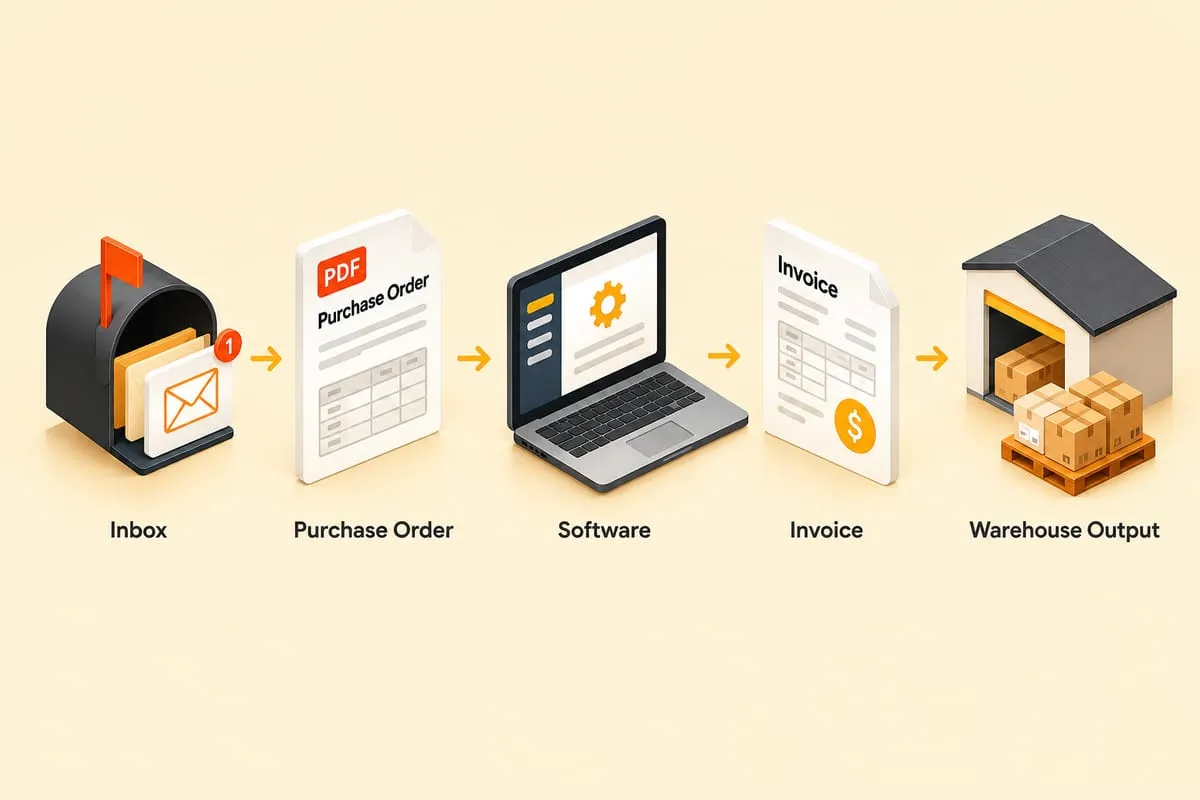
Selling to institutions — schools, hospitals, government agencies, large corporations — comes with a specific workflow. Your customer requests a quote. You prepare and send it. Their purchasing department issues a PO, usually a PDF emailed to you. You fulfil the order and send an invoice. They pay on their terms.
Every step in that cycle creates manual work for the supplier. And depending on your customer base, the volume can be seasonal or unpredictable — budget cycles, fiscal year-end spending rushes, or project-based purchasing can all create waves of orders that your team has to process manually.
Why It’s Painful for Suppliers
Quotes are often mandatory. Many institutional buyers require a formal quote before their purchasing department will issue a PO. That means generating quotes for every request, even the small ones.
POs come in every format imaginable. If you sell to dozens of different organizations, each one has their own PO template. Every PDF looks different. Every one needs to be read, interpreted, and entered manually.
Payment terms are long. Institutional buyers typically issue net 30 terms but often pay in 60 to 90 days. Cash flow management is a constant challenge, especially when revenue is seasonal or project-based.
Margins don’t always leave room for extra staff. You can’t always justify hiring dedicated order processing staff, especially when order volume fluctuates. But during peak periods, your existing team can’t keep up.
What Can Be Automated
Quote generation from email requests. A customer emails asking for a quote on specific items. The system reads the request, matches items to your product catalogue, generates a quote in QuickBooks Online, and sends it for review. What used to take 15 minutes of manual lookup and data entry happens in seconds.
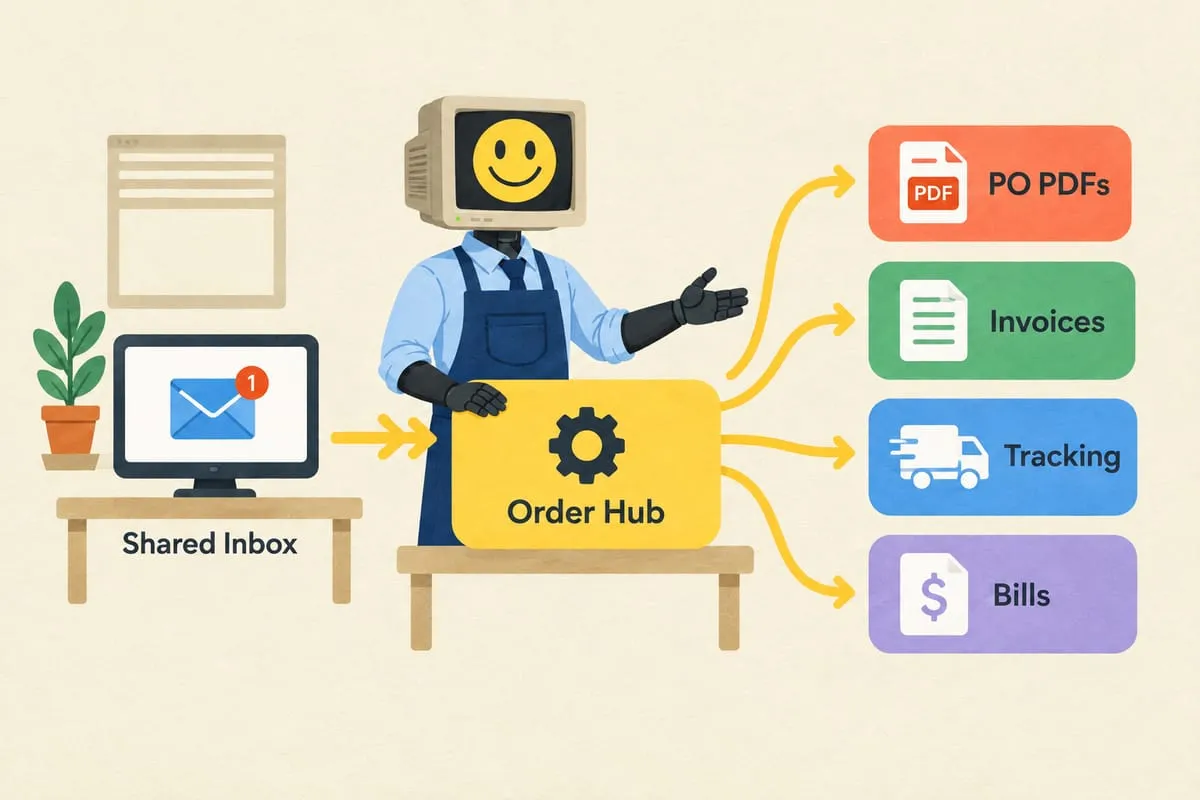
Purchase order processing. When the PO comes back as a PDF, the system extracts the data, validates it against your catalogue and the original quote, and creates an invoice in QBO. Read more: How AI Reads Your Purchase Orders (And Why It’s Better Than You Think)
Customer confirmation and follow-up. Automated confirmation emails when orders are received. Tracking notifications when orders ship. Follow-up reminders for outstanding quotes that haven’t converted to POs yet.
Supplier coordination. If you’re drop-shipping from a manufacturer, the automation can place the order with the supplier automatically once the customer PO is approved and the invoice is created.
Handling Quote Expiry
Here’s a detail that generic automation providers miss: quotes often have a validity period — 30, 60, or 90 days. But customers might come back with a PO well after the quote has expired, especially if internal approval took longer than expected.
The automation tracks quote expiry dates. When a PO arrives referencing an expired quote, the system can either re-quote automatically with current pricing or flag it for manual review. This prevents you from honouring outdated pricing by accident while keeping the ordering process smooth for your customer.
Is This Your Business?
If you’re a Canadian supplier processing purchase orders from institutional buyers — whether that’s schools, hospitals, government, or large companies — this is exactly the kind of workflow automation was built for. High volume during peak periods, repetitive data entry, varied document formats, and a clear process from quote to order to invoice.
Tell us about your workflow and we’ll map out what automation would look like for your specific setup.