CSRS 4200: What AI Should Automate
CSRS 4200 added paperwork to every compilation engagement. Here's what software can help with, requirement by requirement, and what stays with you.

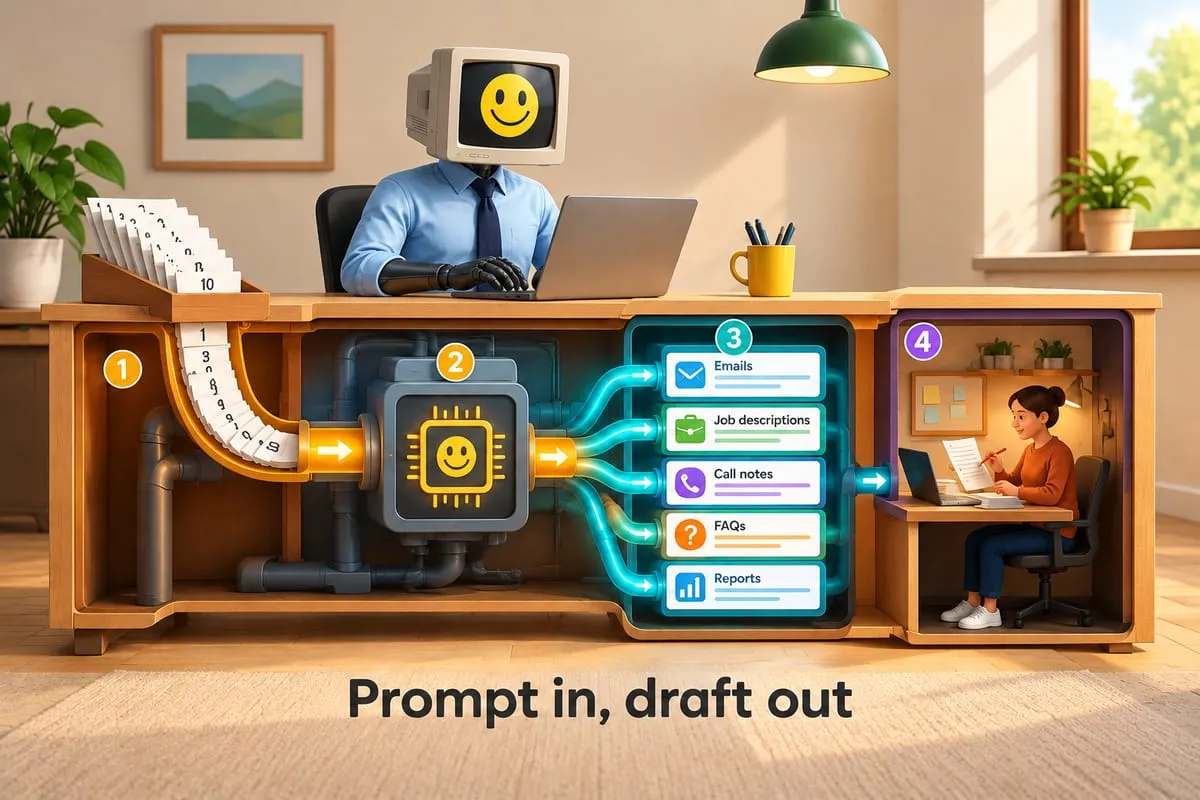
For periods ending on or after December 14, 2021, a Canadian compilation stopped being a Notice to Reader stapled to some statements. CSRS 4200 added an engagement letter with specific acknowledgements from management, a documented understanding of the client’s business, a note describing the basis of accounting, a new Compilation Engagement Report and a minimum documentation file.
That’s more steps per file. The busy season didn’t get any longer to make room for them.
So it’s fair to ask what software can take off your plate. Here’s my position: automation can carry a lot of the preparation and paperwork in a compilation engagement, and none of the professional responsibility. The standard draws that line for you, requirement by requirement. This post walks through it.
What CSRS 4200 actually asks for
CSRS 4200, Compilation Engagements, lives in the CPA Canada Handbook (Assurance). The Auditing and Assurance Standards Board approved it in October 2019, and it replaced Section 9200 and AuG-5 for compiled financial information for periods ending on or after December 14, 2021. Here’s the short version in plain English. It’s a map, not a substitute: read the standard before you change your procedures.
- A clearer scope. It doesn’t cover bookkeeping, controllership, information presented only in government-prescribed tax forms, or information another practitioner audits or reviews.
- An engagement letter. Terms are agreed and written down before the work starts: the objective and scope, the intended use (including any third-party user), the practitioner’s responsibilities, management’s acknowledgements and the expected form of the report.
- Management’s acknowledgements. Management acknowledges that a compilation suits the intended use and isn’t an audit or a review. It also takes responsibility for the financial information, for selecting the basis of accounting, for the accuracy and completeness of what it provides, and for attaching the report whenever the information is distributed.
- An understanding of the client. The accountant gets to know the entity’s business and operations, its accounting system and records, the basis of accounting and its accounting policies.
- The work itself. Compile the information from what management provides. Discuss any significant judgments you helped with. Read the compiled information against your understanding and the basis of accounting, and consider whether it appears misleading. If it does, ask management for additional or corrected information, and withdraw if you don’t get it. Get management’s acknowledgement of responsibility for the final version.
- A basis of accounting note. The compiled information must include a note describing the basis of accounting applied: cash basis, cash basis with selected accruals, a basis set by a lender or regulator, and so on.
- A new report. The Compilation Engagement Report replaces the Notice to Reader. It says the accountant compiled the information on the basis of what management provided, didn’t perform an audit or a review, wasn’t required to verify the accuracy or completeness of that information, and doesn’t express an audit opinion or a review conclusion or provide any form of assurance. It’s dated when the engagement is complete, including management’s acknowledgement.
- Minimum documentation. The engagement letter. A description of the business, accounting system, basis of accounting and policies. A reconciliation of the accounting records to the compiled information, including adjusting entries. A record of discussions about significant judgments. Communications about anything that appeared misleading, and the reasons if you withdrew. The final compiled information with evidence of management’s acknowledgement. The report.
Notice what isn’t on that list: gathering evidence to support an opinion. A compilation engagement provides no assurance. That matters a lot for automation, and I’ll come back to it.
Requirement by requirement: what software can and can’t do
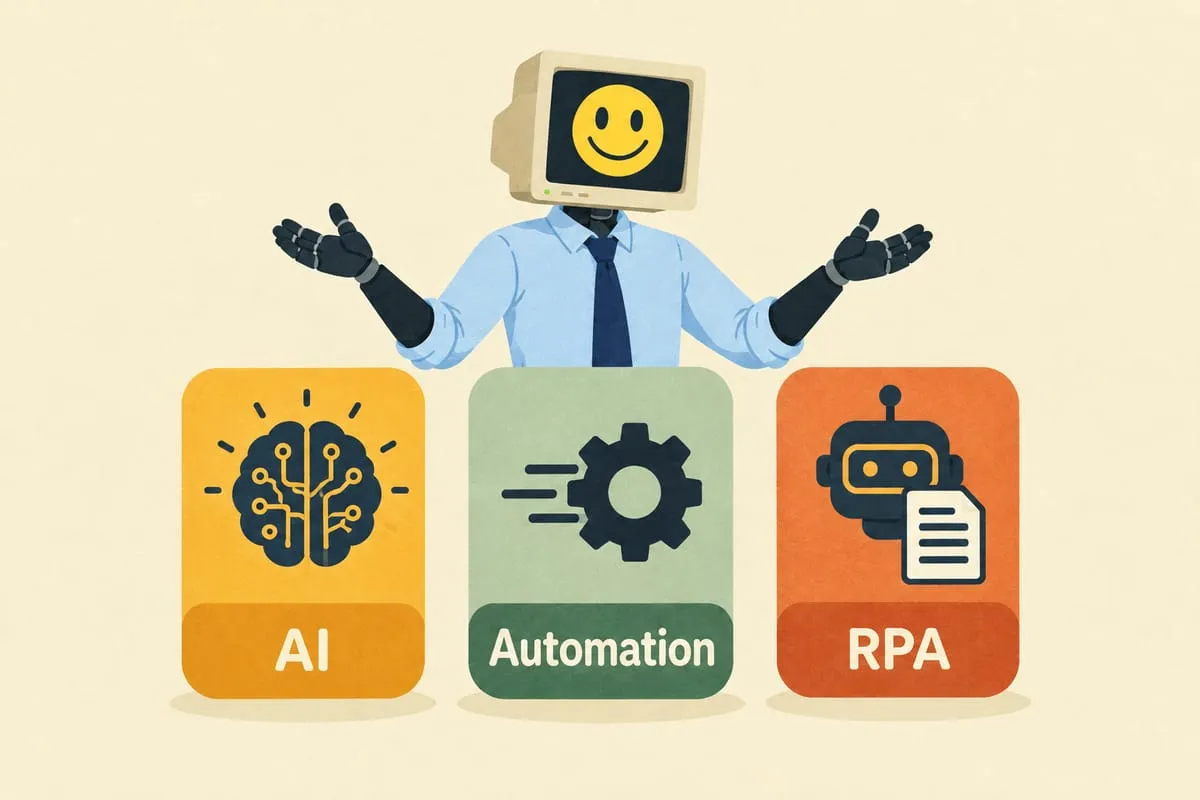
I use the same test here that I use in any other business process: is this step interpretation, execution or judgment? Interpretation (reading messy documents, drafting text) suits AI. Execution (calculating, reconciling, tracking) suits deterministic software. Judgment belongs to the accountant, and CSRS 4200 makes that pile easy to spot, because the standard assigns it to the practitioner by name.
The engagement letter and acknowledgements
Software can help: draft the letter from your firm’s approved template, fill in the entity, the period and last year’s intended use, and flag what changed. A new lender asking for statements is a new third-party user, and a reason to revisit the terms. Software can also track signatures, file the signed copy and remind you each year to consider whether the terms still fit.
Stays with you: accepting the engagement, judging whether the basis of accounting suits the intended use, and agreeing the terms with management.
Understanding the client
Software can help: carry last year’s documented understanding forward and ask the preparer what changed. It can pull prompts from the ledger, like a new bank account, a new loan, a new revenue account or a big swing in one line, and AI can draft an updated description for the preparer to edit.
Stays with you: the understanding itself. A draft built from last year’s file isn’t knowledge of the business. A conversation with the client is.
Compiling the financial information
Software can help: most of the mechanics. It can collect the records management provides (request lists, reminders on wording you approve, sorting and filing what arrives), import the trial balance from QuickBooks Online or Xero and check it balances, carry last year’s mappings forward and suggest mappings for new accounts, and prepare the schedules. It can also produce the reconciliation of the accounting records to the compiled statements, adjusting entries included, which your documentation needs anyway.
Stays with you: the significant judgments, like an allowance for doubtful accounts or an accrual, and the discussion of them with management. Software can prepare the support and flag that a discussion is needed. It can’t have the discussion.
Reading the compiled information
Software can help: run consistency checks before you sit down to read. Comparisons with last year. Balances with the wrong sign. Opening balances that don’t match last year’s closing. Relationships that look off, like sales tax against revenue or interest against debt. Each one becomes a question for the preparer.
Stays with you: deciding whether the information appears misleading, asking management for corrected information, and withdrawing if it doesn’t come. Be careful how you describe those checks, too. They help you read the statements. They aren’t procedures to verify anything, and the standard doesn’t ask for any.
The basis of accounting note
Software can help: carry last year’s note forward, flag when the books suggest the basis may have changed (accruals turning up in a cash-basis client, say), and put the note into the statements.
Stays with you: management selects the basis of accounting, and you make sure the note describes what was actually applied. If the note names a framework like ASPE, the statements need to comply with all of it.
The Compilation Engagement Report
Software can help: generate the report from your firm’s template with the entity, the period, the statements and the note reference filled in, and check that its date isn’t earlier than management’s acknowledgement of the final version.
Stays with you: signing it, and deciding the engagement is finished.
The documentation
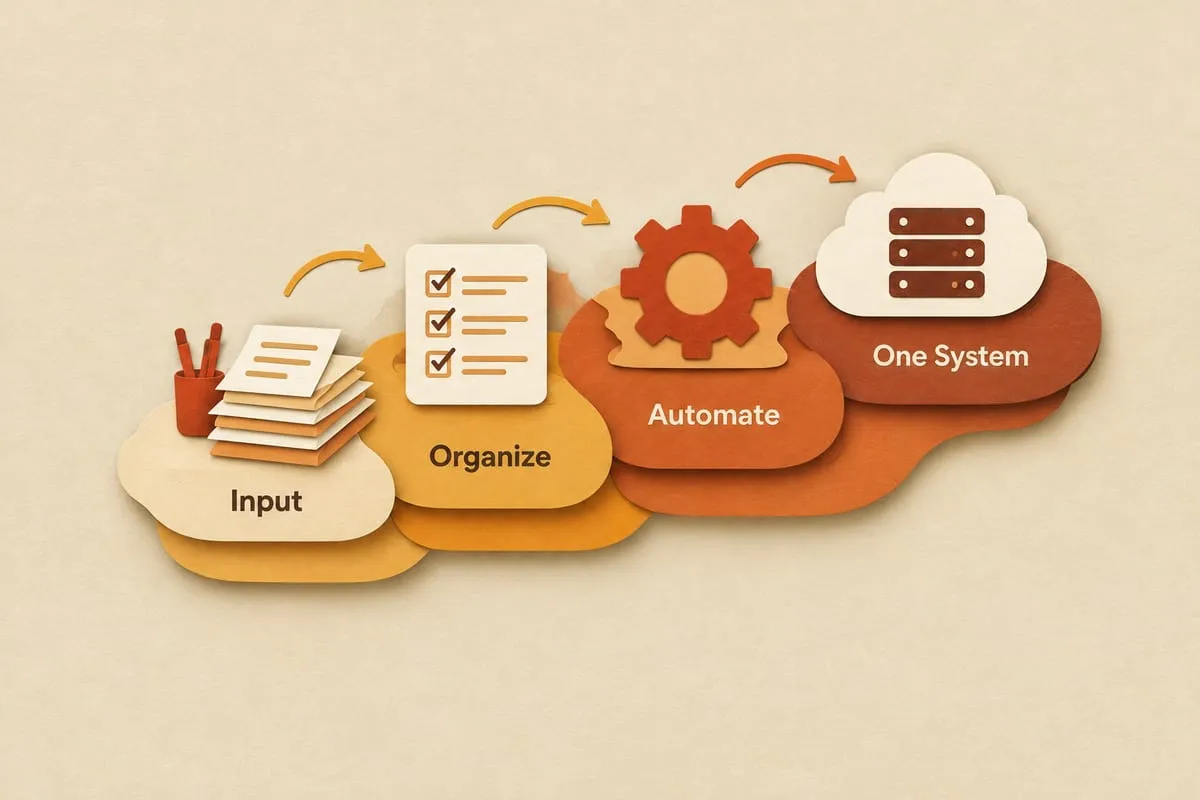
Software can help: this is where automation earns its keep. Every item on the minimum list is a by-product of the steps above: the signed letter, the description of the business, the reconciliation of records to the compiled information, the log of significant-judgment discussions, the requests for corrected information, the final statements with management’s acknowledgement, and the report. If each step files its own output, the documentation builds up as the work happens instead of in the last week.
Stays with you: what goes into those records. Software can file a note of a conversation. It can’t have the conversation.
No assurance means no evidence talk
It’s tempting to describe automation as “checking” or “testing” the numbers. In a compilation, be careful with that language. The engagement provides no assurance, and the report says so: no audit, no review, no requirement to verify the accuracy or completeness of what management provided, no opinion, no conclusion.
Automating parts of the file doesn’t change any of that. A reconciliation that ties the trial balance to the compiled statements is compiling accurately. A flag on a balance that flipped sign is help with reading the statements. Neither one is evidence for an opinion, and neither should be sold to a client as one.
If anything, automation makes it easier to stay honest about this, because every step is logged as exactly what it was.
The human gates
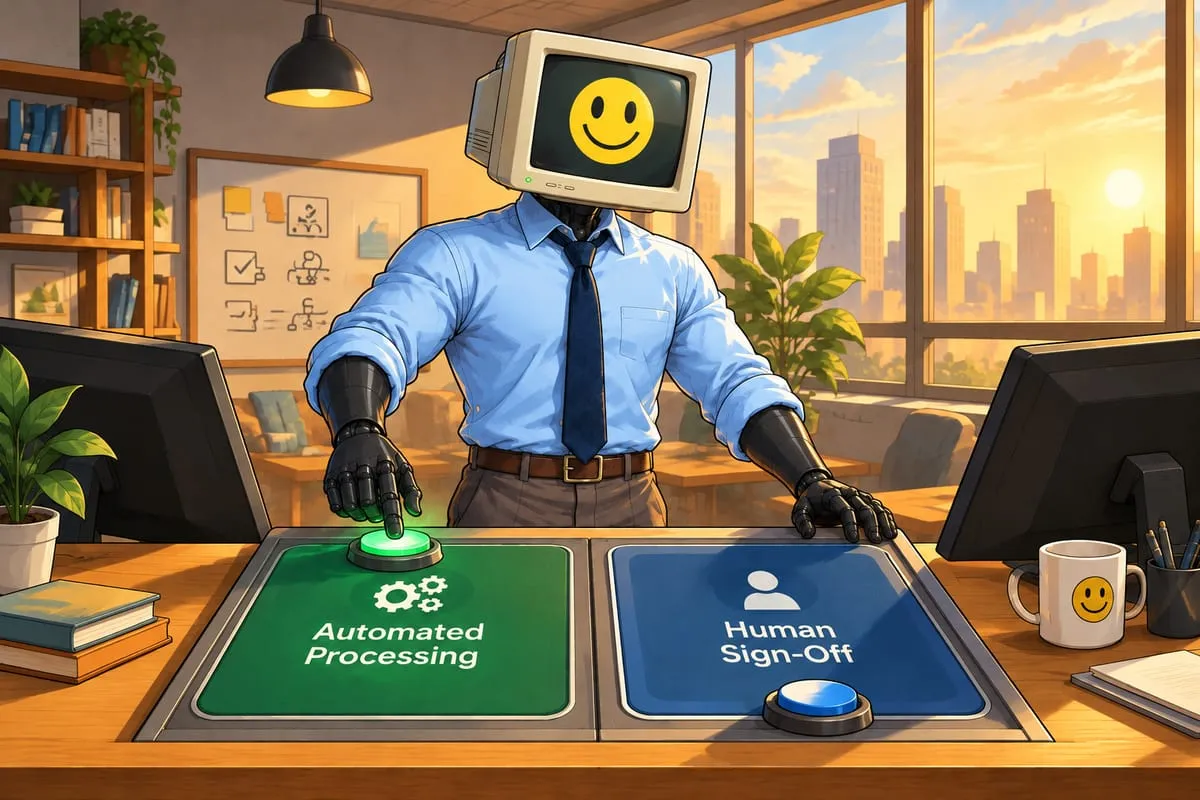
The point isn’t to get people out of the file. It’s to put them in the right places. In a well-built system, there are explicit points where a person has to act before anything moves:
- Uncertainty. Any mapping, extraction or classification below a confidence threshold the firm sets stops and waits for a person.
- Judgment. Accounting treatment, significant judgments, adjusting entries, and whether the information appears misleading.
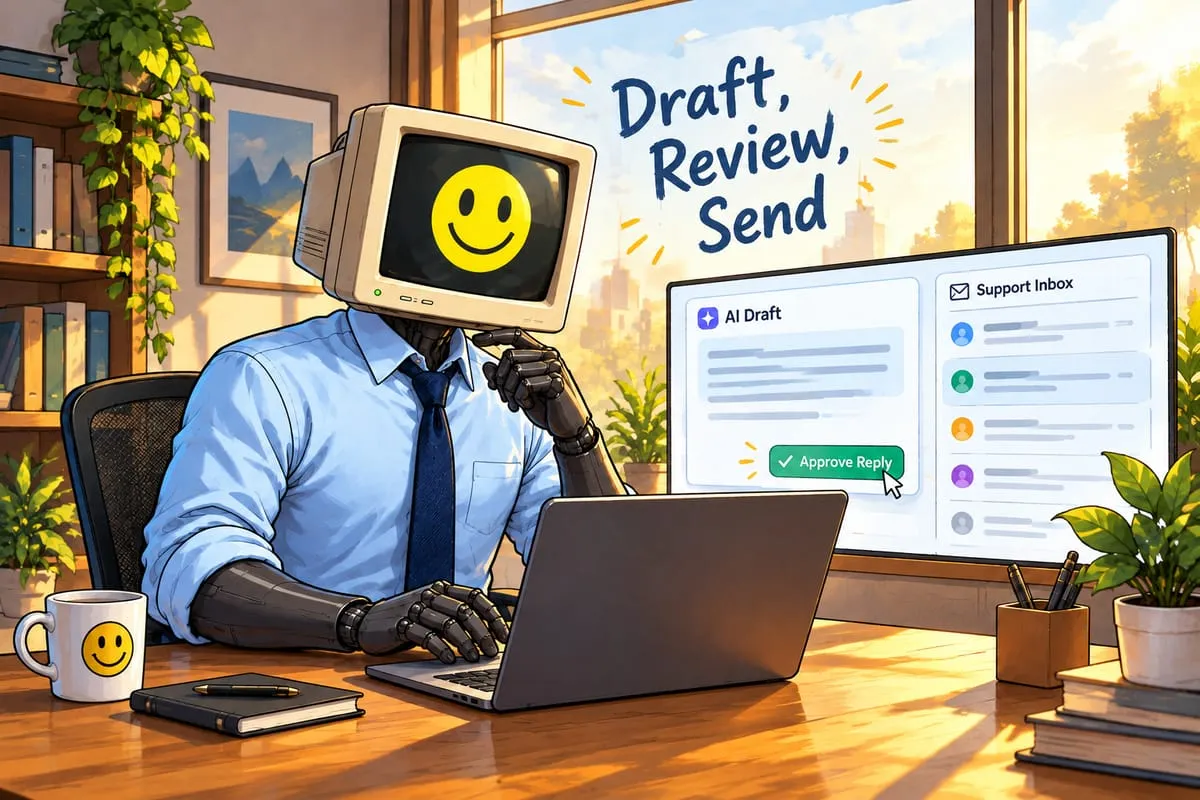
- Client contact. Requests and reminders go out only on rules and wording the firm has approved, and partners can review anything before it’s sent. Anything beyond routine requests is drafted for a person to send.
- Sign-off. Management’s acknowledgement and the report are human steps, recorded as such.
If a vendor can’t show you where those gates are, the system isn’t built for a professional practice.
Where to start
The standard sets the requirements. How your firm meets them (your templates, file structure, review habits and client mix) is yours. That’s why I’m wary of packaged “AI for accountants” products, and why we don’t sell one.
If you want a practical first step, start at the front of the file. The engagement letter, the request list and the chasing are repetitive, easy to measure, and every later step depends on them. The documentation is a good second target, because it can build up as the work happens. Trial balance import and mapping come after that. I wrote about what’s still manual in trial balance mapping separately, and working paper automation covers the trail behind each number.
We build this kind of automation alongside the tools firms already run (Financial Cents, CaseWare, TaxCycle, QuickBooks Online, Xero) without replacing any of them. The full picture is on our accounting firms page, and the step-by-step flow is on the year-end file preparation automation page. If you’d rather talk it through, book a 25-minute intro call. If there’s a fit, the next step is a paid Discovery Sprint, and it’s on our pricing page.
None of this is accounting or professional advice, and none of it changes what the firm is responsible for. It changes where the hours go.
Sources
- Auditing and Assurance Standards Board (FRAS Canada), Update: new standard on compilation engagements: approval, effective date, what it replaced and the main changes.
- CPABC, CSRS 4200 Compilation Engagements: Plainly Speaking: scope, the engagement letter, management’s acknowledgements, the work, the report date and the documentation list.
- MNP, How will CSRS 4200 impact my compilation engagement?: the sample Compilation Engagement Report from CPA Canada’s February 2020 Audit and Assurance Alert, and common bases of accounting.
- The standard itself: CSRS 4200, Compilation Engagements, in the CPA Canada Handbook (Assurance).