10 Things You Can Ask AI to Do for Your Business Right Now (With Exact Prompts)
Stop wondering what AI can actually do. Here are 10 copy-paste prompts you can use today to save hours on real business tasks.

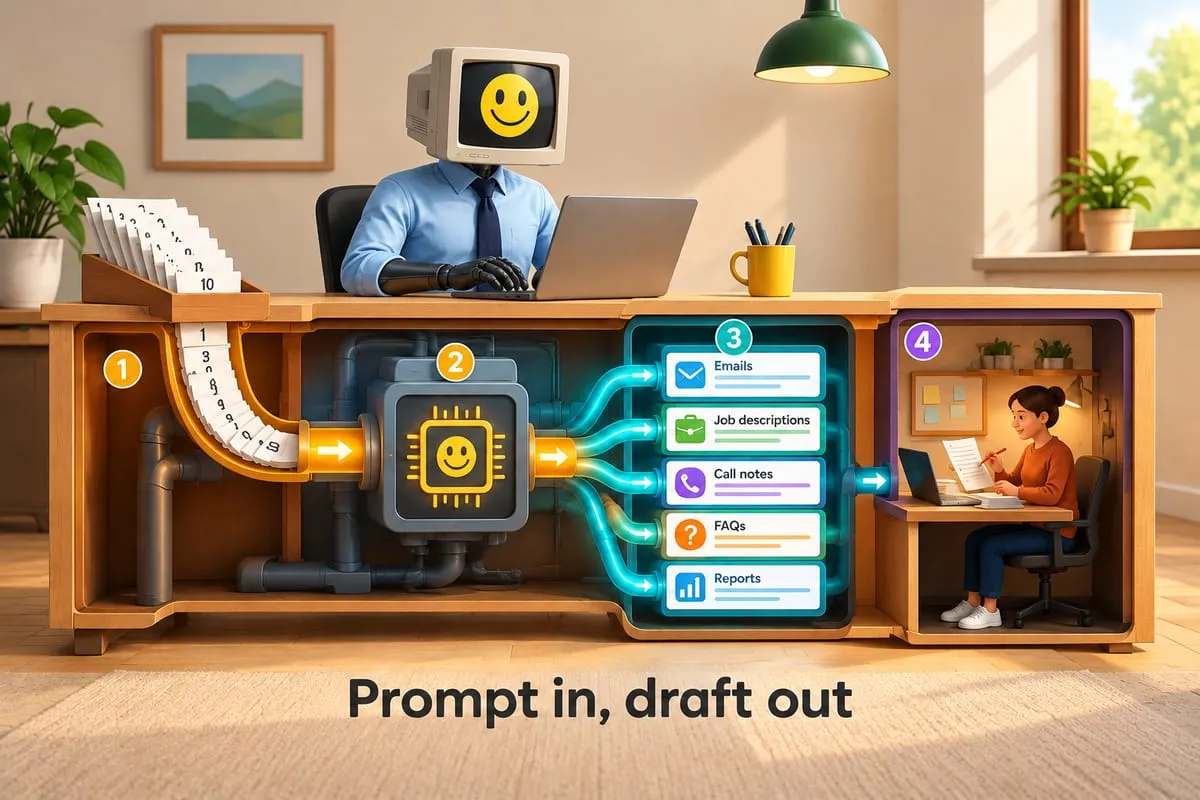
You’ve heard AI can help your business. Maybe you’ve opened ChatGPT, stared at the blank box, and thought, “What do I even ask this thing?”
Here are 10 things you can try in the next five minutes. Each includes the exact prompt. These are real tasks that eat real hours in real offices every week.
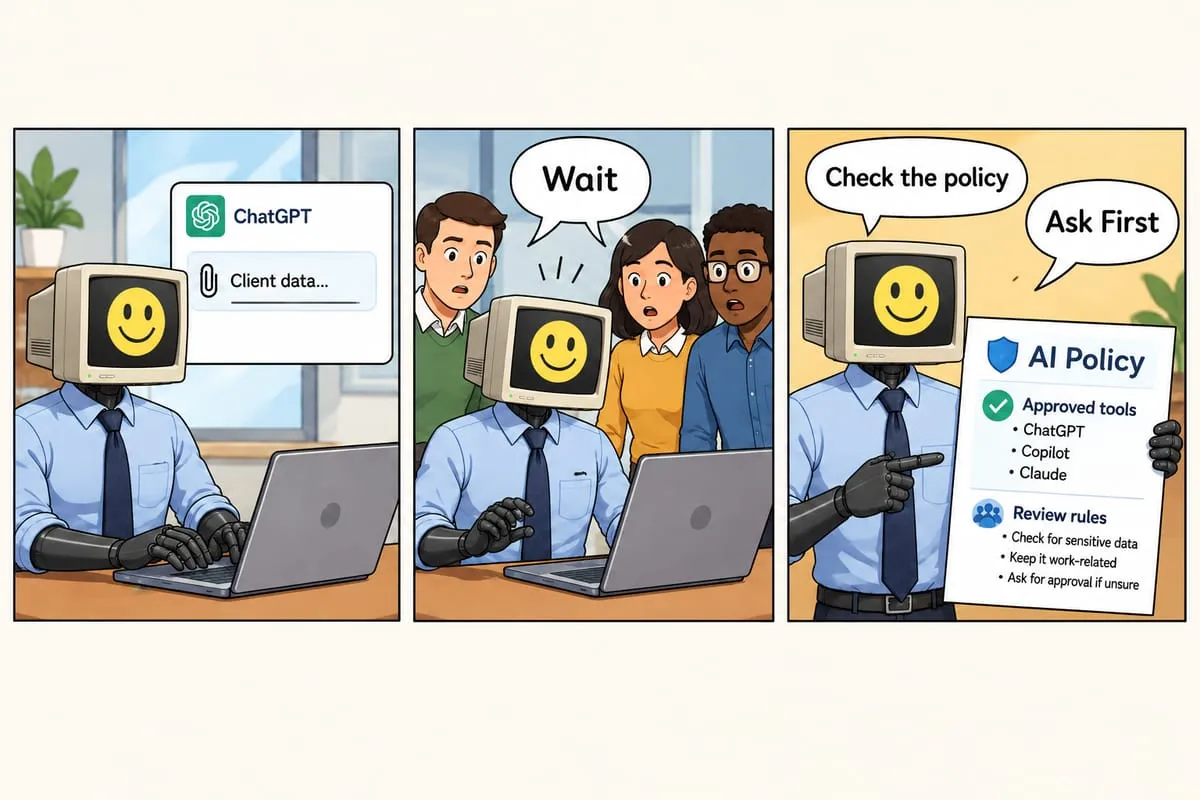
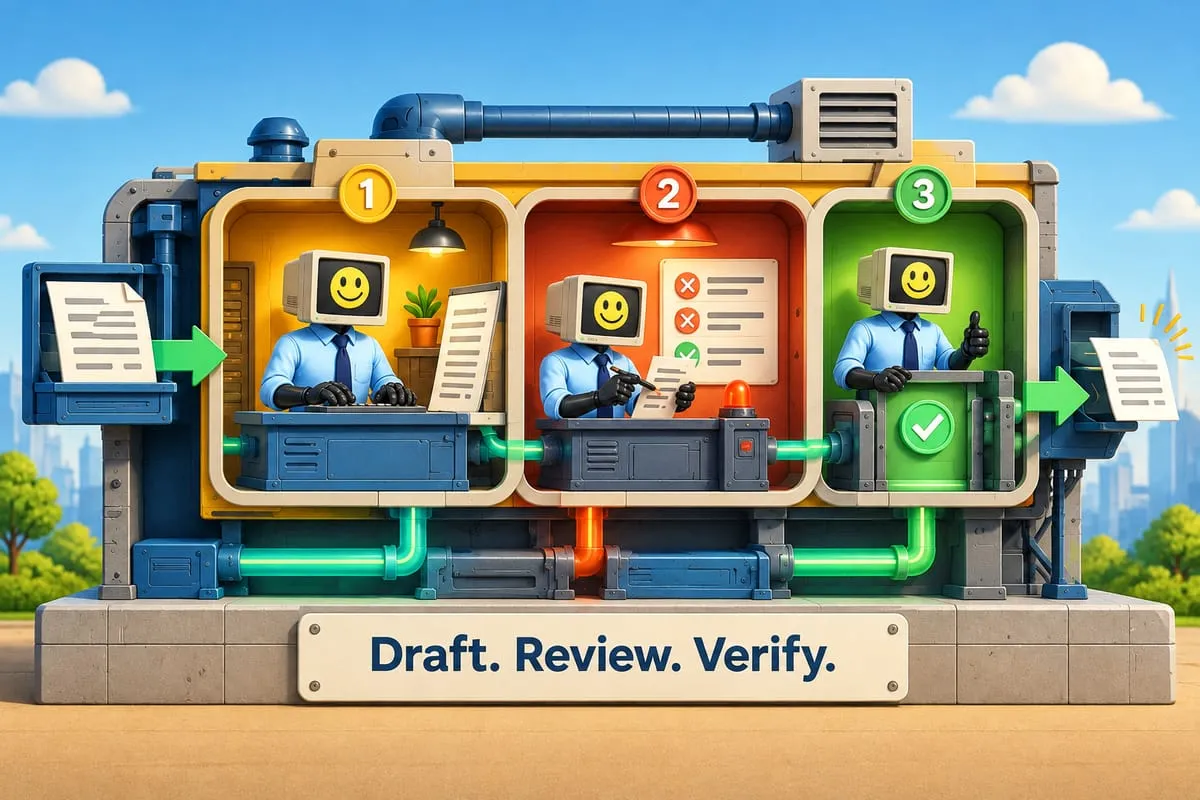
One rule: AI is your first draft, not your final answer. Review everything before you send, sign, or act on it.
1. Summarize a long vendor email
Long vendor emails are a time trap. They bury the important stuff under pleasantries and disclaimers. You don’t need to read every word — you need the three things that actually matter.
I’m pasting a long email from a vendor. Summarize in 5 bullet points or fewer. Focus on: pricing or cost changes, deadlines I need to act on, and decisions they’re asking me to make. Skip pleasantries.
[Paste the email]
Tip: Add context like “our current contract renews in June” so AI can flag what affects your timeline.
2. Draft a client follow-up
You just walked out of a meeting. You know you should send a follow-up within the hour. But you’re already late for your next call, and drafting a polished email feels like a 20-minute task. So it doesn’t get done until Thursday.
I just met with [Client Name] from [Company]. Here are my rough notes:
[Paste notes]
Draft a follow-up email that recaps key points, confirms action items and owners, and suggests a next meeting on [date]. Warm but professional. Sign off as [Your Name, Title].
Tip: Save this as a template. After every meeting, swap in the name and notes. Two minutes.
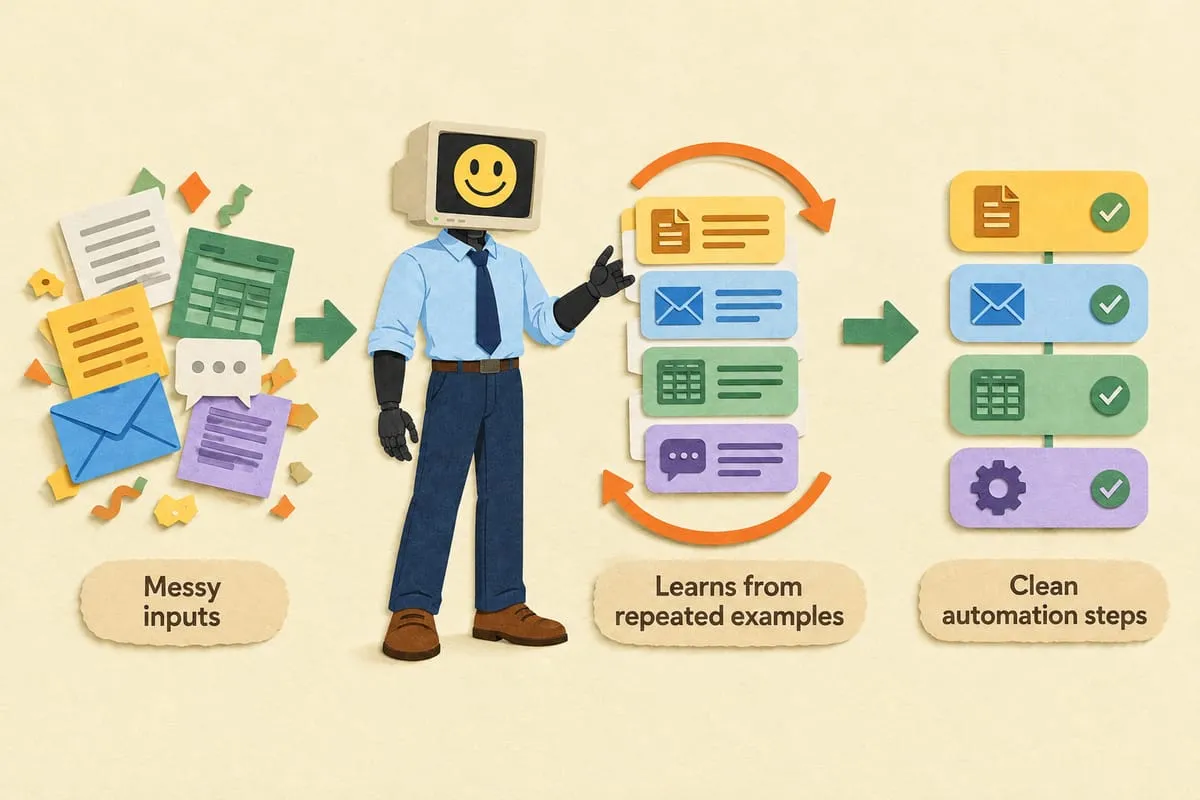
3. Turn messy notes into a clean SOP
You know how the process works. It’s in your head. Maybe scribbled on a sticky note. But it’s not documented, which means nobody else can do it, and you’re the bottleneck.
Here are rough notes about a process we follow. Turn them into a numbered SOP with: title, purpose (one sentence), tools/systems needed, and step-by-step instructions someone new could follow. Plain language.
[Paste your messy notes]
Tip: Don’t clean up your notes first. The messier the input, the more time you save. Just brain-dump and let AI organize. Then review for accuracy. More on SOPs in our process documentation guide.
4. Extract key details from a contract
You just received a 15-page vendor agreement. You need the key numbers and dates before your 2 PM meeting. Reading every clause isn’t happening.
Important: first-pass extraction only. AI can miss details or misread legal language. Always verify with the original document.
I’m pasting contract text. Extract and list in a table: parties involved, start/end dates, total value or payment terms, renewal/termination clauses, penalties or fees, key obligations for each party. Flag anything unusual. This is a first pass — I’ll review before acting.
[Paste contract text]
5. Clean up a messy spreadsheet
Every business has that one spreadsheet. The one with duplicate rows, inconsistent formatting, and a column labelled “Misc” that somehow became the most important column.
I have a messy spreadsheet. Issues: [describe, e.g., “duplicate customer names, inconsistent date formats, provinces sometimes abbreviated, missing postal codes”]. Here’s a sample (first 10-15 rows):
[Paste rows]
Identify issues, suggest a cleanup plan, and show what cleaned-up rows look like.
Tip: Give a representative sample, not the whole file. For Canadian data, mention if you need two-letter province codes (ON, BC, AB) or postal codes as A1A 1A1.
6. Write a job description from bullet points
Write a job description for: Role: [e.g., Office Manager] Company: [Name], [City, Province] Type: [Full-time/Part-time]
Responsibilities: [bullets] Must-haves: [bullets] Nice-to-haves: [bullets]
Include a brief About Us based on: [one sentence about your company]. Professional but approachable. Avoid jargon. Under 400 words.
Tip: Add a line about culture. “We’re a 12-person team in Mississauga that actually likes working together” beats “dynamic work environment” every time.
7. Prepare a sales call brief
You’ve got a discovery call in 45 minutes with a company you’ve never spoken to. You could spend 30 minutes clicking around their website. Or let AI do the research in 60 seconds.
I have a sales call in 45 minutes with [Company Name]. Here’s text from their website:
[Paste About/Services pages]
Create a one-page brief: what they do (plain language), likely customers, approximate size, 3 potential pain points related to [your product/service], and 2-3 smart opening questions.
Tip: Paste a recent blog post from their site too — AI can pick up what they’re currently focused on.
8. Create FAQ responses in your brand voice
Your inbox is full of the same five questions. Your team answers them differently every time. You need consistent answers that sound like your company, not a robot.
Create standard FAQ responses. Our brand voice is: [e.g., “friendly, straightforward, casual but professional — helpful neighbour, not corporate call centre”].
Questions:
- [Question]
- [Question]
- [Question]
2-4 sentences each, matching our voice. Flag anything needing specific details with [NEED INFO].
Tip: Paste an example email that nailed your tone. “Match this voice” works surprisingly well.
9. Draft a project status update
It’s Friday afternoon. Your client or leadership team wants a status update. You have scattered notes across three apps and zero desire to write a formal report.
Write a status update for [Project Name]. Here are my rough notes from this week:
[Paste everything — bullets, Slack notes, whatever]
Organize into: Summary (2-3 sentences), Completed This Week, In Progress, Blockers/Risks, Next Steps. Concise. Audience: [e.g., “non-technical client” or “leadership team”].
Tip: Do this every Friday. Save the prompt, swap in notes. Over time you’ll build a habit of dumping notes throughout the week knowing AI cleans them up in seconds.
10. Analyze a spreadsheet and spot patterns
You’ve got a spreadsheet full of sales data or expense reports. You know there are patterns in there, but you don’t have time for pivot tables. You just need someone to look at the numbers and tell you what stands out.
Treat as assistant-level analysis. AI can spot patterns but can make calculation errors. Verify numbers before sharing.
Analyze this data and tell me: top 3 trends or patterns, anything unusual or unexpected, and actionable recommendations.
Context: [e.g., “Monthly sales for our 4 Ontario retail locations, Jan-Dec 2025”]
[Paste data]
Plain language. I’m a business owner, not a data analyst.
Tip: “Here’s some sales data” gets generic observations. “We opened Ottawa in March — is it tracking ahead or behind where Toronto was at the same stage?” gets something you can actually use.
The bigger picture
Each task saves 15-30 minutes. That adds up to 5-10 hours a week.
But these are all one-off tasks. You’re still the one opening AI, pasting input, and copying output. Now imagine it connected — CRM data auto-feeding weekly reports, meeting notes generating follow-ups that land in your inbox, customer questions answered instantly. As we explored in AI for every business stage, businesses at every level are connecting these dots.
This is Part 6 of our AI for Business Owners series.
Ready to go beyond copy-paste? Imagine these tasks connected and automated — emails summarized and routed, follow-ups sent automatically, reports generated without you lifting a finger. That’s what we build. Let’s talk.