Working Paper Automation You Can Trace
Working paper automation isn't about copying your tickmarks. It's about tying each amount to its source, calculation, difference and reviewer, as data.


Talk about automating working papers and the first question tends to be some version of “can it do our tickmarks?” I understand why. Every firm has conventions: a colour for traced-to-bank, a symbol for agreed-to-prior-year, a reference style that a reviewer can read at a glance. Those conventions carry real information and people have spent years learning them.
But replicating the conventions is the wrong goal. The conventions are a way of recording something. The something is what matters.
What a working paper is actually for
Strip away the formatting and a working paper does one job: it lets a reviewer get from any amount in the file back to the evidence and the reasoning behind it. Where did this number come from? Does it agree to something outside the ledger? If not, by how much, and why? Who looked at it?
Every tickmark, cross-reference and colour is a manual way of answering those questions. And because it is manual, it is inconsistent between preparers, easy to skip under deadline, and impossible to query. You cannot ask a spreadsheet “show me every balance with an unexplained difference over $500 that nobody has reviewed yet.”
Software can hold that same information as data. That is what working paper automation is really about.
The nine things every prepared figure should carry
Here’s the record worth attaching to every prepared figure. It is deliberately plain.
- Amount. The figure itself, as it appears in the ledger or the schedule.
- Source document. The bank statement, invoice, lender statement, agreement or prior-year file the figure is supported by.
- Locator. Where in that document: page, line, row, cell. Enough that a reviewer can open the document and put a finger on it.
- Related ledger balance. The account and balance in the books that this evidence is being compared with.
- Difference. The calculated gap between the evidence and the ledger, as a number, not a judgment.
- Calculation. How the figure or the difference was derived. Interest at a rate for a period. Statement balance less outstanding items. Invoice amount prorated over coverage months.
- Explanation. A plain-language note on what the difference is and why, drafted by AI from the underlying activity and edited by the preparer.
- Issue or question. Anything unresolved: a stale item, a missing document, a question for the client or the manager.
- Reviewer status. Who has looked at it, what they decided, and when.
Put those nine things on every figure and you have a working paper that can be reviewed, queried and audited without decoding anyone’s colour scheme.
What is automated and what is not
This is the part that matters for a firm that signs the file.
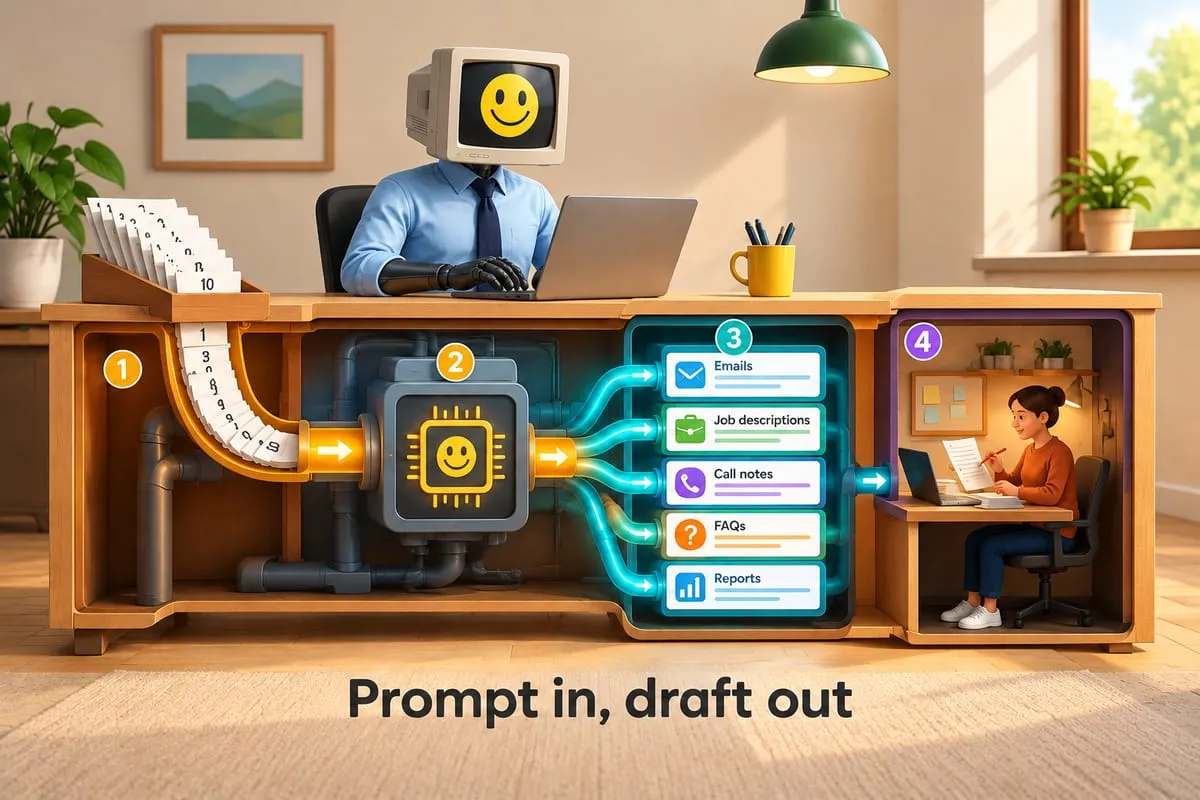
Deterministic software handles items one through six. It reads the ledger balance, matches it to the extracted evidence, calculates the difference and records where everything came from. There is no model involved in the arithmetic. If the bank statement says 151,412.40 and the ledger says 148,212.40, the difference is 3,200.00 every single time.
AI contributes to items two, three and seven. It reads the messy inputs, finds the closing balance on page three of a statement it has never seen before, extracts the value with its locator, and drafts the explanation from the ledger activity around the difference. Every one of those contributions is labelled as extracted or drafted, and every extraction keeps its pointer so a person can check it in seconds.
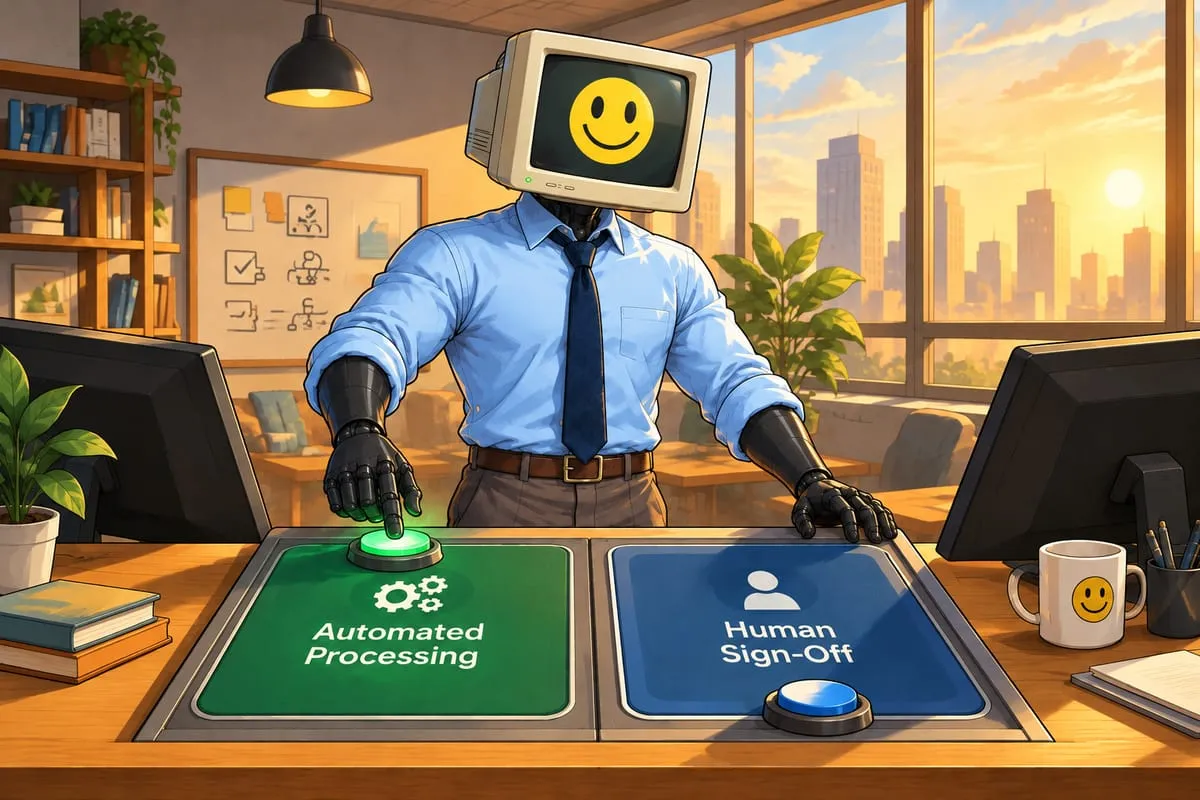
Accountants own items eight and nine, and they own the right to overrule anything in one through seven. Whether a difference is acceptable, whether the entry gets booked, what to ask the client. Those are judgment calls and they are recorded as human decisions.
One note for compilation files: under CSRS 4200 a compilation provides no assurance, so this trail isn’t evidence for an opinion. It’s a record of how each number was compiled and where it came from. That’s what a reviewer needs, and it feeds the reconciliation of the accounting records to the compiled statements that the standard asks you to document.
The split between AI, software and people is the same one we use across all of our finance automation work. In a public practice, the third column is not optional.
What changes for the preparer and the reviewer
For the preparer, the file arrives with the mechanical evidence work done. Bank balances are tied with differences calculated. Loan balances agree to lender statements or show exactly how far off they are. Prepaids and accruals have their calculations attached. The preparer’s job becomes working the exception list: the differences that need an explanation, the extractions below the confidence threshold, the questions that need a client.
For the reviewer, the file opens with the exceptions and open judgment calls first, then the supported balances. Review starts with decisions instead of archaeology. And because provenance is data, the reviewer can filter: show me everything unreviewed, everything with an open question, everything where the difference is over the threshold.
For the firm, there is a consistent, queryable record across every preparer and every client, built the same way each time.
The conventions can still exist
None of this means abandoning the firm’s tickmarks. If the working-paper software or the review culture expects a reference style, the structured record can generate it. The difference is direction: the conventions become an output of the data instead of the only place the data lives.
It also keeps the working-paper software where it belongs. CaseWare stays the firm’s record; the structured trail is prepared upstream and goes in through the imports it supports.
How this fits into the rest of the file
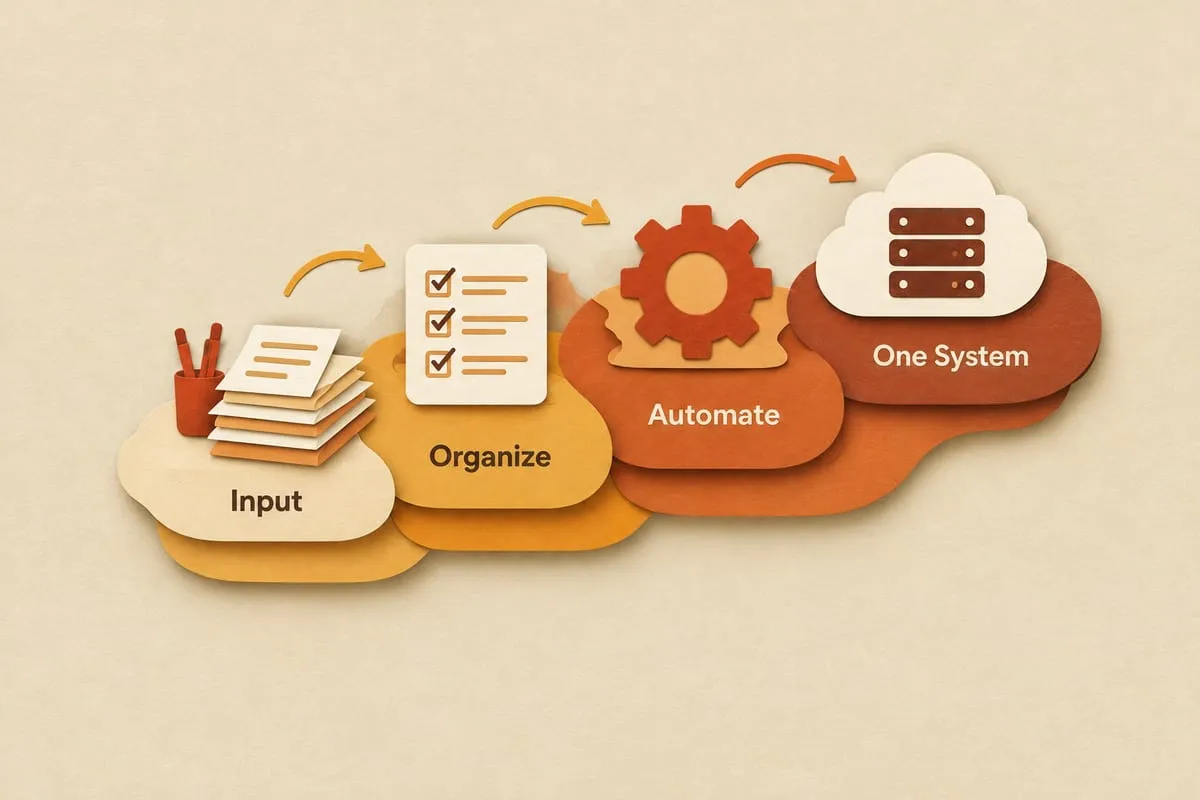
The evidence trail is one layer of a bigger flow. It starts with collecting, chasing and sorting the client’s documents, then trial balance import and account mapping, reconciliations, calculations, questions, the review package and the handoff into working-paper and tax software. We lay out the preparation sequence, with the human gates marked, on the year-end file preparation automation page.
If your reviewers spend the first hour of every file asking where numbers came from, that’s the problem this solves, and it’s the kind of automation we build and run as a managed service. Start with the accounting firms page, see how pricing and discovery work, or book a 25-minute intro call.