Prompting for Business People: How to Get AI to Actually Do What You Want
Most people get bad results from AI because they write bad prompts. Here's a dead-simple framework and five copy-paste templates to fix that today.

Last month, a client told me AI was useless.
She’d asked ChatGPT to “write me an email to a client” and got back a bland, three-paragraph mess that started with “I hope this email finds you well.” She closed the tab and wrote the email herself.
I don’t blame her. That output was useless. But AI wasn’t the problem. The prompt was.
The quality of what you get out is directly proportional to what you put in. You don’t need to be a “prompt engineer.” You just need to think about five things before you hit enter.
Bad prompt vs. good prompt
Say you run a landscaping company and need to follow up with a potential client.
Bad prompt:
Write me a follow-up email to a client.
What you get: A generic email that could be from any company in any industry. Delete.
Good prompt:
You’re a professional copywriter for GreenTree Landscaping in Kitchener, Ontario. Write a follow-up email to Sarah Chen, who we met Tuesday to walk her commercial property at 45 King Street. She’s interested in redesigning the front entrance garden beds and an irrigation system for the back lot. Her main concern was staying under $15,000. Warm and professional but not stuffy. Under 200 words. End with scheduling a design consultation for next week.
Same AI. Completely different results. The only difference was the prompt.
Five things to think about
I’m not going to give you a rigid acronym to memorize. But every good prompt includes some combination of these five elements:
Role — Tell the AI who it is. “You’re a senior HR manager.” “You’re a customer service rep for a plumbing company.” This sets the tone and expertise level of the response.
Context — Give it the background. What happened? Who’s involved? What’s the situation? Think about what you’d tell a new employee before handing them this task.
Task — Be specific about what you want. Not “write me an email” but “write a follow-up that addresses their budget concern and proposes a phased approach.” Not “summarize this” but “pull out the three most important pricing changes and flag anything that differs from our current contract.”
Format — Tell it how you want the output. Bullet points? A table? A 200-word email? A numbered list with deadlines? If you don’t specify, the AI guesses. It usually guesses wrong.
Constraints — Set guardrails. “Under 150 words.” “Canadian English.” “Don’t include pricing — I’ll add that myself.” Constraints prevent the AI from going off the rails.
You don’t need all five every time. Sometimes Role and Task are enough. But when you’re not getting good output, check this list — you’re probably missing one or two.
The mistakes everyone makes
Too vague. “Write me a marketing email” gives AI nothing to work with. You wouldn’t hand that brief to a copywriter either.
Too short. People worry about “overloading” AI. Don’t. A 5-word prompt gets 5-word-quality results.
No examples. If you have a writing style you like, paste in a sample. “Match this tone.” AI is phenomenal at pattern matching — if you give it a pattern.
Treating it like a search engine. Google answers questions. AI has conversations. If you write one prompt and walk away, you’re missing the best part.
This is a conversation, not a magic 8-ball
Here’s the real secret to getting great output: iterate.
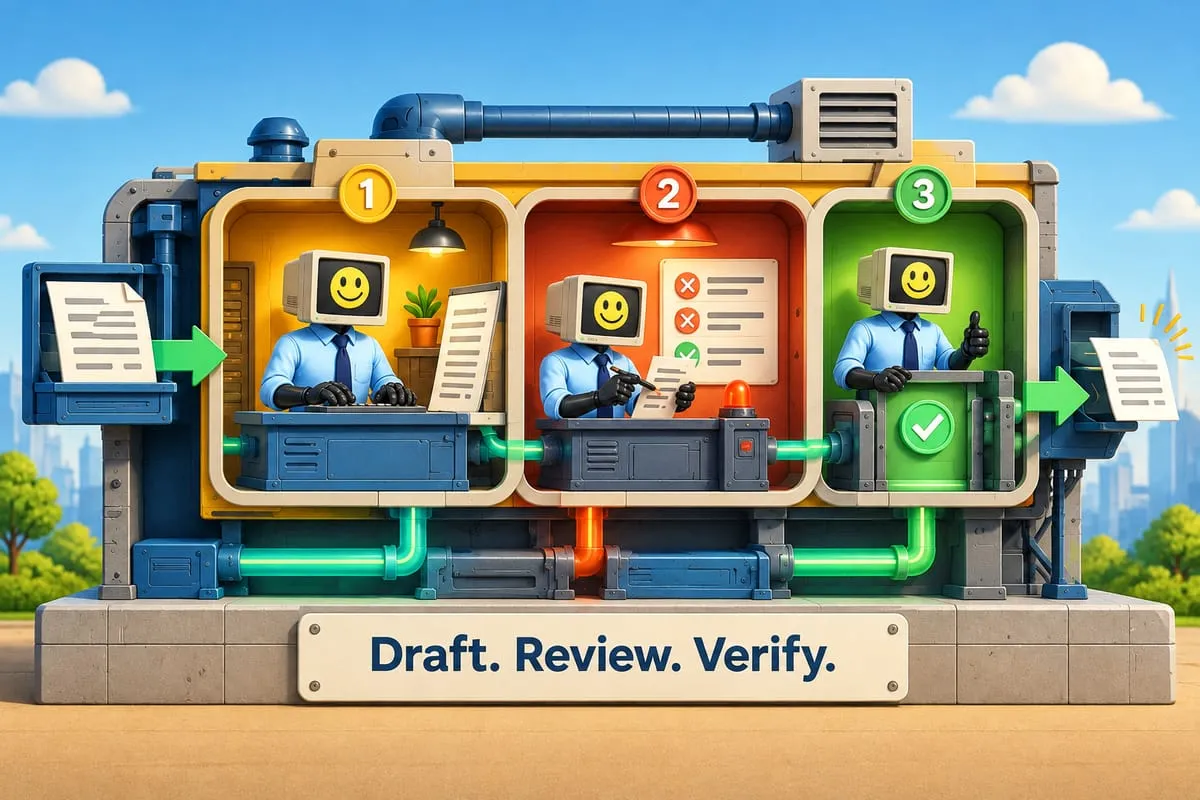
Your first prompt gets a rough draft. Read it. What’s wrong with it? Too long? Too formal? Missing a key detail? Tell the AI.
“Make it shorter.” “Too formal — sound more like a real person.” “Add a section about our warranty.” “Actually, rewrite the second paragraph to focus on cost savings, not features.”
Each follow-up narrows the gap between what you got and what you need. Three or four exchanges usually get you something you’re happy with.
Think of it like working with a really fast, really eager junior employee who revises instantly without complaining. They won’t nail it on the first try. But they’ll adjust as many times as you need. Your job isn’t to write the perfect prompt. It’s to steer the conversation.
This is what separates people who think AI is useless from people who use it every day. We talked about this in AI slop vs. thoughtful AI — the tool is only as good as the human driving it.
Five prompts you can copy right now
1. Client follow-up email
You walked out of a meeting, you know you should follow up within the hour, but you’re already late for your next call. This gets it done in two minutes.
You’re a business development manager at Northwind Solutions. Write a follow-up email to James Parr, VP of Operations at Meridian Manufacturing. We met yesterday to demo our inventory platform. He was most interested in automated reorder and asked about SAP integration. His hesitation: 6-week implementation — he wanted 4. Professional but personable. Under 250 words. Next step: I’ll send a revised timeline by Friday and suggest a 15-minute call next Tuesday.
2. Summarize a vendor proposal
Long proposals bury the important stuff. Instead of reading every page, tell AI exactly what questions to answer.
I’m pasting a vendor proposal from DataBridge Analytics. Answer these questions:
- Total cost for Year 1 including implementation?
- Three biggest differences between Standard and Enterprise tiers?
- Any auto-renewal or price escalation clauses?
- SLA for uptime and support response?
- Anything unusual compared to typical SaaS contracts?
Numbered list. Flag red flags in bold.
[Paste the proposal]
3. Meeting notes to action items
Your meeting ended 10 minutes ago. Half the team already forgot what they agreed to. Fix that.
Here are rough notes from today’s operations meeting. Attendees: Oscar (COO), Priya (Marketing), Liam (IT), Danielle (Finance).
Turn these into a table: Action Item, Owner, Deadline, Priority. If no deadline mentioned, suggest one. Group by department.
[Paste your notes]
4. Job description from bullet points
Write a job posting for a Project Manager at UrbanBuild Construction in Calgary, AB. ~80 employees, 10-15 active projects.
- Manages commercial projects tender to closeout
- Budget responsibility up to $5M
- Works with site supers, subtrades, architects, clients
- Must know Procore and MS Project
- 5+ years commercial construction, PMP preferred
- Reports to Director of Operations
- $95K-$115K depending on experience
Professional but shows personality. Include About Us, responsibilities, must-haves, nice-to-haves, and what we offer (benefits, RRSP matching, truck allowance). Under 500 words.
5. Response to a customer complaint
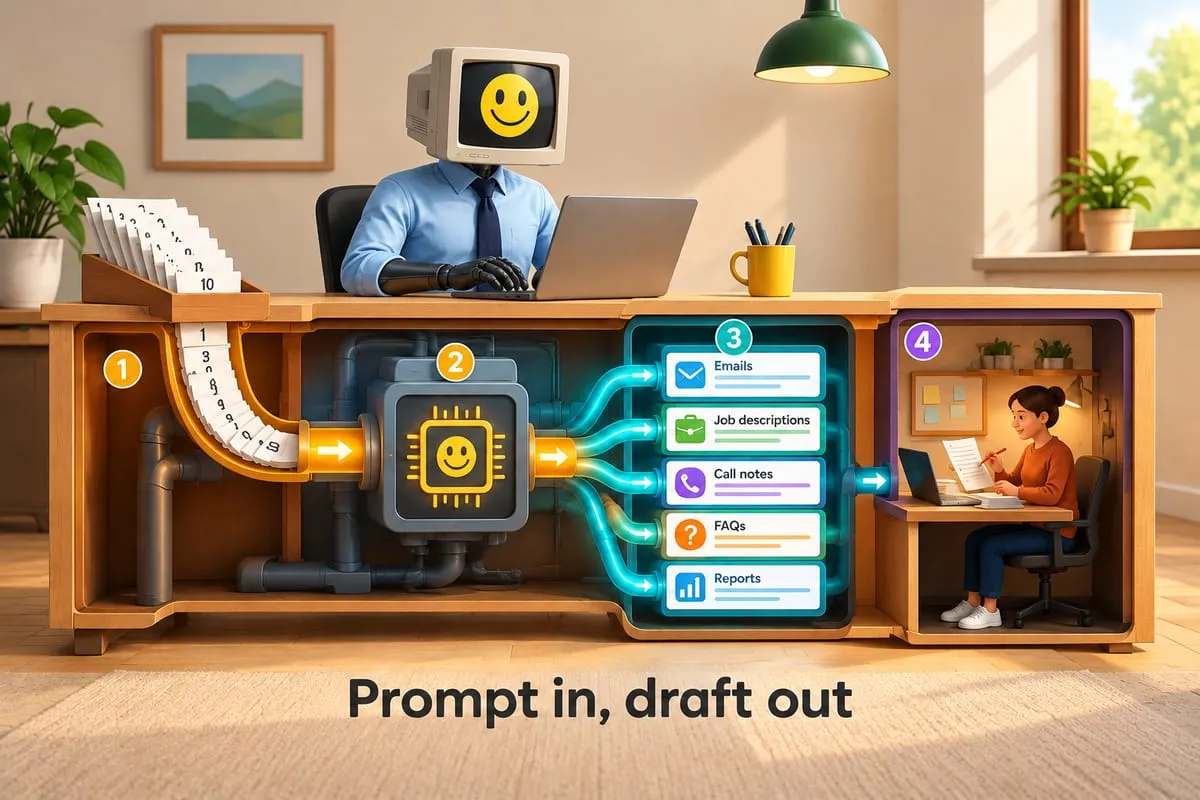
Negative reviews need fast, careful responses. You need to be empathetic without admitting liability, and you need to do it before the review gets 50 views. AI drafts both the public reply and the private follow-up.
You’re Customer Experience Manager at Clearview Windows in London, Ontario. Robert Torres left a negative Google review: installers arrived 3 hours late, tracked mud through his house, left packaging in his driveway. He’s threatening to dispute the charge.
Write a public reply that acknowledges the issue sincerely, doesn’t create legal liability, offers a specific next step (I’m calling him personally tomorrow), and shows other readers we take this seriously. Under 150 words.
Then draft a private email offering a cleaning crew at our expense and a $200 credit. Warmer, more personal.
Start using these today
Remember this: give AI the same context you’d give a capable person you just hired. Tell them who they are, what happened, what you need, how you want it, and what to avoid. Then iterate.
For more on where AI fits into your business overall, check out our practical guide to business AI.
This is Part 5 of our AI for Business Owners series.
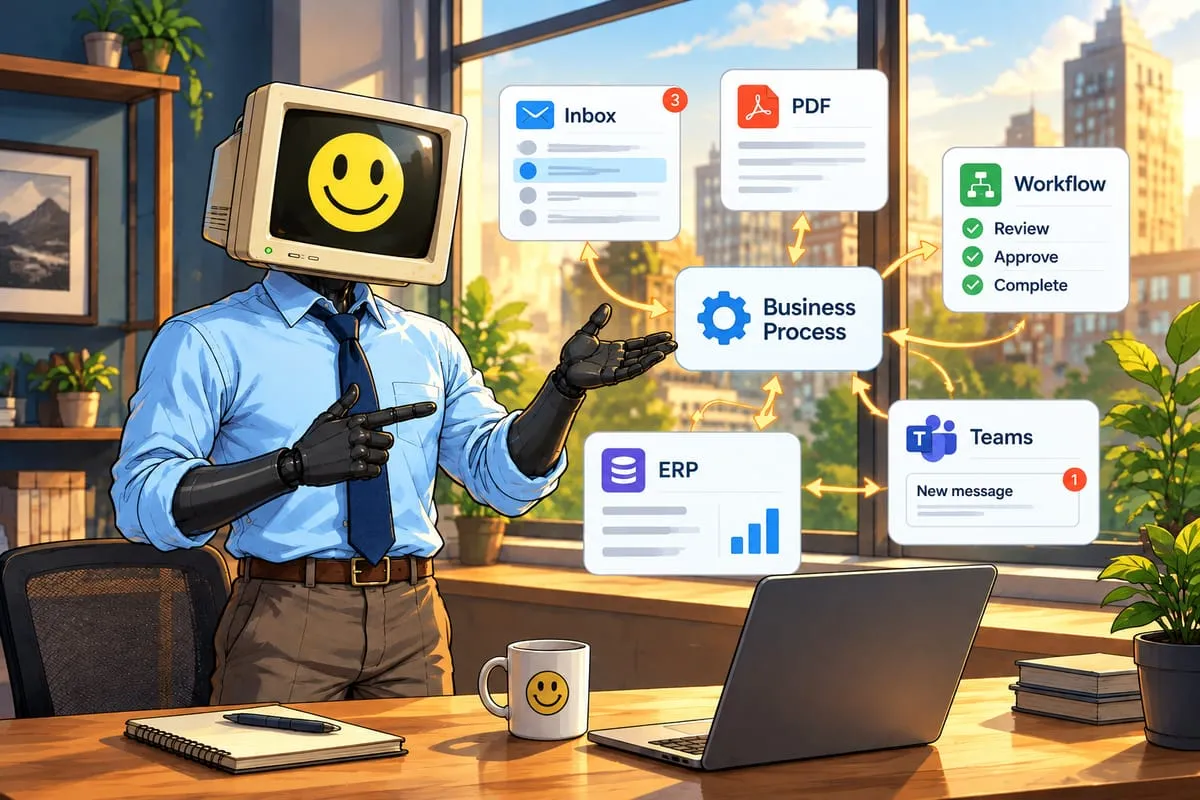
Prompting is step one. Automating the workflow is step two.
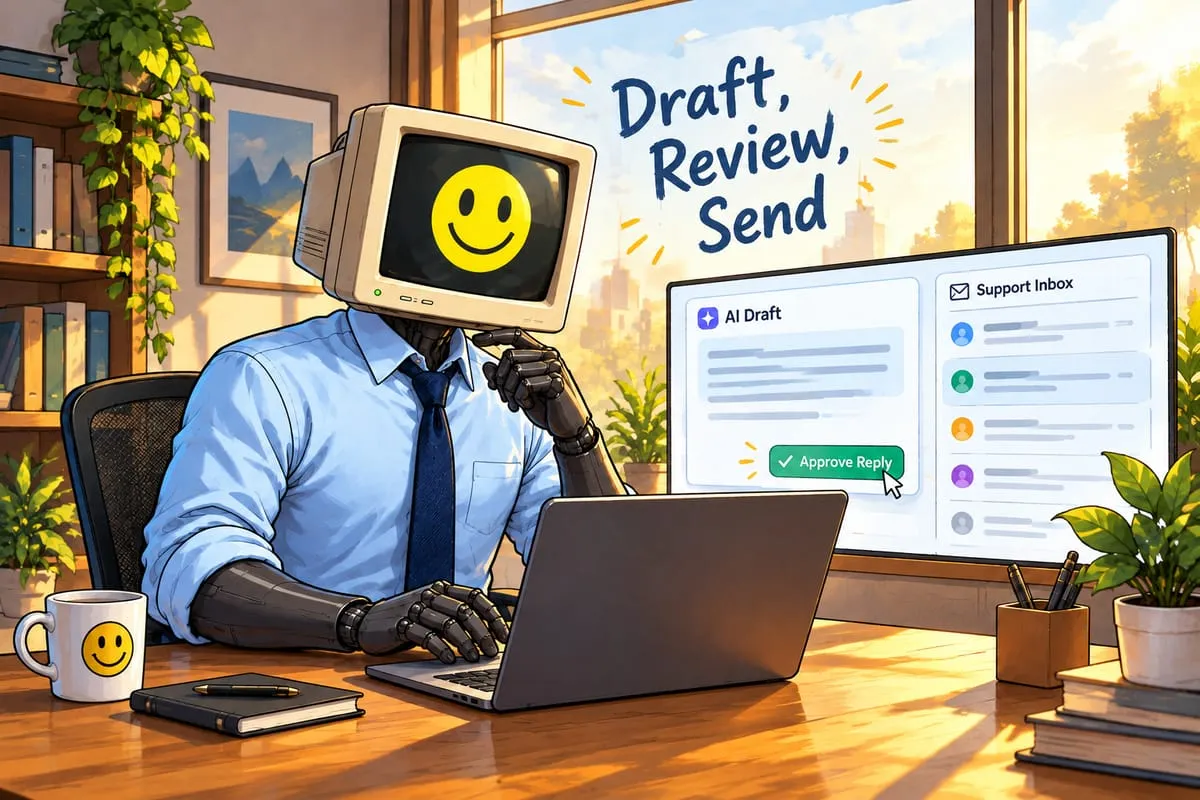
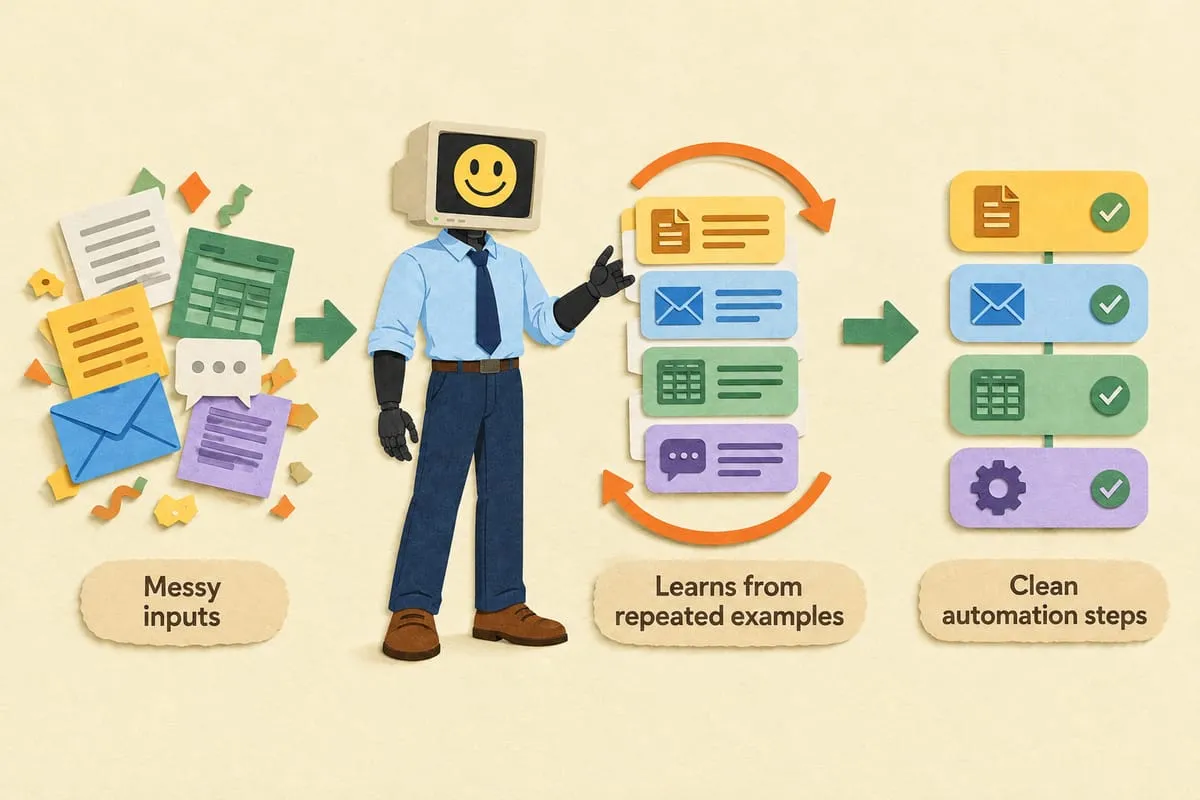
Once you’re getting great output, the next question is obvious: why am I still doing this manually? Imagine follow-ups sent automatically, meeting notes summarized before you finish your coffee, complaint responses drafted and waiting for one click of approval. That’s what we build. Let’s talk about what that looks like for your business.