What AI Can't Do: The Honest Limitations Nobody Talks About
AI is powerful, but it makes things up, forgets yesterday, and can't keep a secret. Here's what to watch for so you use AI well and avoid costly mistakes.

Last year, a business owner I know used ChatGPT to draft a compliance document. The AI wrote a confident, polished paragraph citing a specific Canadian regulation, complete with a section number.
One problem: that regulation doesn’t exist.
The AI made it up. Not maliciously. It generated a plausible-sounding regulation because that’s what fit the pattern. And because it sounded authoritative, he almost sent it to the client without checking.
That near-miss is why this post exists. Not to scare you away from AI — but to help you use it without getting burned.
It makes stuff up, and it sounds really sure about it
This is the big one. It’s called “hallucination.”
AI predicts what words should come next based on patterns. Most of the time, those predictions are accurate. But sometimes the most statistically likely next word is completely wrong. And AI doesn’t flag its own uncertainty. It tells you something false with the exact same confidence it tells you something true.
I’ve seen AI invent statistics, cite court cases that never happened, and reference sections of the Canada Labour Code that don’t exist. All written in clean, professional prose.
For first drafts and brainstorming, this is manageable. But copying AI output straight into client emails, contracts, or public documents without checking? You’re rolling dice with your reputation.
It doesn’t know what happened yesterday
Most AI models don’t have access to real-time information. They were trained on data up to a certain date. They don’t know your current pricing. They don’t know your supplier changed their terms on Tuesday.
If you ask AI about “the latest” anything, it might give you outdated information presented as current fact. Some tools now have web access, which helps — but the core issue remains: AI doesn’t inherently know what’s current. You do.
Your data goes somewhere when you paste it in
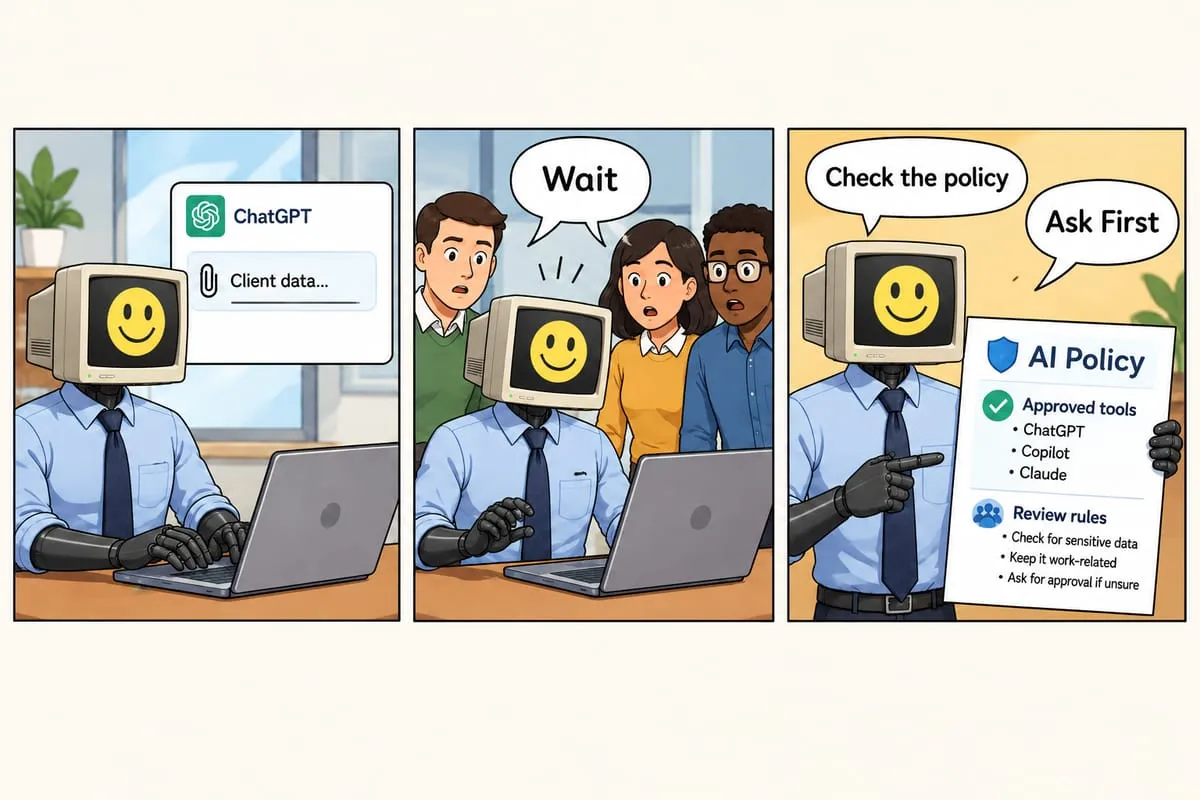
Someone on your team needs to summarize a client’s financial statement. They open free ChatGPT, paste the whole document, and get a beautiful summary in 30 seconds. But where did that data just go?
With free AI tools, your inputs may be used to train the model by default. You can sometimes opt out. Most people don’t.
I’ve talked to business owners who discovered employees were regularly pasting client contracts and financial documents into personal ChatGPT accounts. No malice — just people trying to work faster without understanding where that data ends up.
More on this: employees leaking data into AI tools and AI governance basics.
AI carries biases from its training data
AI models are trained on massive amounts of internet text. That training data reflects the world as it was written about, not as it should be. AI can carry gender biases in job titles, default to assumptions from one culture, or generate marketing copy that inadvertently excludes people.
For most business tasks, this isn’t a crisis. But if you’re using AI for hiring, customer communication, or anything people-facing, review the output with fresh eyes.
Some decisions need a human. Full stop.
Contracts and legal documents. AI can draft them, but it can miss a liability clause that changes your exposure by hundreds of thousands of dollars. A lawyer catches that in five minutes.
Financial decisions. AI can crunch numbers, but it shouldn’t approve loans or sign off on financial statements without a qualified human reviewing every line.
Customer-facing communication with specific details. An AI-generated customer email with wrong pricing doesn’t just look bad — it can create legal obligations. I know of a case where AI drafted a quote 30% below actual rates. If that had gone out and been accepted, the business would’ve been stuck honoring it.
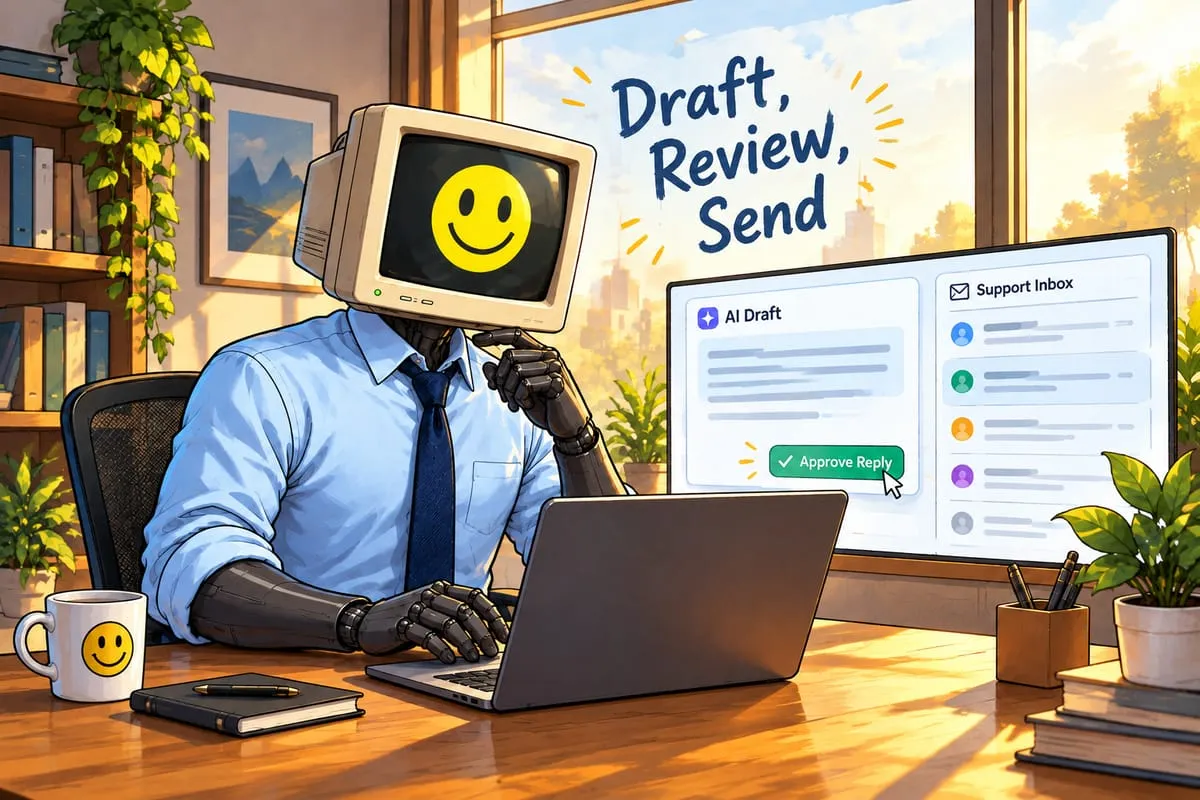
In all these areas, AI is a fantastic assistant. But a qualified human reviews the output before it goes anywhere.
Trust, but verify
Think of AI like a sharp new employee who’s incredibly fast and occasionally confidently wrong. You wouldn’t hand them a client contract and say “send this without me looking at it.”
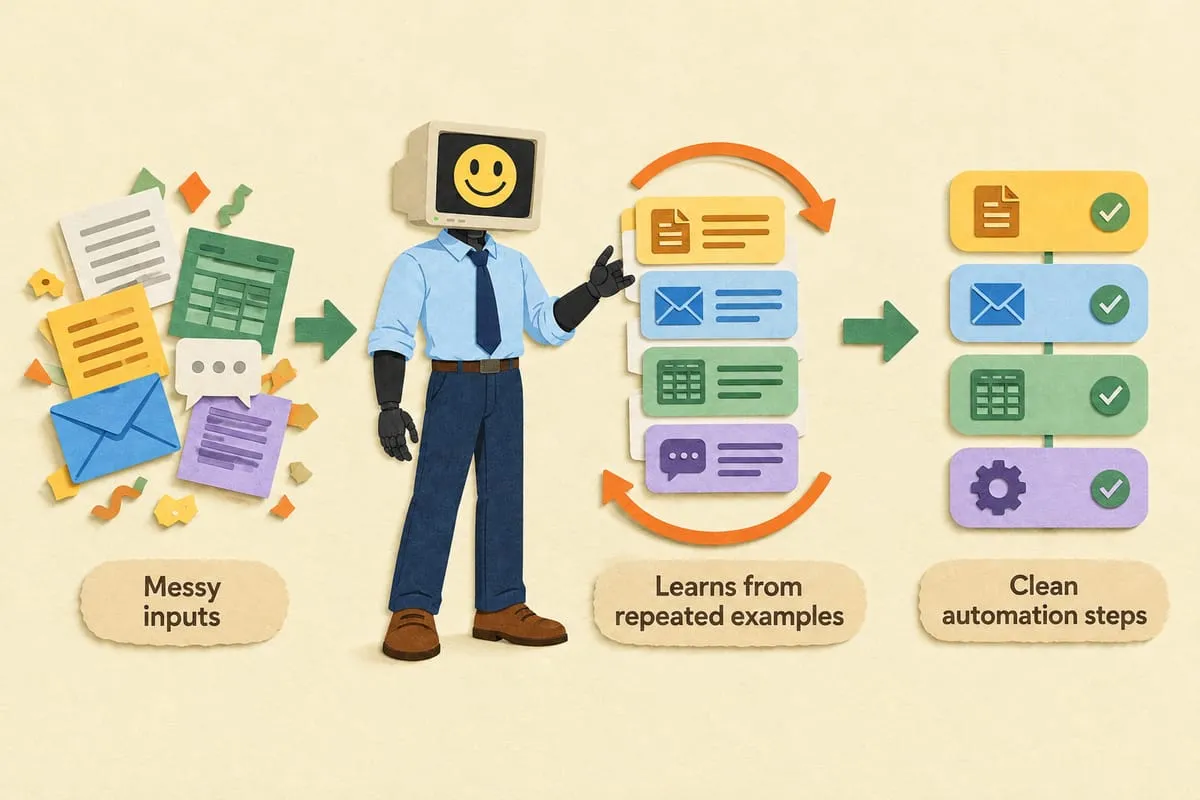
Use AI for first drafts, brainstorming, and speed. Let it write the first version, summarize the long document, organize your messy notes.
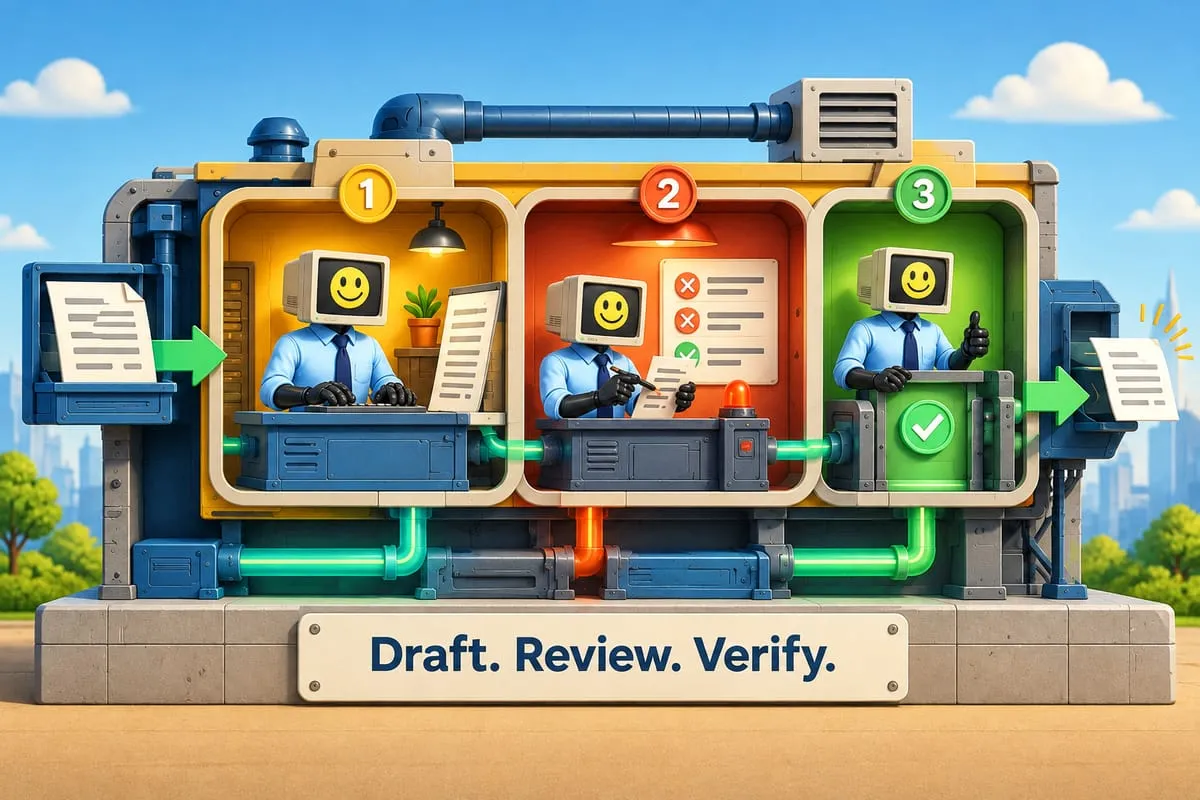
Always review before acting. Check the facts. Verify the numbers. If AI cites a regulation, look it up.
Set up guardrails for your team. Clear rules: use approved tools, never paste client data into free accounts, always review before sending. More on this in our AI governance post.
Start with low-stakes tasks. Internal summaries, research, drafting. Tasks where a mistake is easy to catch and cheap to fix.
Limitations are design constraints, not dealbreakers
The businesses that get the most value from AI aren’t the ones who trust it blindly. They understand its limits and design around them. Human review on contracts. Fact-checking on compliance docs. Approved tools for sensitive data.
That’s not extra work. That’s the difference between AI that saves you 10 hours a week and AI that creates a $50,000 problem.
This is Part 3 of our AI for Business Owners series.
Want to use AI without the risks? We build systems with human-in-the-loop safeguards — approved tools, proper data handling, review steps built into the workflow. Let’s talk.