Your QuickBooks Can Do Way More Than You Think
You're paying for QuickBooks Online every month but probably only using 20% of what it can do. Here's what you're missing.


You’re paying for QuickBooks Online every month. But you’re probably only using 20% of what it can actually do.
Most small business owners log into QBO, manually create invoices, manually enter bills, manually apply payments, and manually reconcile bank transactions. Every action requires navigating menus, typing data, and clicking save. It works, but it’s slow, and it doesn’t have to be this way.
What Most People Do in QBO
The typical QuickBooks Online workflow is entirely manual. You create invoices one at a time. You enter supplier bills line by line. You apply payments by matching them to invoices. You generate quotes by filling out forms. You look up customer history by searching and scrolling.
None of this is wrong. It’s just slow. And when your business grows from 10 transactions a week to 50 or 200, the manual approach doesn’t scale. You either hire someone to do data entry or you fall behind.
What QBO Can Actually Do via Its API
Here’s what most people don’t know: everything you do manually in QuickBooks Online, a system can do programmatically through its API.
Create invoices automatically when an order is approved. Enter supplier bills automatically from emailed PDFs. Generate quotes automatically from incoming email requests. Update invoice status when tracking information is received. Query customer history and payment patterns. Send payment reminders on a schedule.
All without anyone logging into QBO.
QuickBooks Online Automation in Practice
Here are real examples of what we’ve automated for clients using the QBO API:
Automatic invoice creation. When a customer order is approved in our client’s order management app, an invoice is created in QBO with the correct line items, pricing tier, tax calculation, and customer details. No manual entry required.
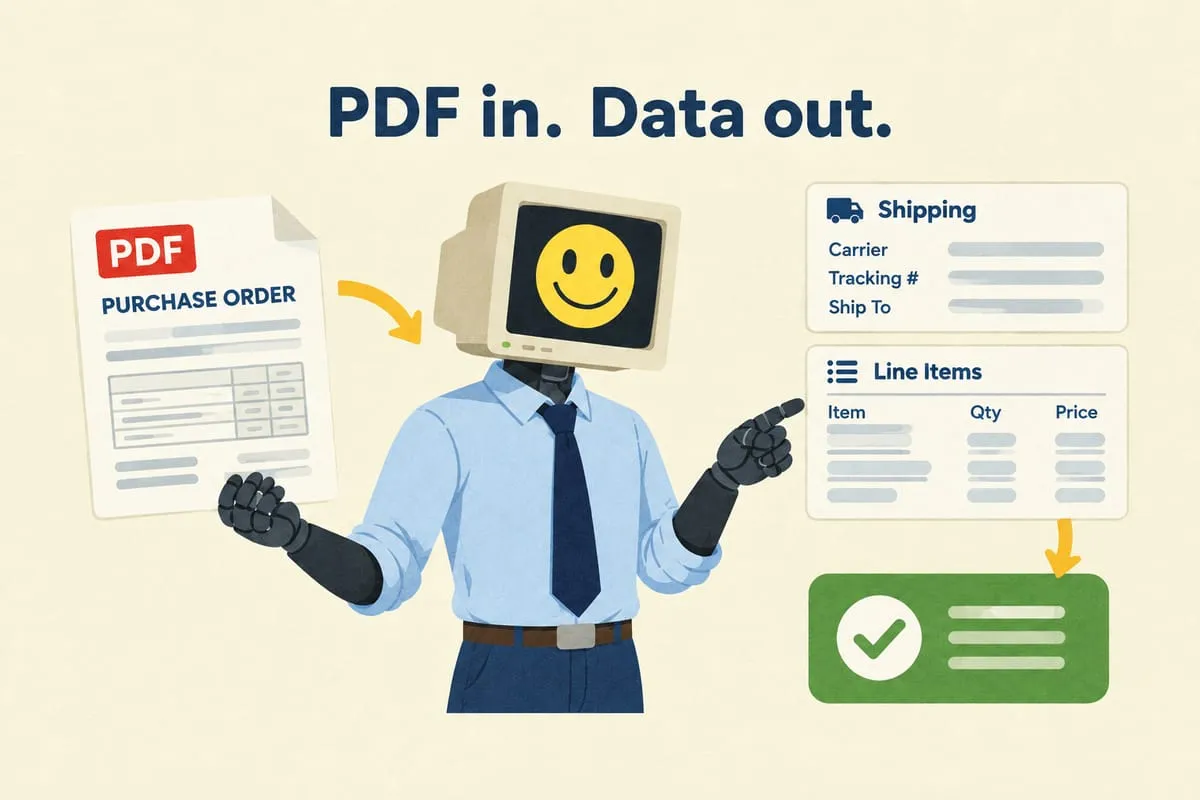
Automatic supplier bill entry. Supplier invoices arrive as PDF email attachments. AI extracts the line items and enters them as bills in QBO, in the correct currency, coded to the right expense accounts. Read more: How AI Reads Your Purchase Orders (And Why It’s Better Than You Think)
Quote generation from email. A customer sends an email requesting a quote. The system extracts the product details, matches them to the catalogue, and generates a quote in QBO ready for review and sending.
Invoice finalization with tracking numbers. When a shipment is confirmed, the tracking number is automatically added to the QBO invoice and a notification is sent to the customer. Read more: How to Automatically Forward Tracking Numbers to Customers from QuickBooks Online
Aging report alerts. Automated daily checks on accounts receivable aging. If an invoice passes 30, 60, or 90 days overdue, the system sends an alert to the right person on the team.
The Multi-Currency Piece
If you’re buying in USD and selling in CAD (common for Canadian distributors), QBO Advanced handles multi-currency. But manually entering every transaction in the right currency with the right exchange rate is tedious. Automation handles the currency context automatically for every transaction. Read more: How to Handle Multi-Currency Invoicing in QuickBooks Online Advanced
QBO Advanced vs Lower Tiers
Some automation features require QBO Advanced. Multi-currency, custom fields, and batch transactions are only available at the Advanced tier. If you’re on Simple Start or Essentials and hitting limitations, the upgrade might be worth it just to unlock automation capabilities.
That said, plenty of QBO Plus features are automatable too. Invoice creation, bill entry, and payment processing all work through the API on every tier.
The Honest Caveats
QBO has rate limits on its API, roughly 500 requests per minute per company. For most small businesses, this is irrelevant. But if you’re processing thousands of transactions per day, you need to design around it.
QBO’s API can also be finicky with certain field types and has occasional downtime. Good automation accounts for this with retry logic and error handling. If QBO is temporarily unavailable, the system queues the transactions and processes them when the connection is restored.
And some things in QBO just don’t work well through the API. Bank reconciliation, for example, is still best done manually. Not everything needs to be automated, and knowing where the boundaries are matters.
What This Means for Your Business
You’re already paying for QuickBooks Online. The question is whether you’re getting your money’s worth. If someone on your team is spending hours each week on manual data entry in QBO, that’s time and money you don’t need to spend.
If you’re curious about what QBO automation could look like for your business, reach out. We’ll take a look at your current workflow and tell you honestly what’s worth automating and what’s not.