The Difference Between Zapier, Make, and Custom Automation (And When You Need Each)
Zapier is a great tool. Until it isn't. Here's how to know when you've outgrown it and what DigitalStaff's custom automation solutions look like.

Zapier is a great tool. Until it isn’t. Here’s how to know when you’ve outgrown it.
Where Zapier and Make Shine
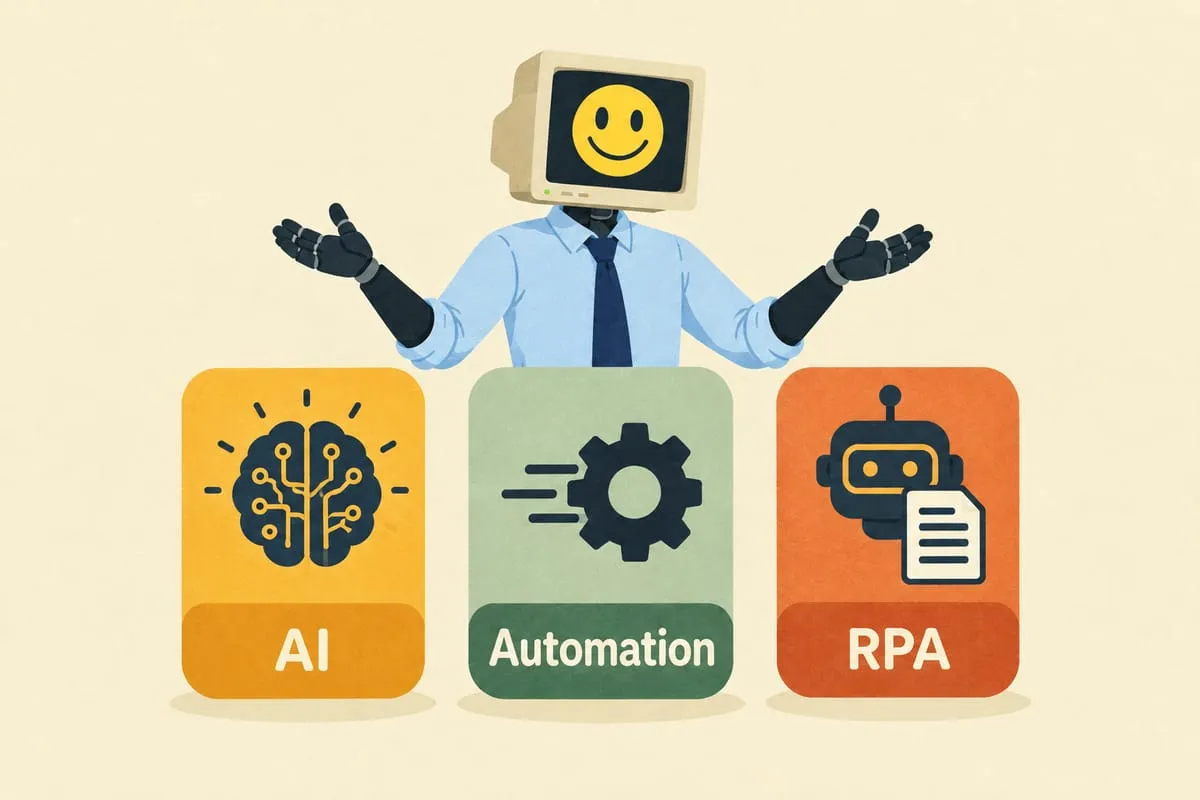
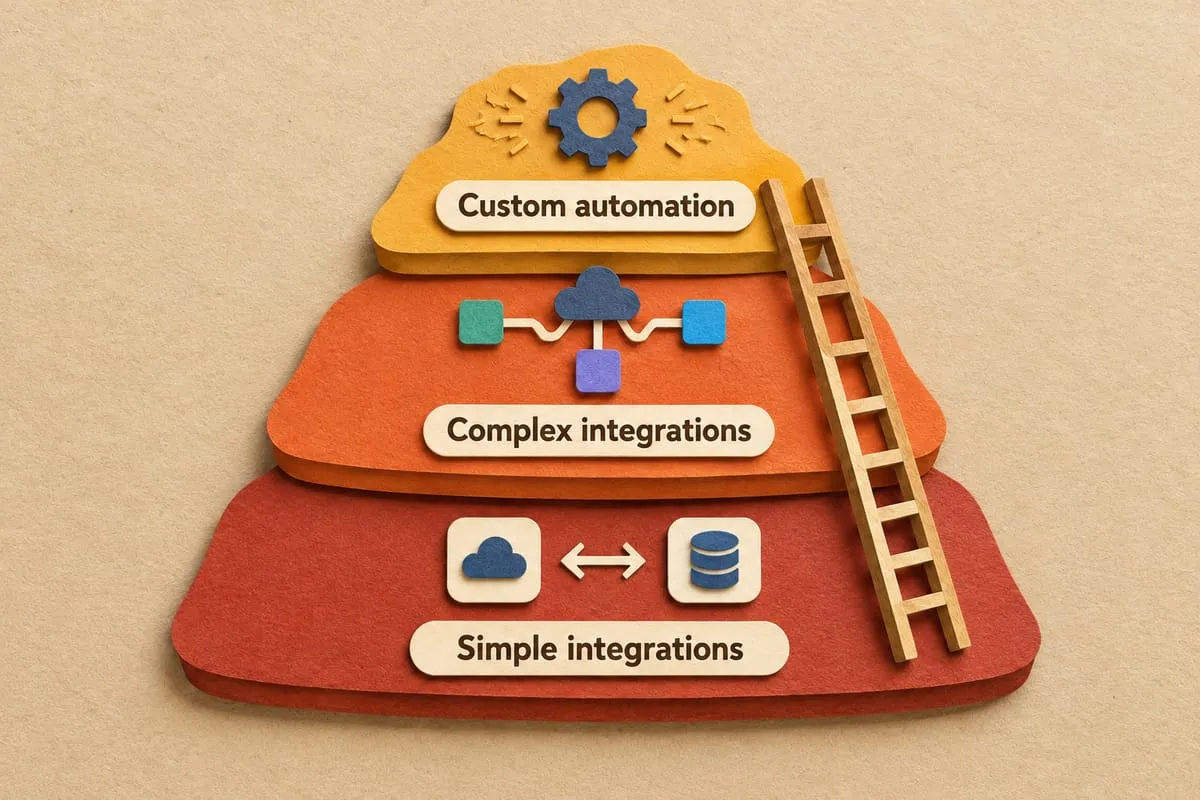
Zapier and Make (formerly Integromat) are brilliant for simple, two-app integrations. New form submission sends a Slack notification. New payment logs to a Google Sheet. Customer signs up and gets added to your email list.
If your automation needs fit in a sentence, these tools are perfect. They’re affordable, easy to set up, and they work. You should use them for this kind of thing. Seriously. Don’t overcomplicate it.
Where They Break Down
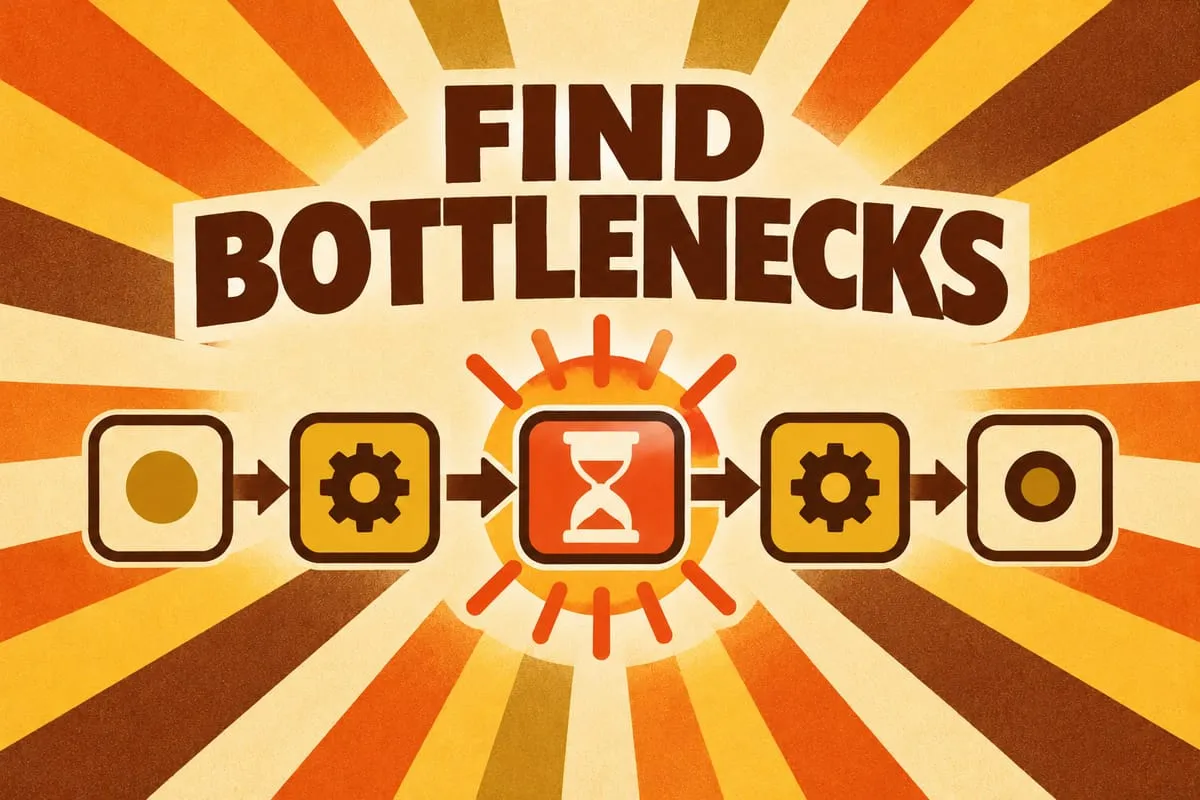
The problems start when your automation needs get more complex.
Multi-step workflows with conditional logic. Not just “if this, then that,” but “if this, check that other thing, and depending on the result, do one of three different actions, but only on weekdays, and only if the amount is over $500.” Zapier can handle some of this, but the workflows get tangled fast.
Workflows that maintain state. An order comes in today. The tracking number arrives tomorrow. The invoice needs to be updated the day after. Zapier handles triggers and actions in the moment. It doesn’t naturally maintain context across days or weeks. Each zap fires independently with no memory of what came before.
Error handling beyond retries. Zapier’s error handling is “retry 3 times, then mark as failed.” For a Slack notification, that’s fine. For an invoice that needs to be created in QuickBooks, “mark as failed” means someone has to manually find and fix it. If nobody checks the error log, it’s lost.
Custom user interfaces. Zapier has no way to show a human a review screen where they can approve, edit, or reject an extracted purchase order. If your workflow needs human decision points, you need something Zapier can’t provide.
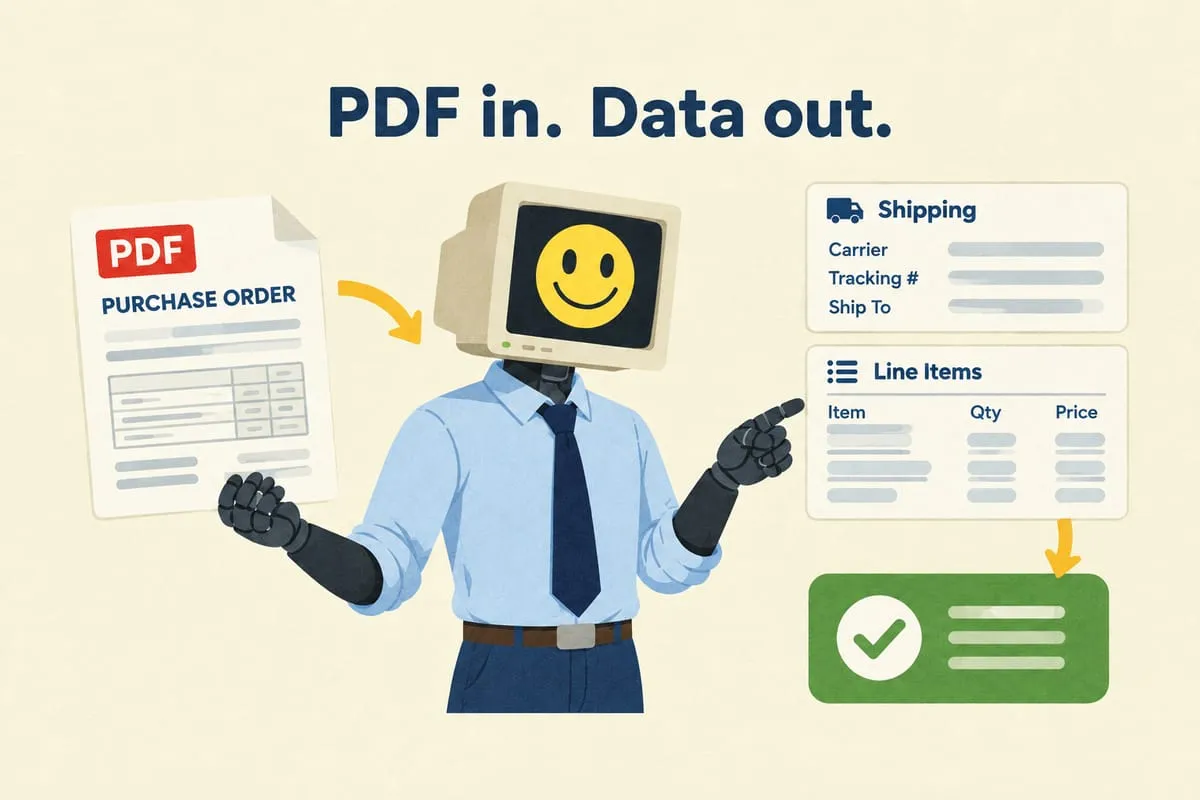
Document processing. Reading PDFs, extracting data from invoices, interpreting purchase orders. This requires AI capabilities and processing logic that Zapier wasn’t built for. Read more: How AI Reads Your Purchase Orders (And Why It’s Better Than You Think)
Systems without Zapier integrations. If you need to connect to a supplier’s custom portal, a legacy ERP system, or any system that doesn’t have a Zapier connector, you’re stuck.
The “Everything Is a Zap” Problem
When you build complex processes in Zapier, you end up with dozens of zaps that depend on each other. Zap 1 processes the email. Zap 2 extracts the data. Zap 3 creates the invoice. Zap 4 sends the confirmation. Zap 5 monitors for the tracking email. And so on.
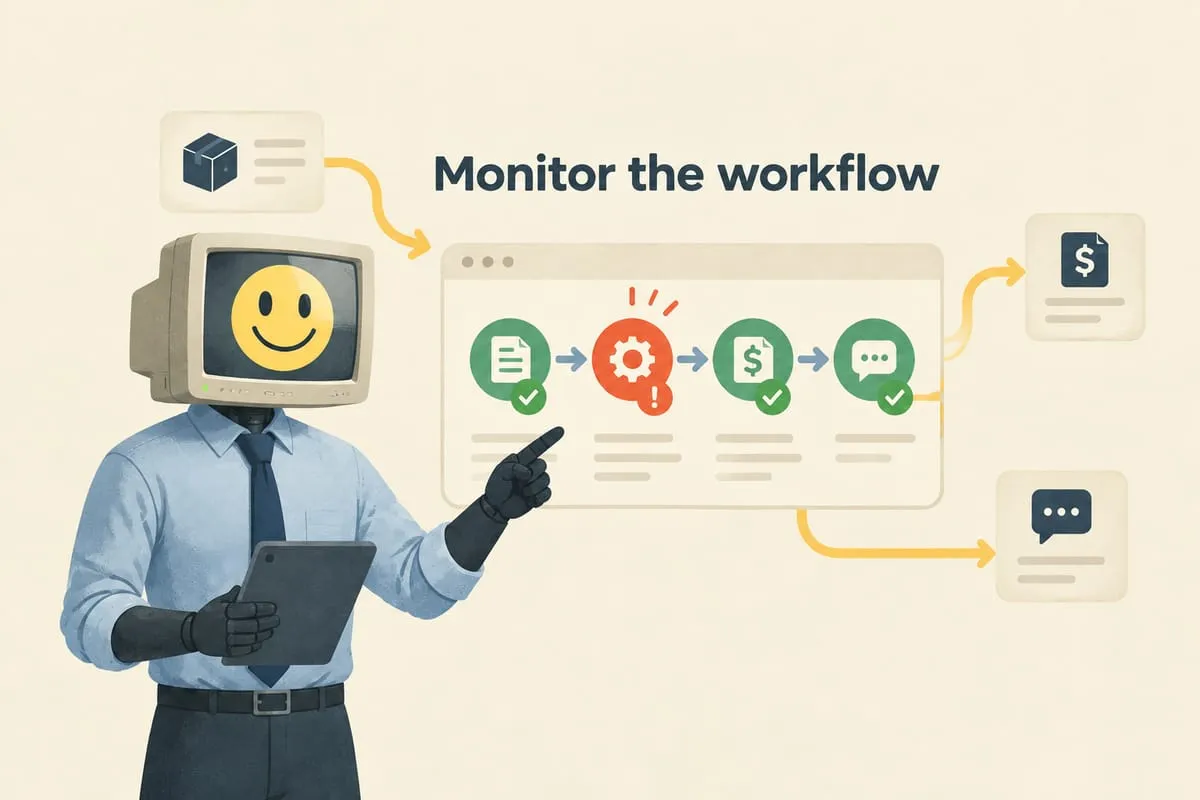
There’s no central view of what’s happening across all these zaps. If Zap 3 fails, Zaps 4 and 5 don’t know. You’re debugging by opening execution logs across 15 different zaps trying to figure out where something went wrong and why.
This is manageable at small scale. At business-critical scale, it’s a liability.
What DigitalStaff’s Custom Automation Solutions Give You
This is where we come in. DigitalStaff builds custom automation apps — purpose-built systems that handle your entire workflow from start to finish.
A database that tracks every order, invoice, and action with full audit trail. A custom app where you can see everything in one place. Error handling that catches problems and either fixes them automatically or alerts you with context. The ability to connect to any system via API, not just what’s in the Zapier marketplace. Human-in-the-loop approval steps where your team can review and act.
It’s the difference between a collection of independent automations and an integrated operations system that’s built around your business. Read more: What Happens When the Automation Breaks? (Spoiler: We Already Know)
When to Use What
Use Zapier or Make when: You’re connecting two apps with a simple trigger and action. The process doesn’t need to maintain state across time. If it fails, the consequence is minor (a missed notification, not a missed invoice). You don’t need a custom interface.
Use DigitalStaff’s custom automation when: The process spans multiple systems and multiple days. It’s mission-critical (orders, invoices, customer communication). You need human review and approval steps. You need proper error handling and monitoring. You need to connect to systems that don’t have Zapier integrations.
The dividing line is usually risk. If the automation breaking silently would cause real business damage (missed orders, wrong invoices, unhappy customers), it needs to be built properly.
The Cost Reality
Zapier Pro costs about $50 to $100 per month. That seems cheap compared to custom automation. But when you need 15 zaps with premium connectors running thousands of tasks per month, the bill climbs to $300 to $500 per month. And you still don’t have proper error handling, a dashboard, or an audit trail.
A DigitalStaff custom automation solution has a higher upfront cost (discovery plus build). But the monthly management cost is predictable, and for complex workflows, it’s often comparable to or lower than a scaled-up Zapier bill. With better reliability, better visibility, and better control.
If you’re hitting the ceiling with Zapier or Make and wondering what the next step looks like, let’s talk. We’ll look at what you’ve built so far and figure out whether a custom automation solution makes sense for your situation.