You Just Signed Up for ChatGPT. Now What?
Staring at a blank AI chat box with no idea what to type? Here's your first-hour walkthrough -- no jargon, no theory, just how to actually use the thing.

You did it. You signed up for ChatGPT. Or Claude. Or Gemini. Doesn’t matter which one. You’re in. You’re looking at the screen. And there it is.
A blank text box.
It’s blinking at you. Waiting. And you’re thinking, “What am I supposed to type?”
This is the post nobody writes. Everyone talks about what AI can do. Nobody walks you through what to do when it’s actually sitting in front of you.
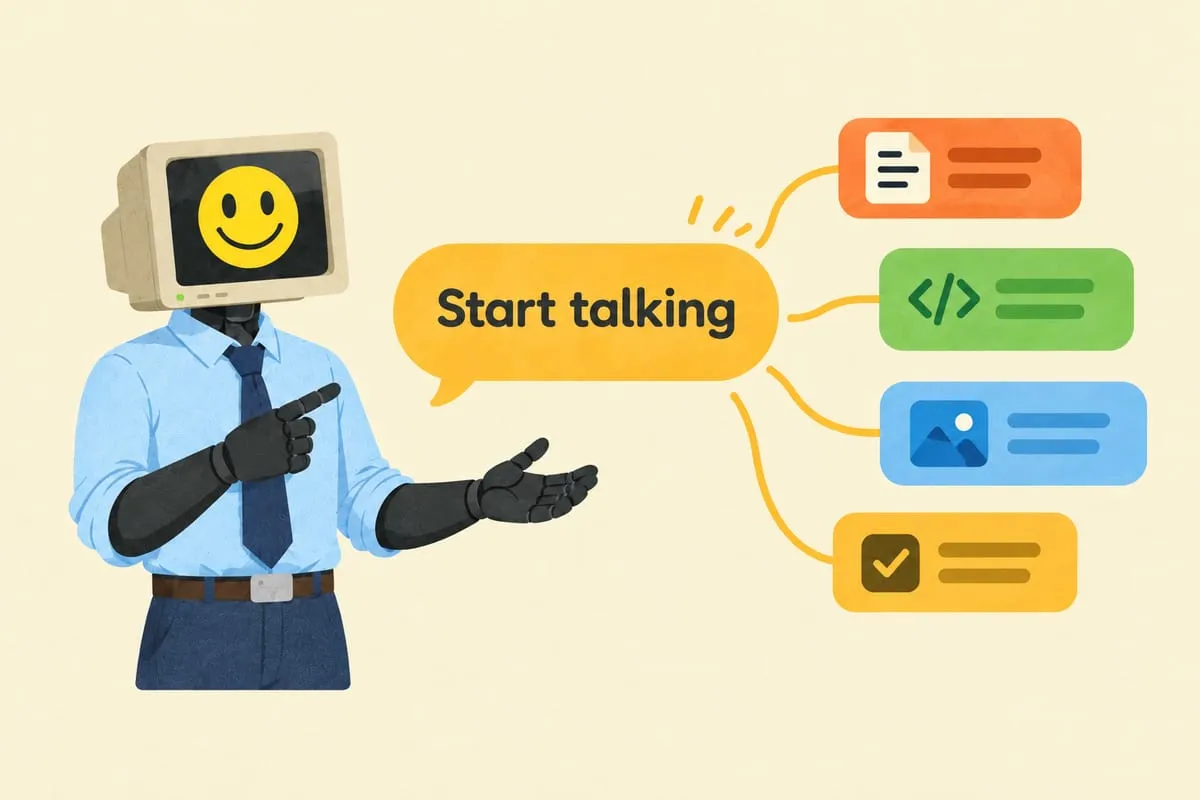
Just start typing. Seriously.
You don’t need a perfect prompt. You don’t need prompt engineering. Just talk to it like a person.
Paste in an email you received. Describe a problem you’re stuck on. Ask a question you’d normally ask a colleague. Type the way you’d text a friend, not the way you’d write a Google search.
On Google, you’d type: “professional email response vendor late delivery.” With AI, you type: “A vendor just emailed me saying our order is delayed two more weeks. I need to respond professionally but firmly. We have a contract that says delivery within 30 days. Can you help me write a reply?”
More context. More natural. Dramatically better results.
It’s a conversation, not a search engine
You’re not supposed to get the perfect answer on the first try.
You type something. It responds. You say, “Make it shorter and less formal.” It adjusts. You say, “Add a line about how we’ve been a loyal customer for three years.” It adds it. You keep going until it’s right.
That back-and-forth is the whole point. If it asks you a question and you’d rather change direction, just change direction. You’re in charge.
Some of my best results come on the fourth or fifth message. The first response is almost never the final one. That’s not a failure — that’s how it works.
Think like a journalist, not a programmer
Before you type, ask yourself:
Who is this for? “A potential client comparing us to two other companies.”
What do I want? “I want them to feel confident choosing us without being pushy.”
What context matters? “They’re a mid-size accounting firm, we spoke last week, their main concern is turnaround time.”
What format? “Under 200 words. Professional but warm.”
Give AI all four, you get something surprisingly good. Just type “write an email,” you get generic garbage.
You can put way more than text into it
Emails. Paste one in and ask “what are the key terms I should pay attention to?” or “draft a reply that pushes back on pricing.”
Spreadsheets. Upload a messy one and ask “what’s going on here?” AI is shockingly good at making sense of chaotic data.
PDFs. Upload a long contract and ask “what does this actually mean in plain English?” Doesn’t replace a lawyer, but gives you a solid starting point.
Photos. Take a picture of a whiteboard from your last meeting. Upload it. Ask AI to organize the ideas into action items.
All the major tools support file uploads now. Look for the paperclip icon.
You can talk to it with your voice
Open the ChatGPT mobile app and tap the headphone icon. Great for brainstorming when you think faster than you type, or when the problem is fuzzy in your head and writing it down feels impossible.
It’s like having a brainstorming partner available at 11pm who never gets tired of your half-formed ideas.
Before you paste anything sensitive, check your settings
If you’re using a free account, your conversations may be used to train the model. For casual use, fine. For client information, not fine.
ChatGPT: Settings > Data Controls > toggle off “Improve the model for everyone.” Better yet, pay for Plus ($20 USD/month).
Claude: Settings > Privacy > review data usage. Paid plans don’t train on your conversations by default.
Gemini: Google account settings > Gemini Apps activity controls. Pause data saving.
If you’re handling client data or anything confidential, pay for the subscription. It’s $20-30/month — less than one hour of most professionals’ time. More on this in our post on employees leaking data into AI tools.
When to start a new conversation
Each conversation has its own memory. Building on something? Keep the same thread. Switching topics? Start fresh. If you’ve been discussing a vendor contract and suddenly ask about a social media post, the AI might apply the contract’s tone to your Instagram caption.
Simple rule: new topic, new conversation.
Give yourself permission to play
You can’t break it. You can’t type the wrong thing. There’s no wrong way to use it when you’re learning.
Try this right now: paste in an email you got today and type “rewrite this in a more professional tone.” Then say “now make it friendlier.” Then “shorten it to three sentences.” That five-minute exercise teaches you more than any tutorial.
The people who get the most out of AI aren’t the ones who took a course. They’re the ones who spent 20 minutes messing around with it. Low stakes. Just curiosity.
This is Part 4 of our AI for Business Owners series. If you missed it, Part 3 covers what AI can’t do — the limitations you should know before relying on it too heavily.
Now make it part of how you actually work
Now that you know how to use it, imagine having AI built into your actual business workflows — not just a chat window. Answering customer questions from your own knowledge base with a RAG chatbot. Processing invoices automatically. Drafting proposals from templates that know your pricing.
If you want to explore what that looks like for your business, let’s have a conversation.